

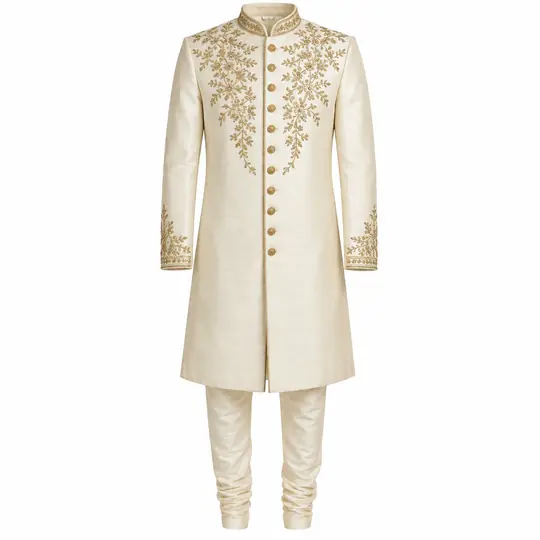
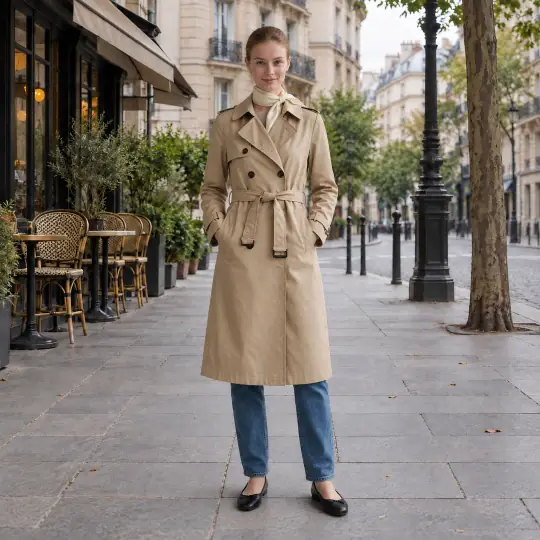
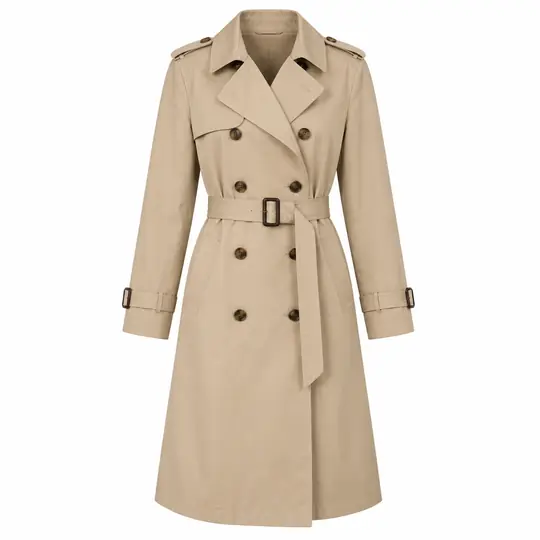
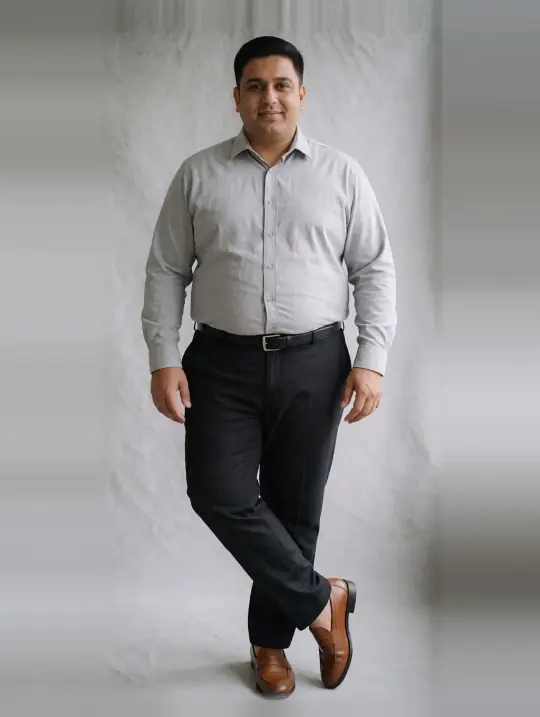
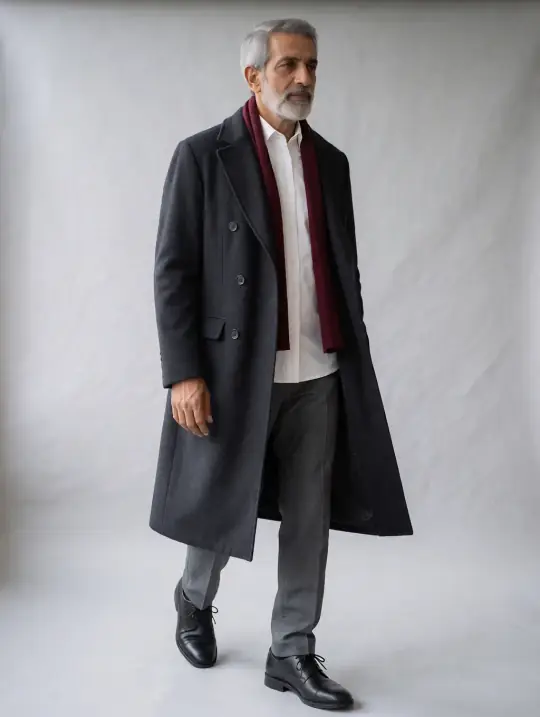
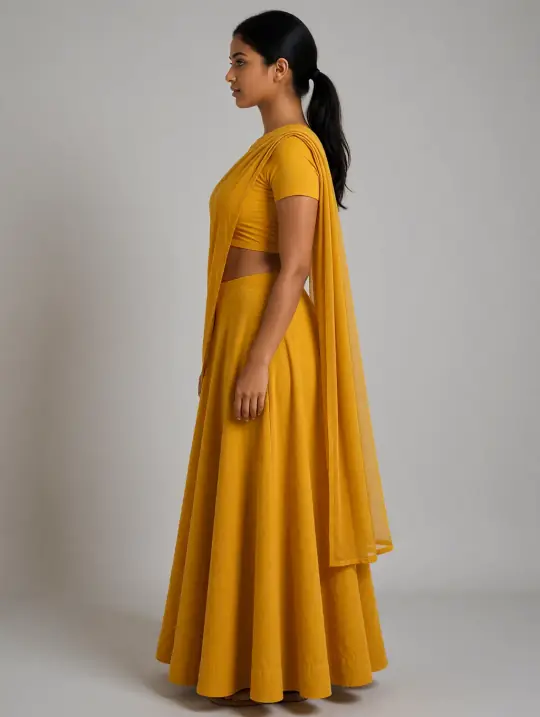
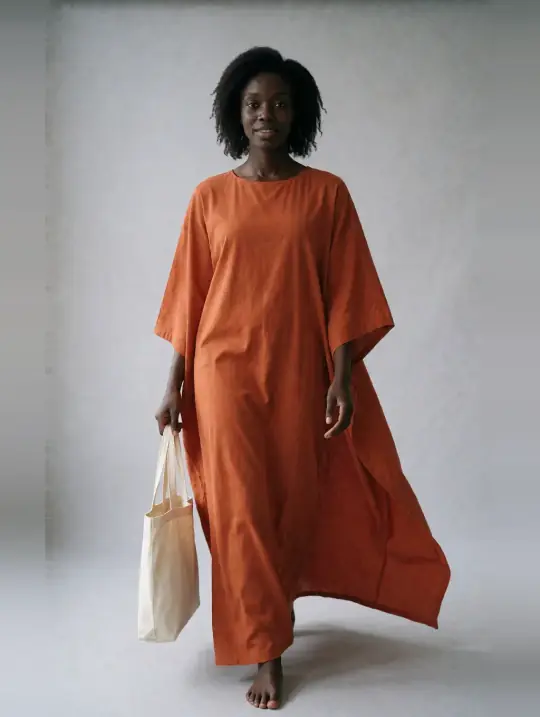
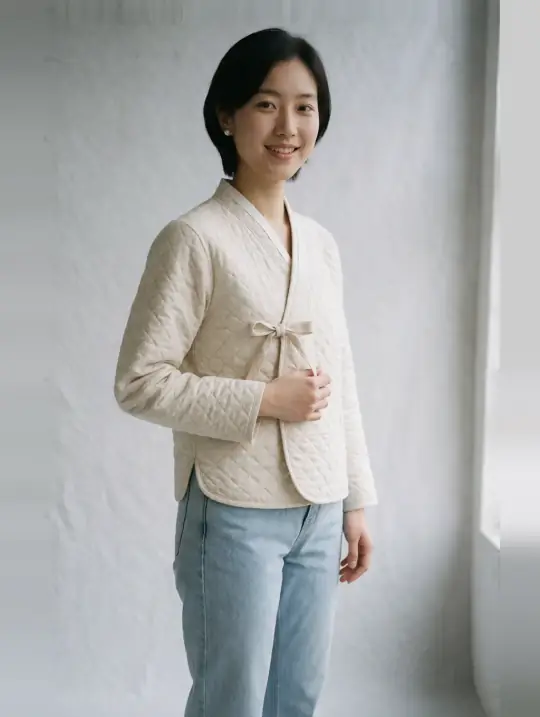
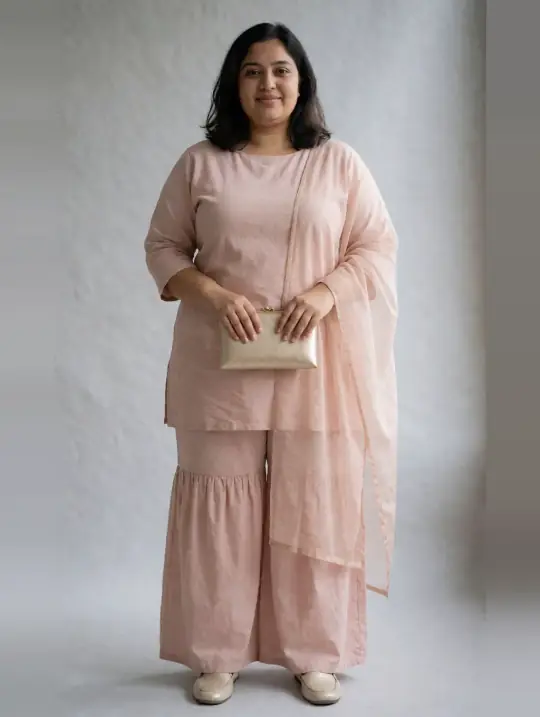
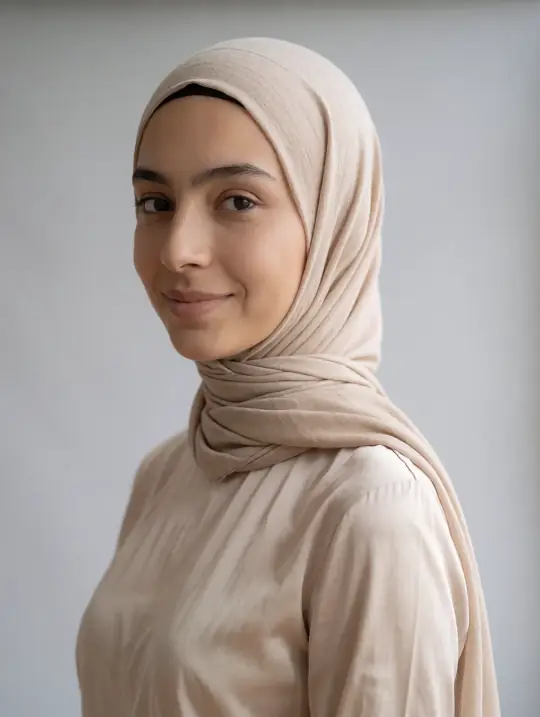
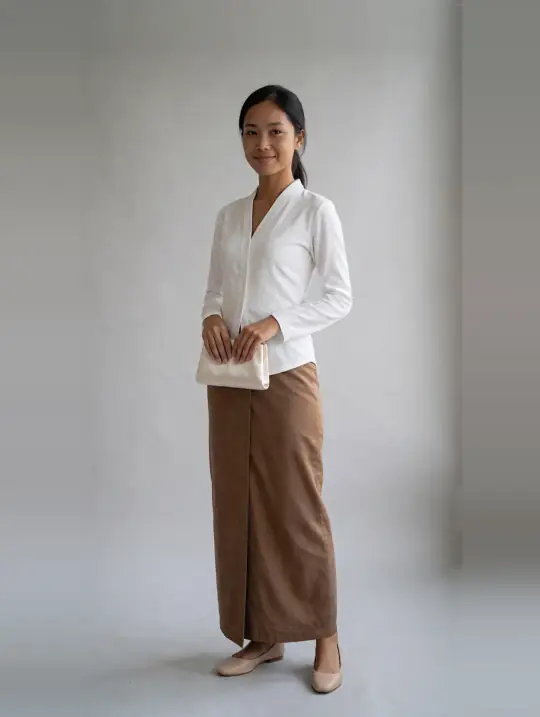
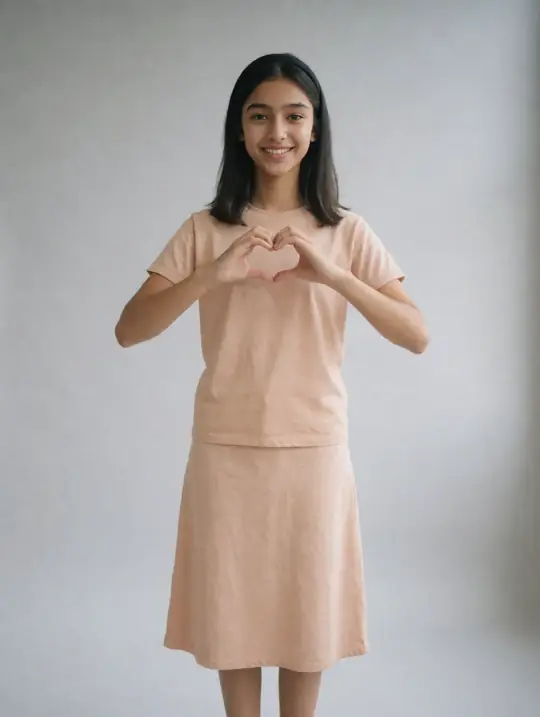
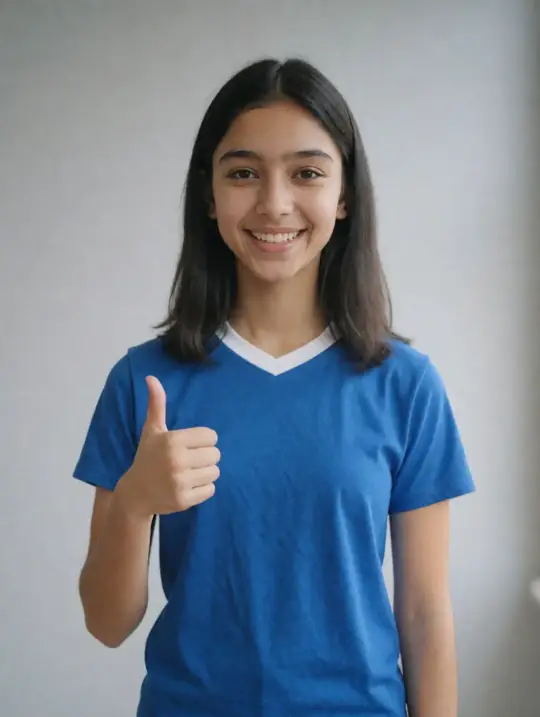
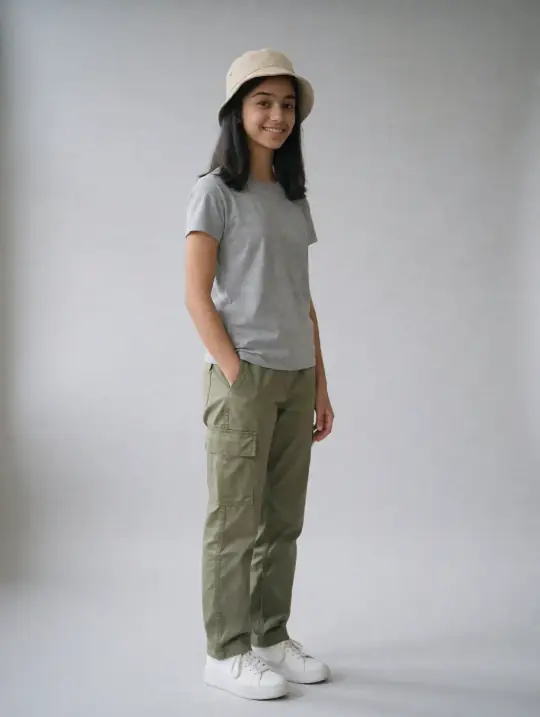
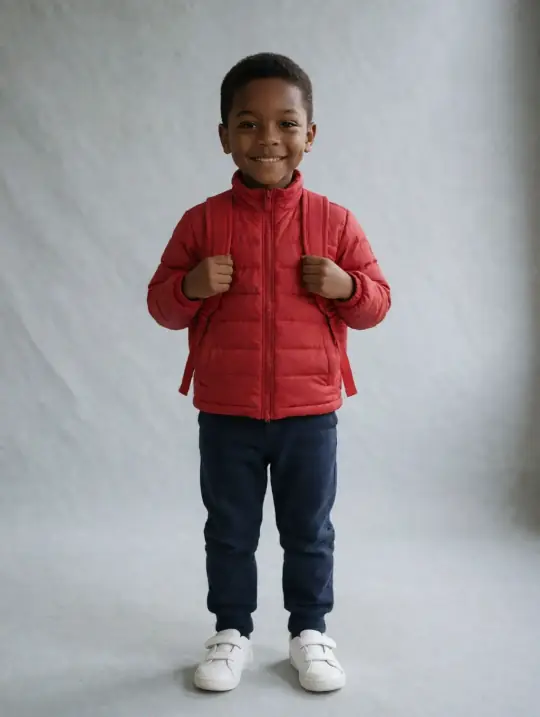
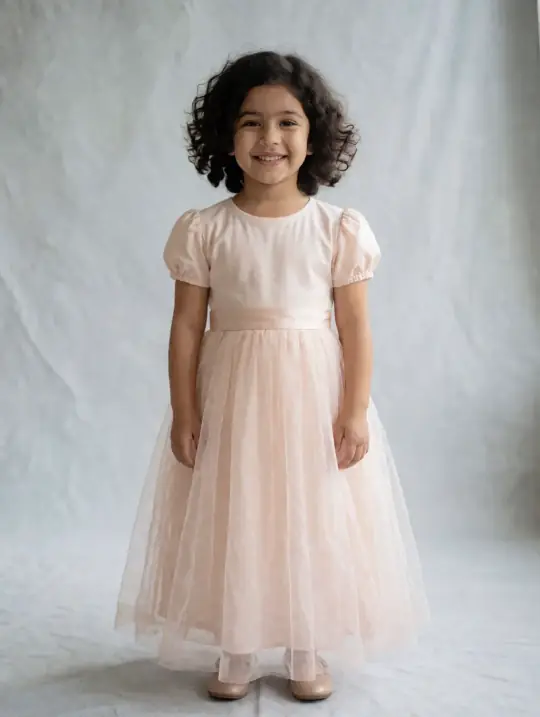
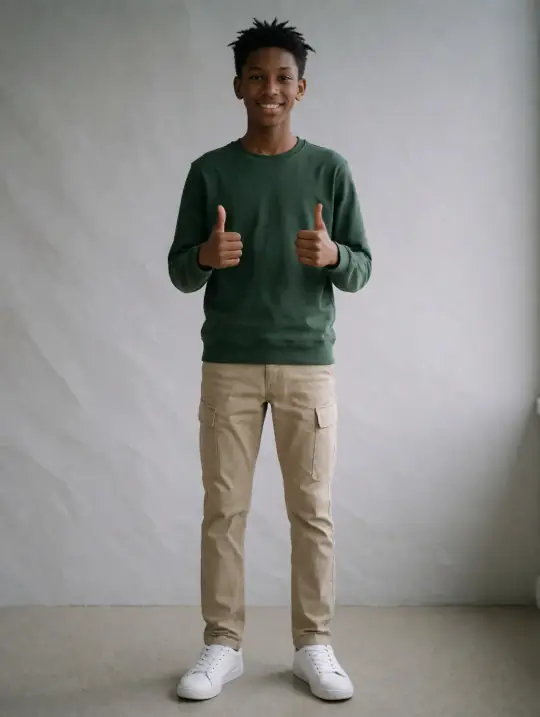
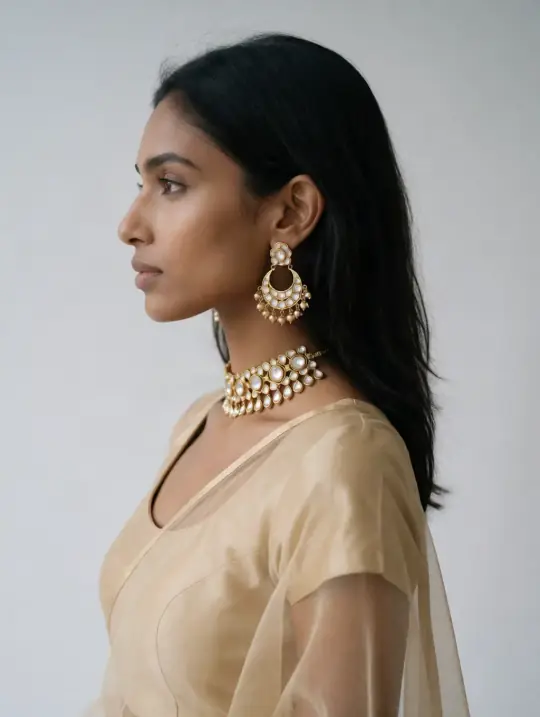
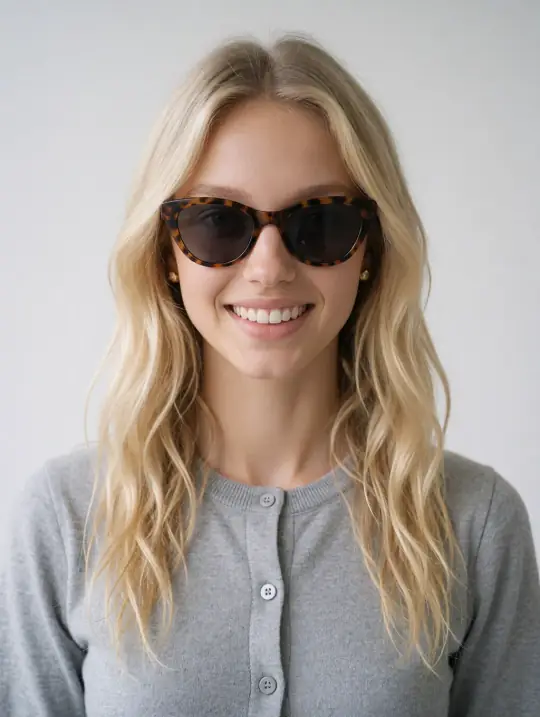
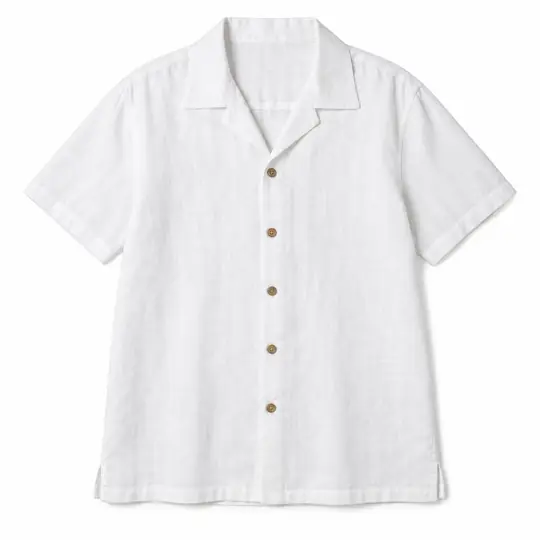
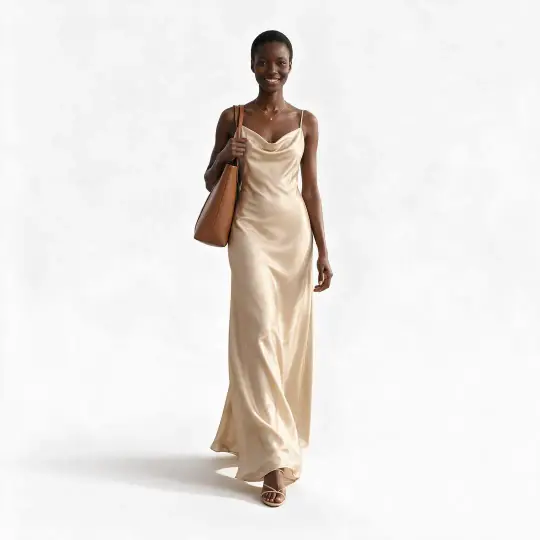
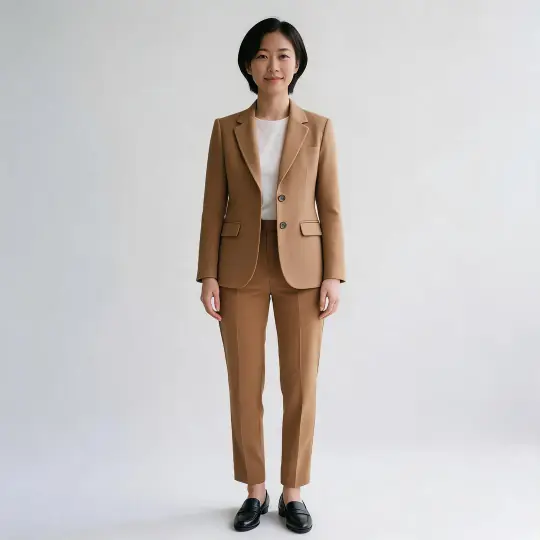
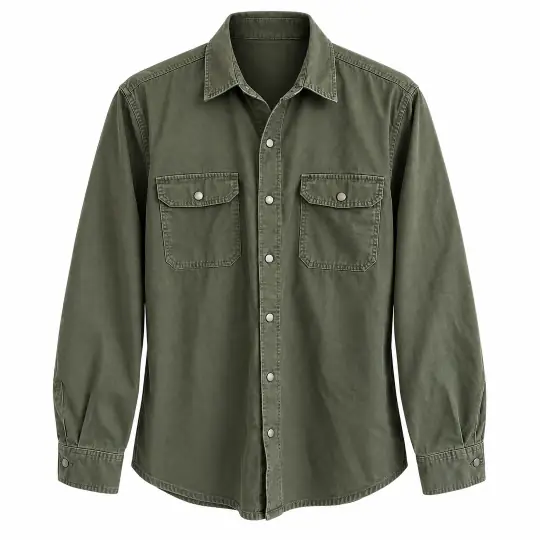
Introductory pricesIntro prices from ₹12US$0.35 per product photo. Start with 25 free credits.a photo · See pricing

New Aaina Desktop, free and open source

Make model photos of your products on your own computer. For Mac, Windows and Linux.

AI product photoshoots for fashion sellers

Your product, on the right model. In minutes.

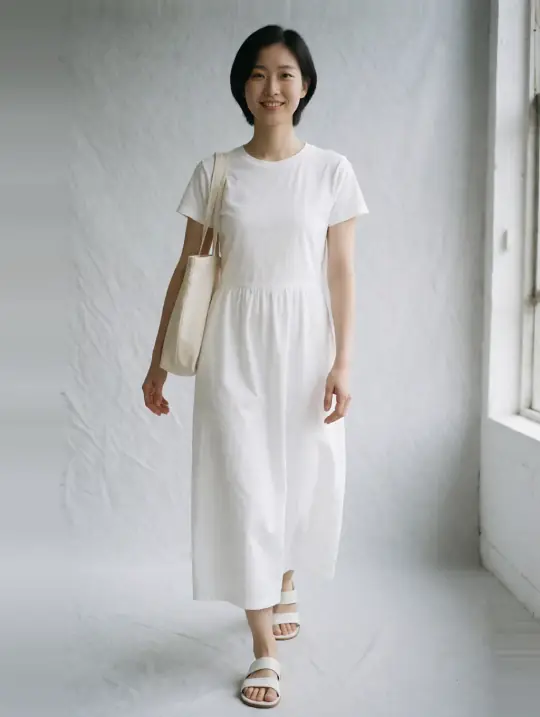
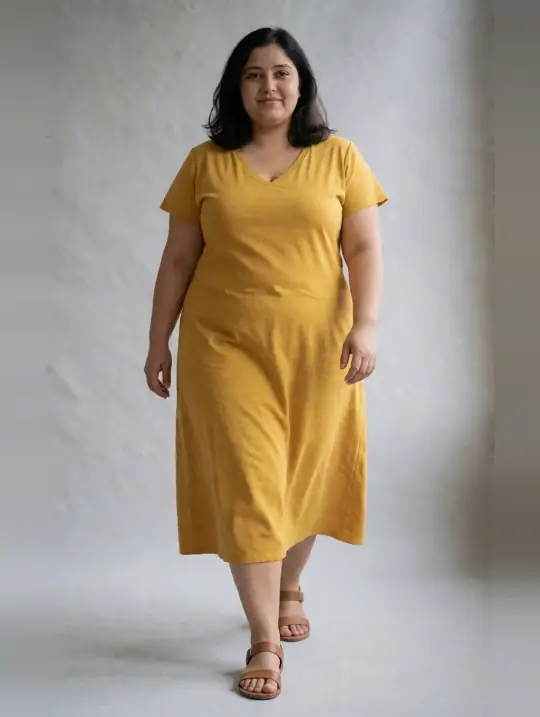
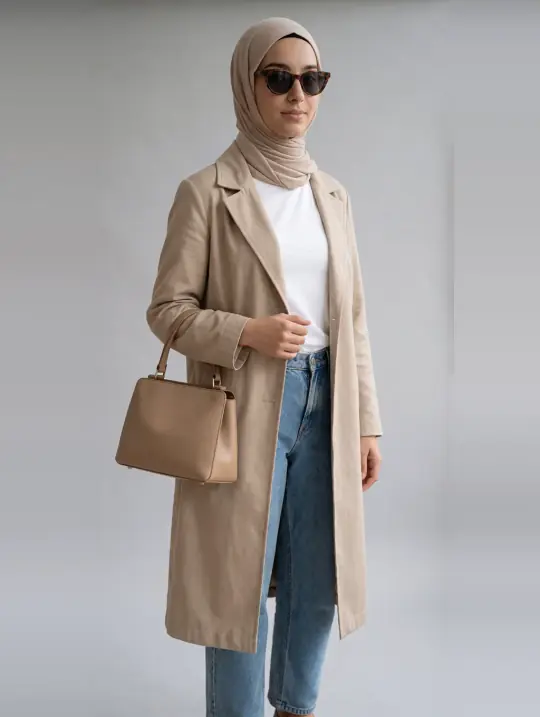
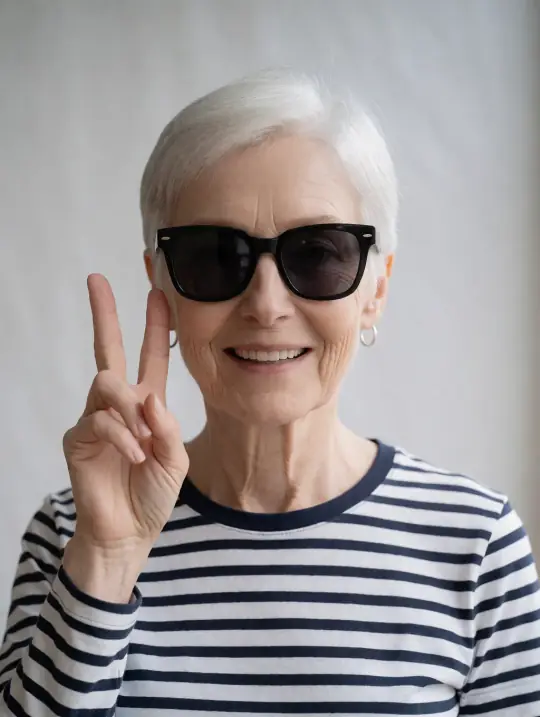
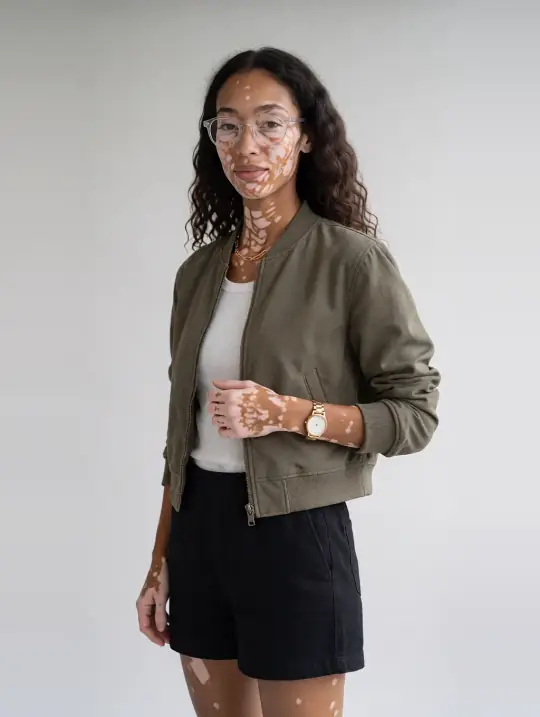
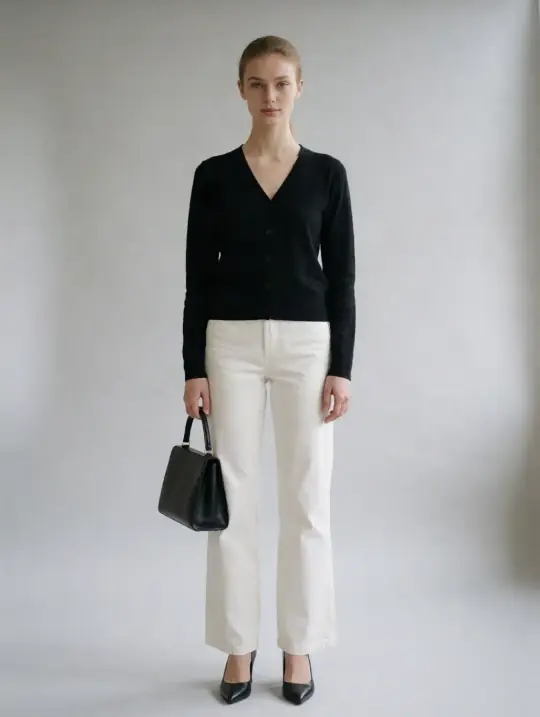
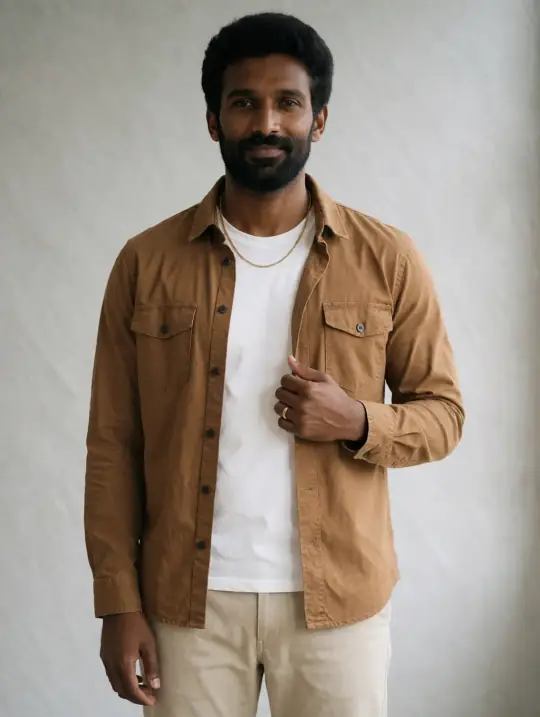
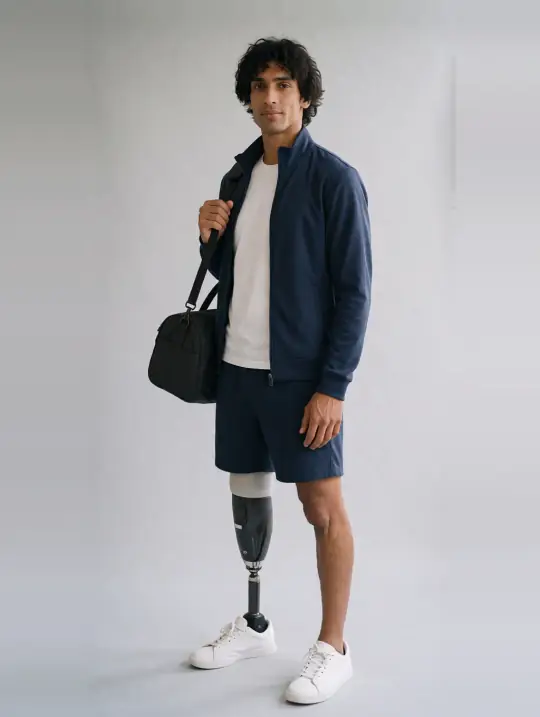
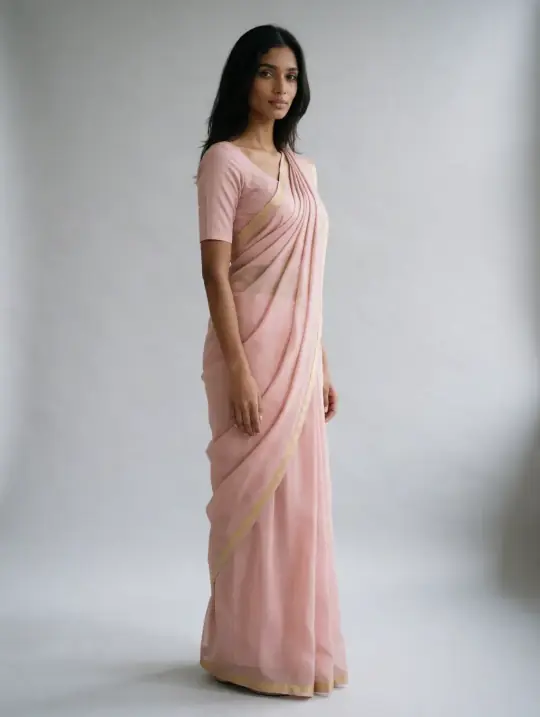
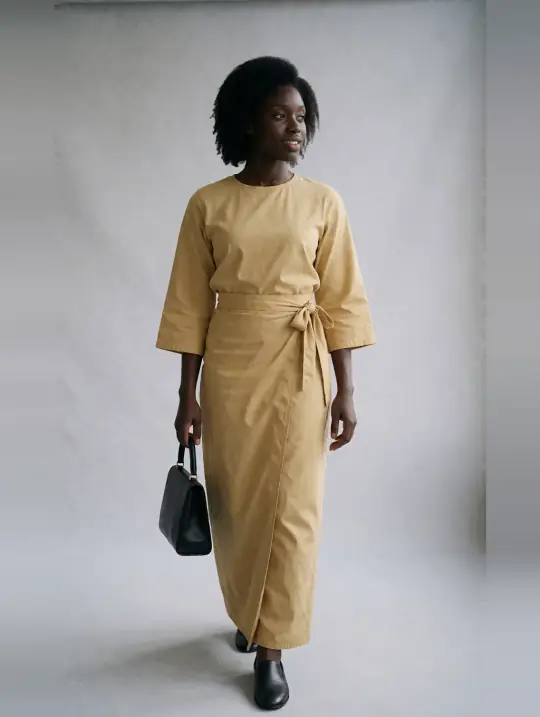
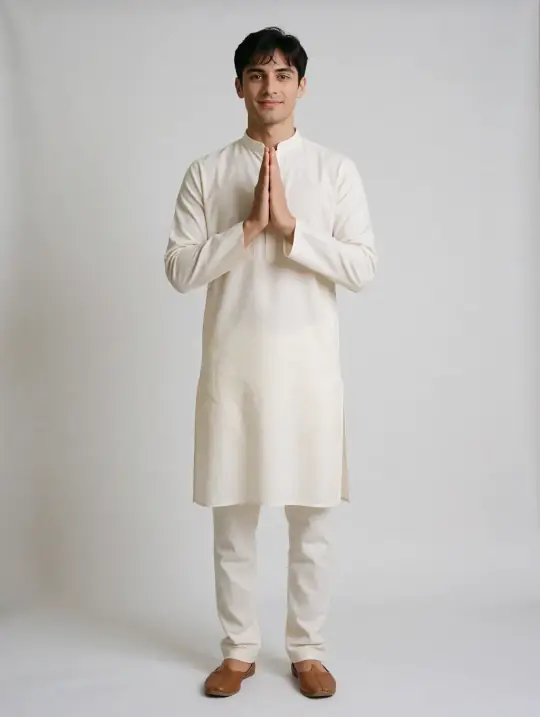
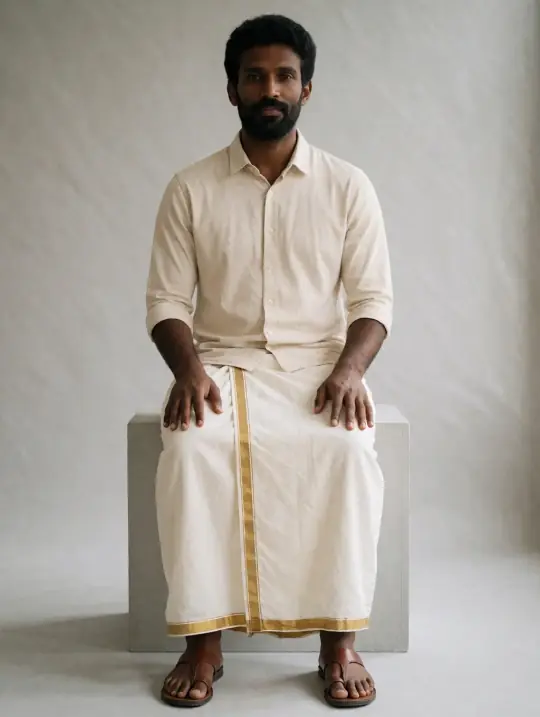
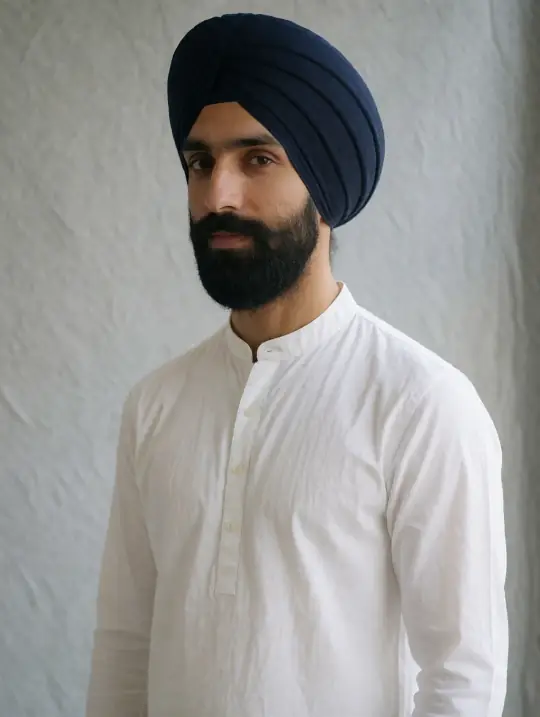
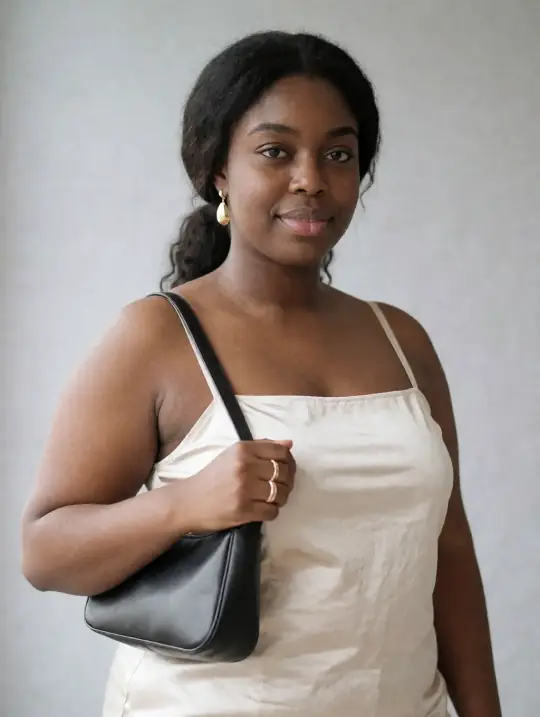
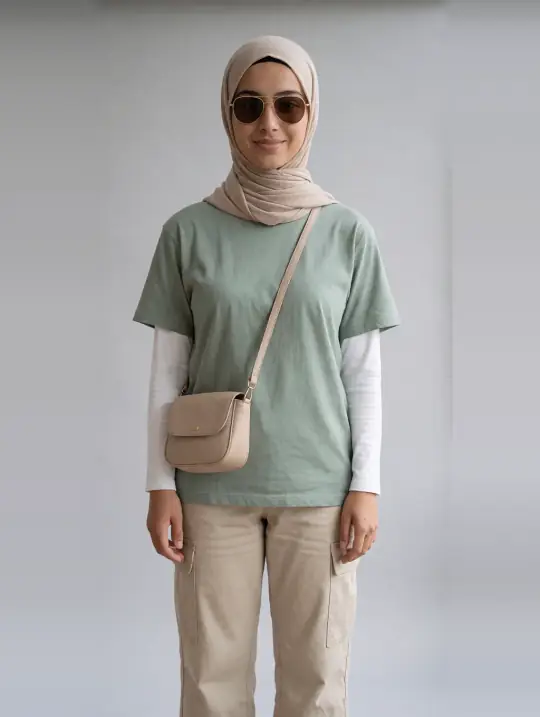
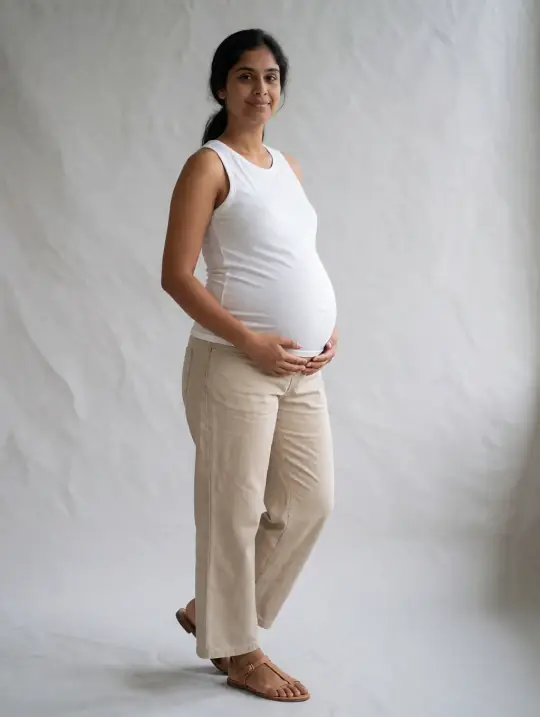
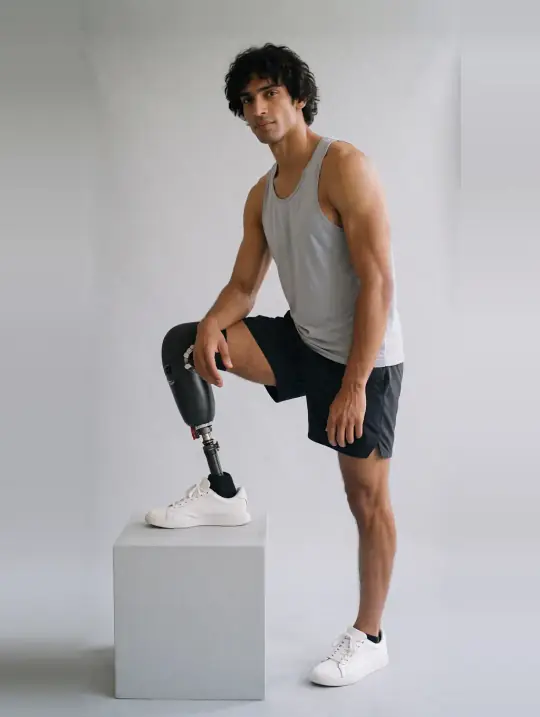
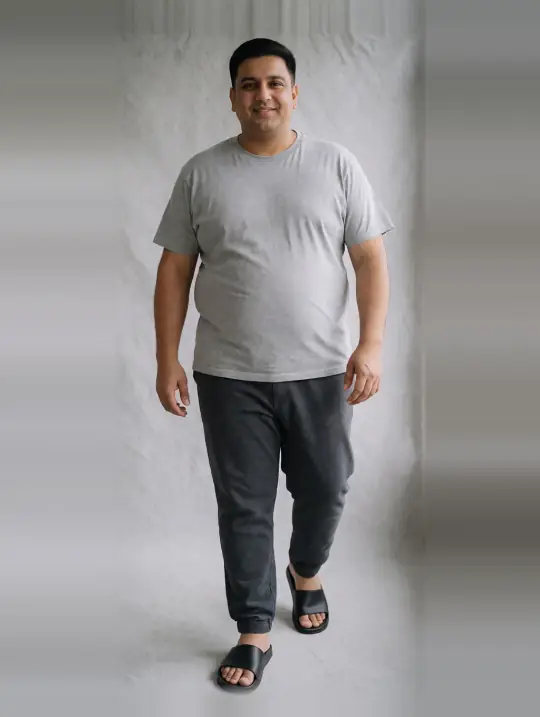
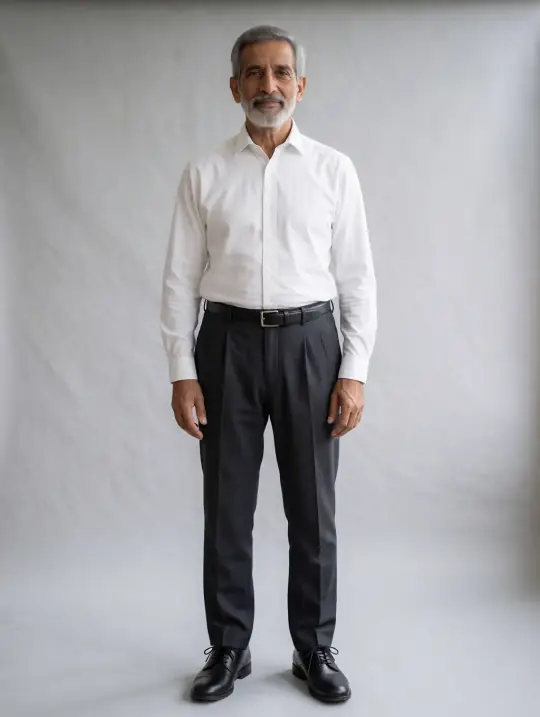
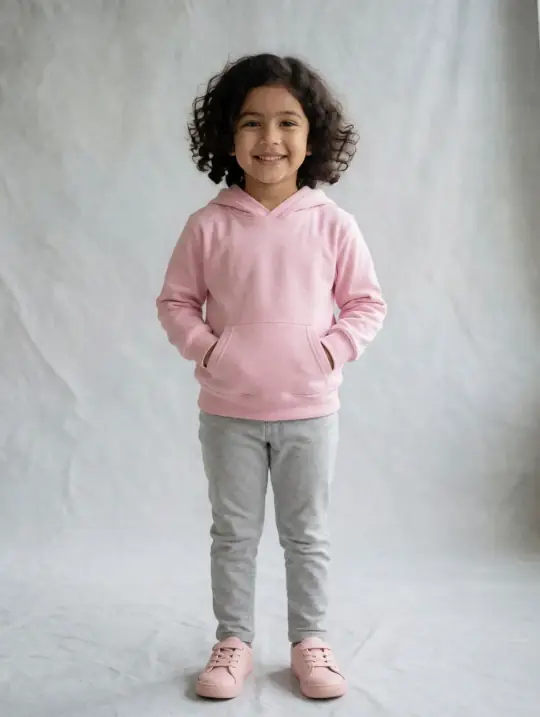
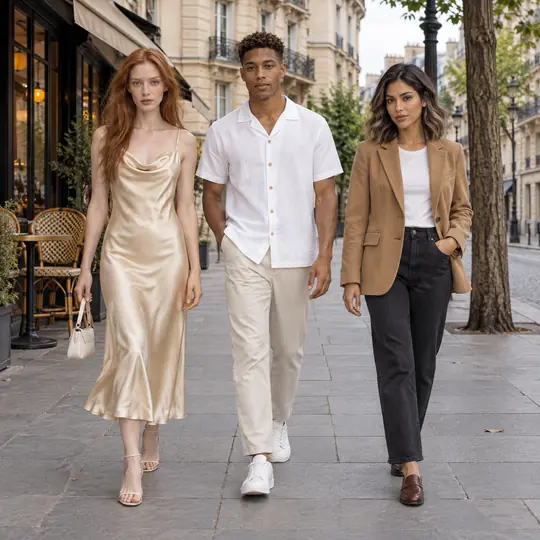
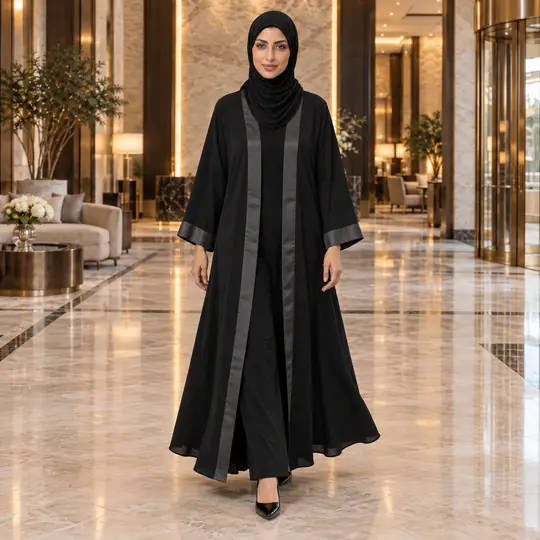
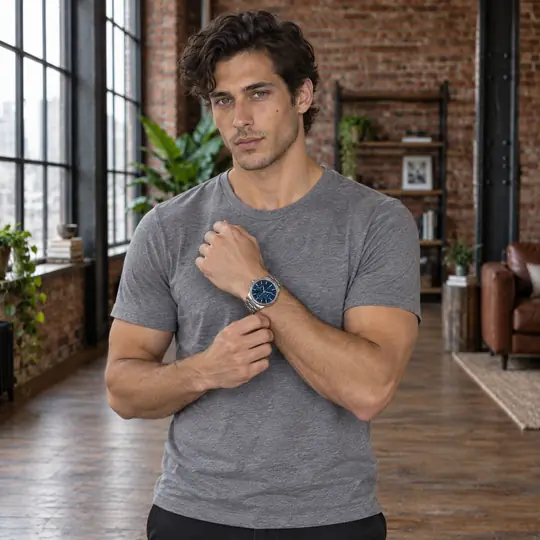
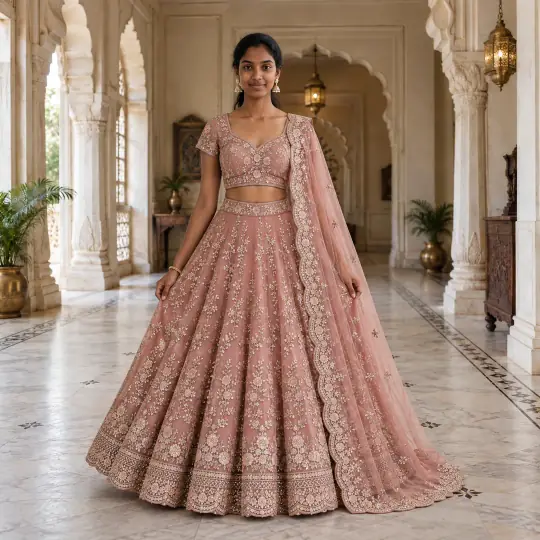
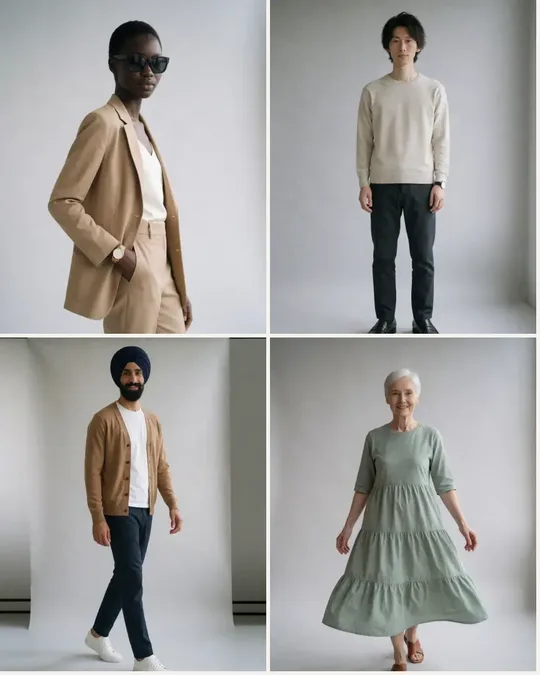
One phone photo. 350+ models. Studio-style photos in minutes.

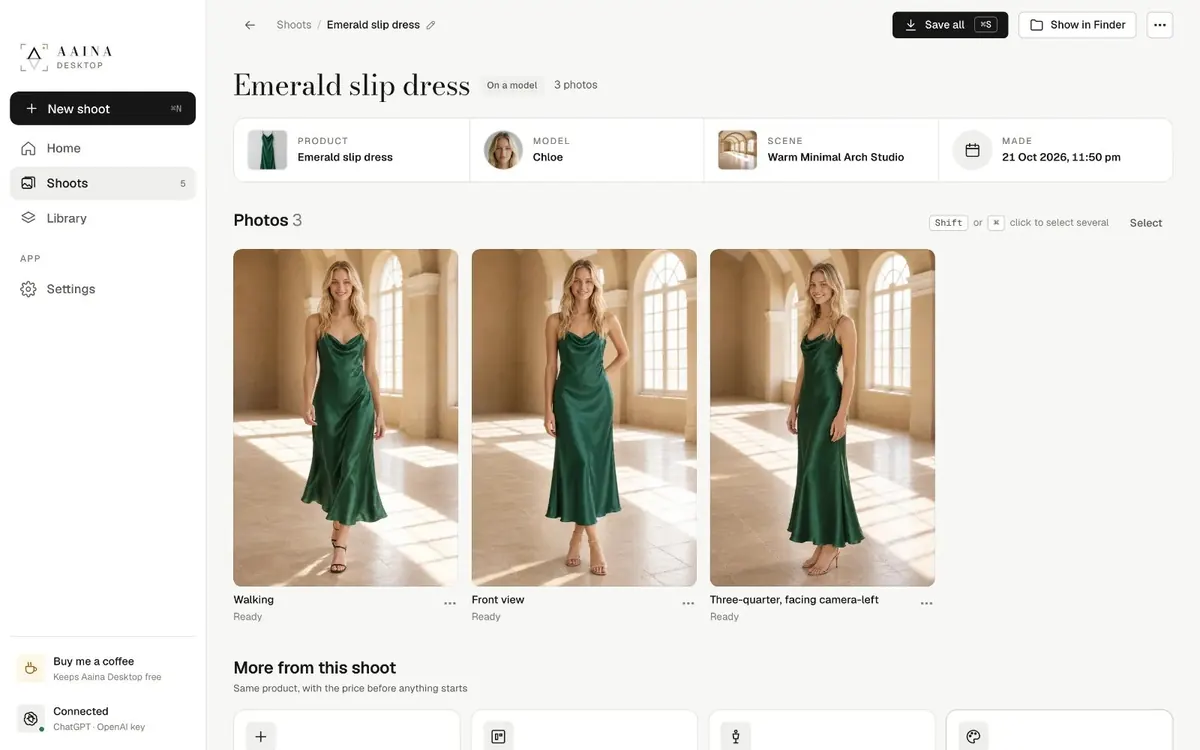
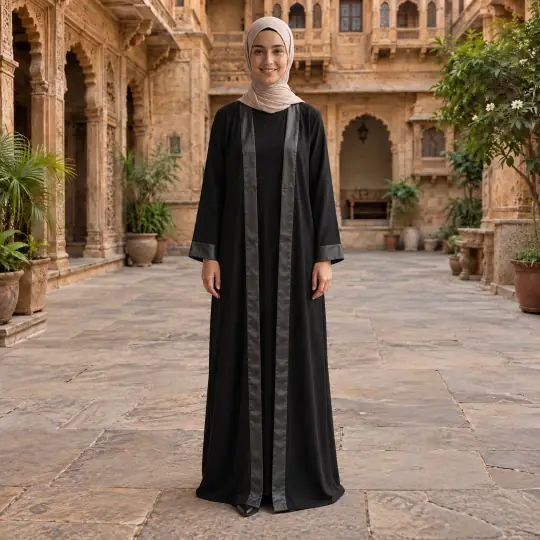
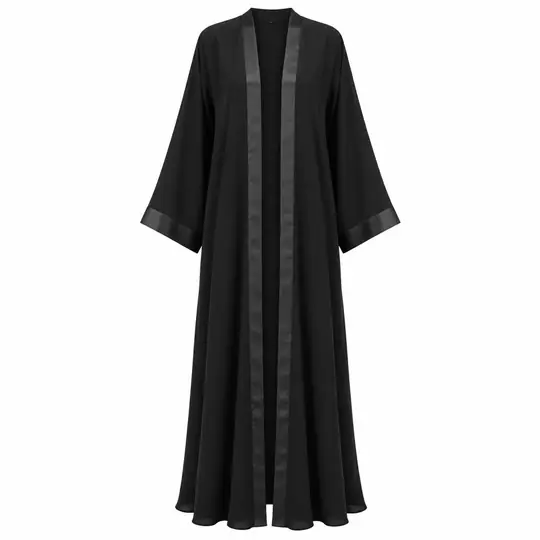
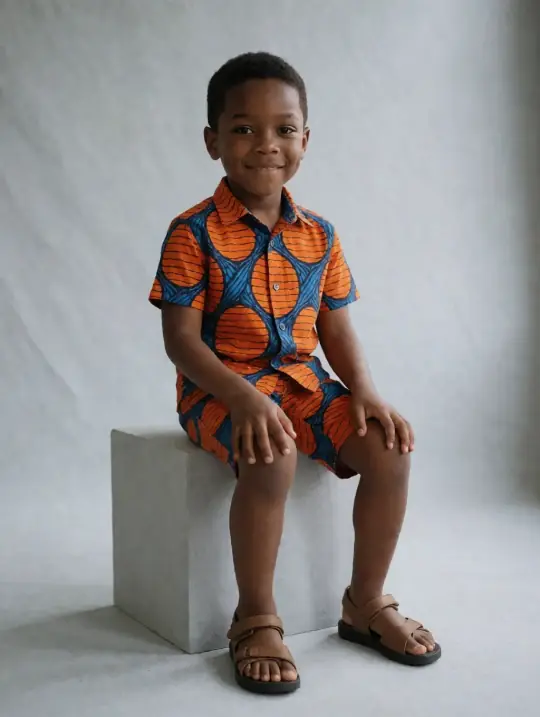
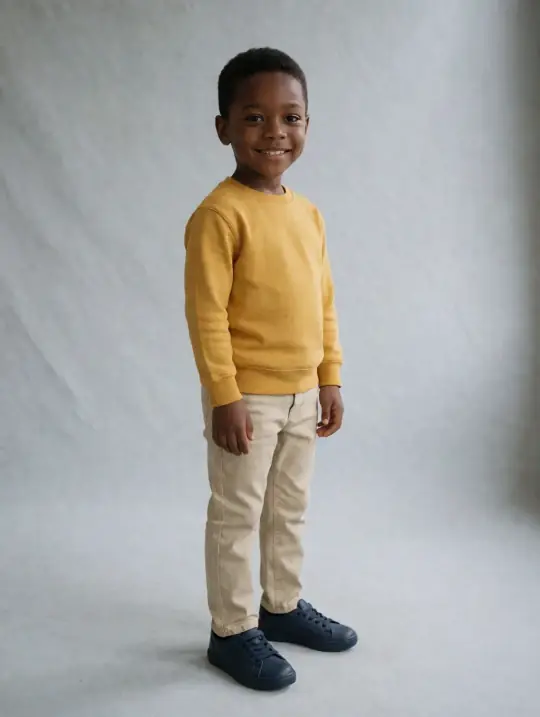
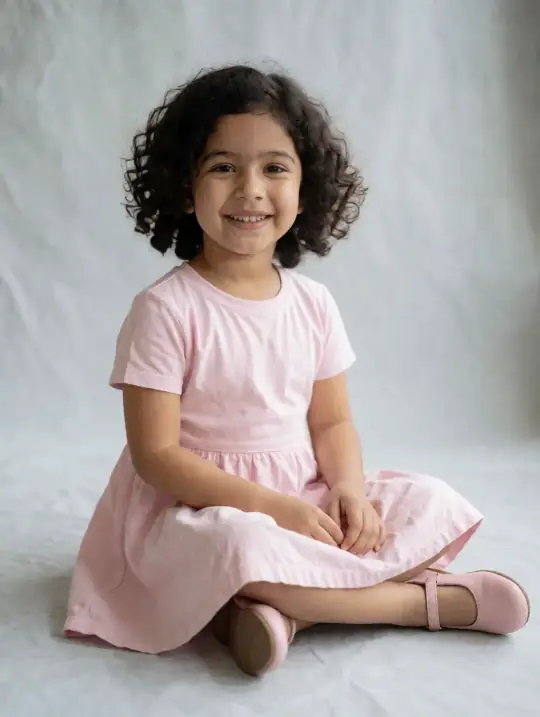
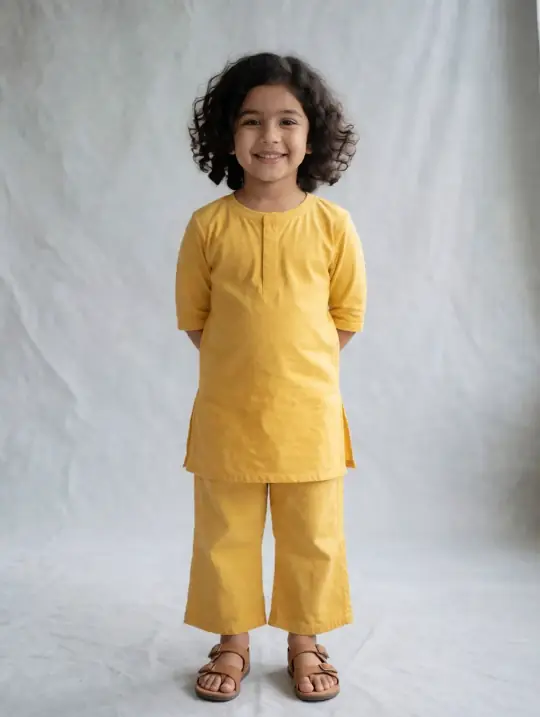
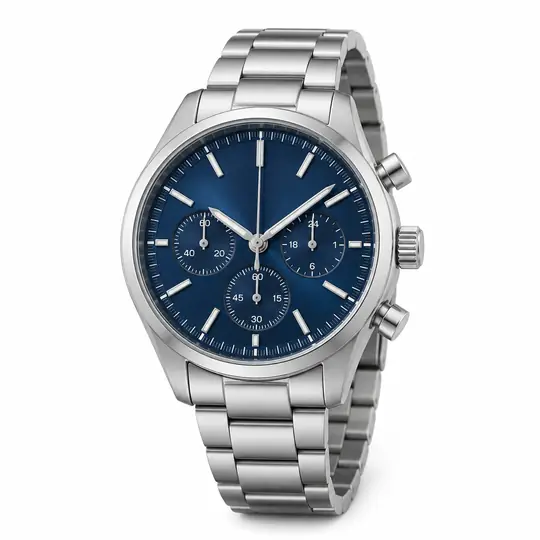
Upload one photo of your dress, jacket, abaya, saree or necklace. Choose from 350+ models of every age, size and skin tone, pick from 9,000+ poses and 400+ scenes or describe your own, and download photos sized for each marketplace's image shapes. No studio, no photographer, and no subscription needed.

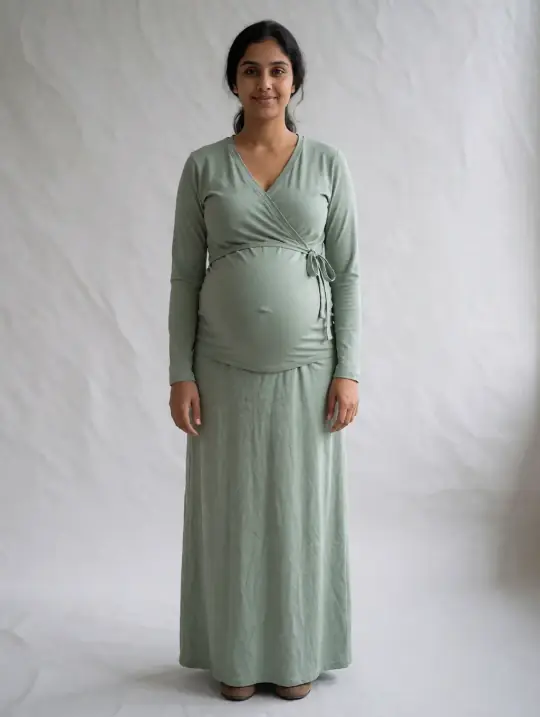
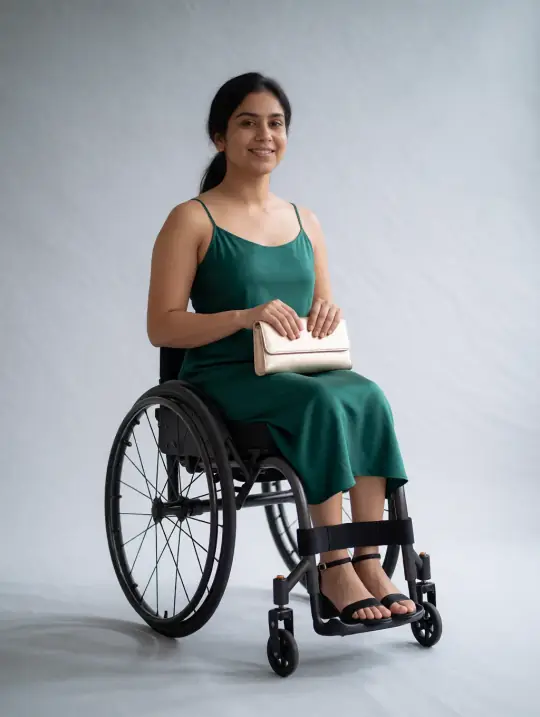
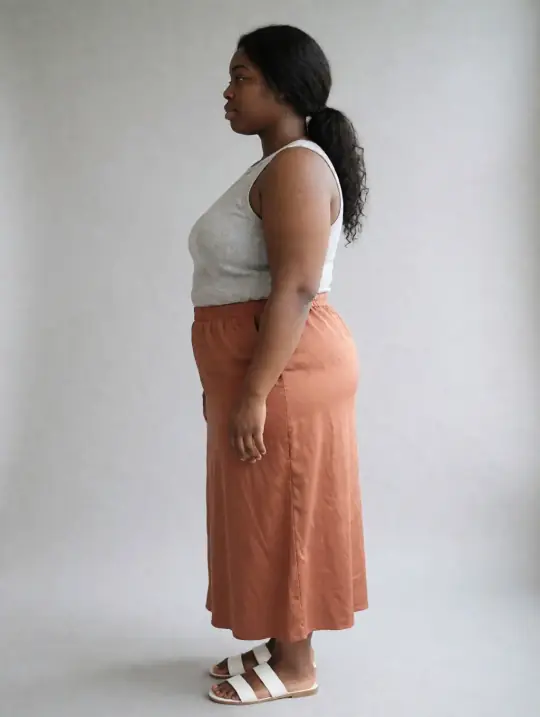
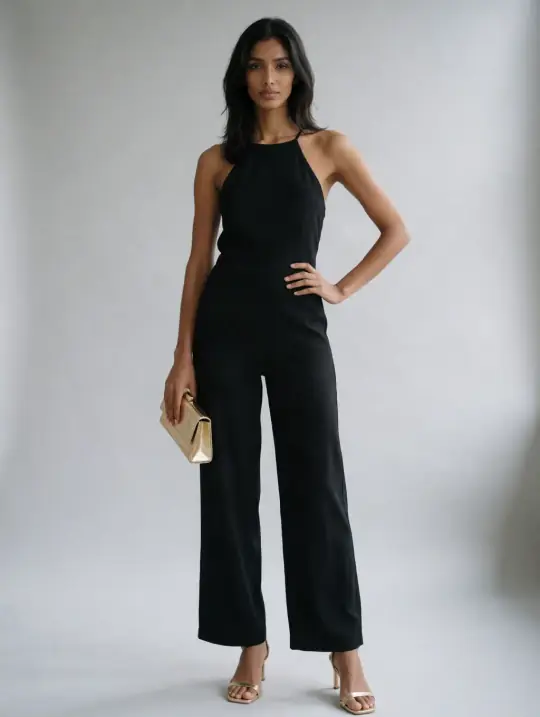
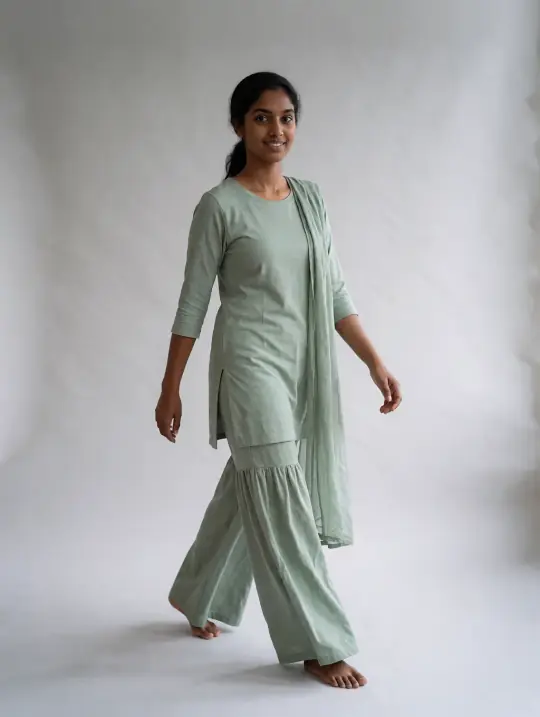
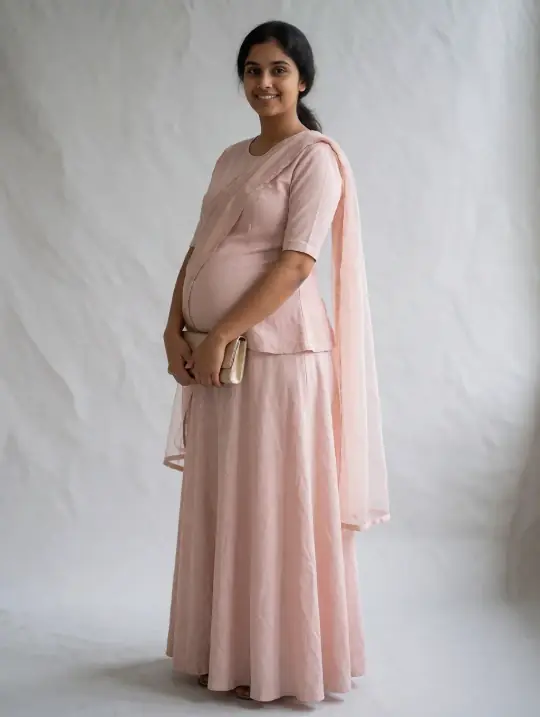
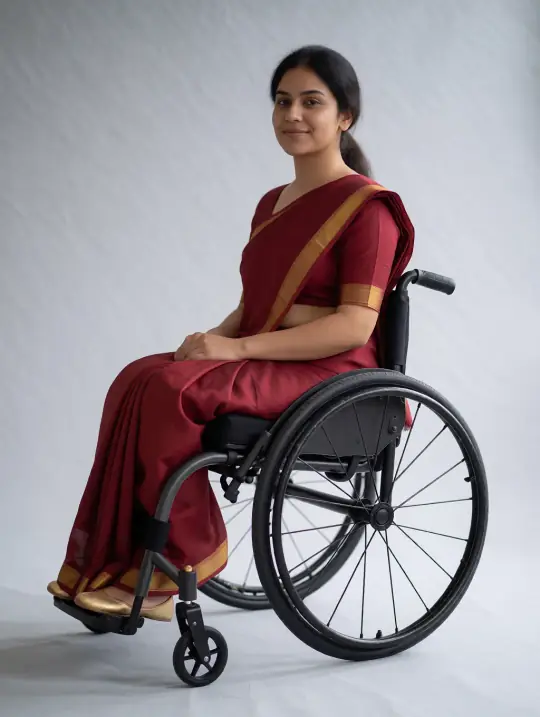
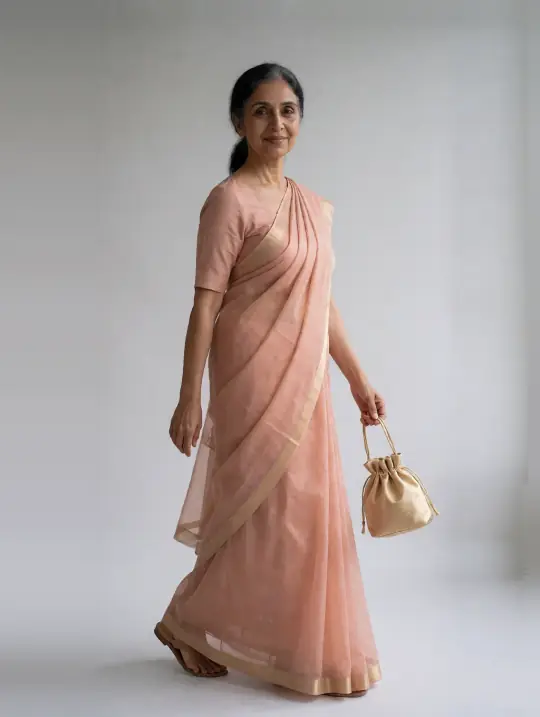
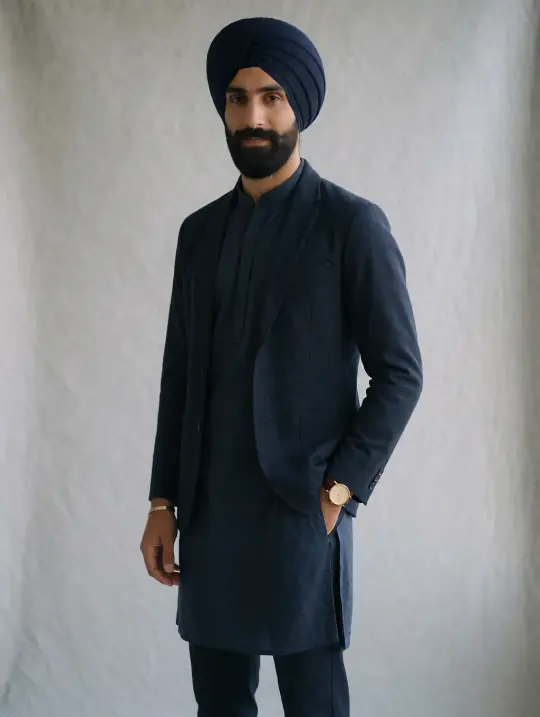
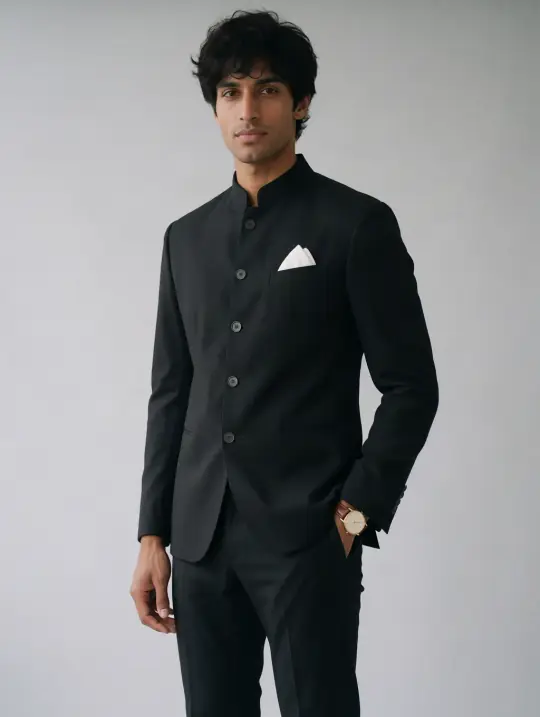
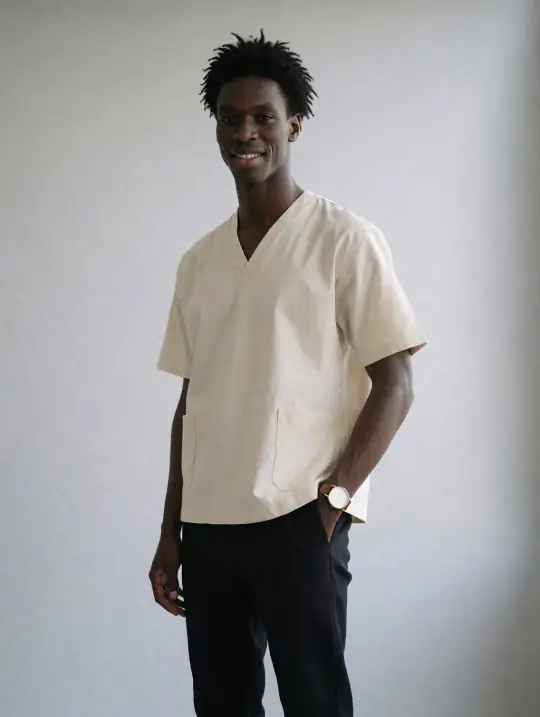
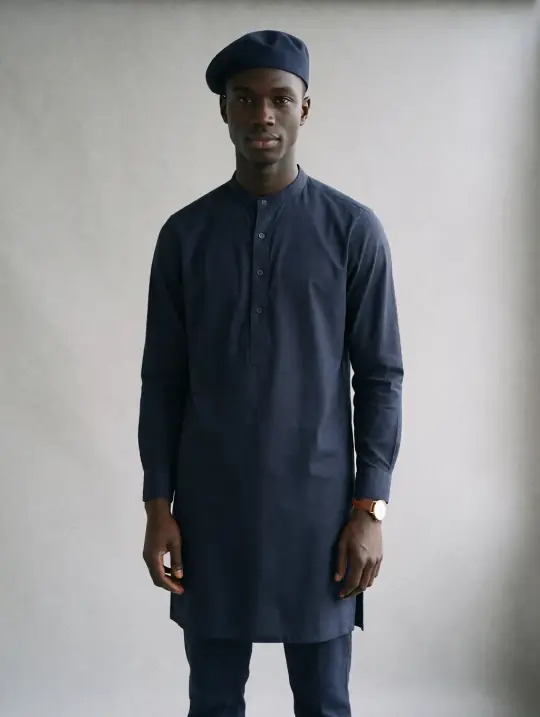
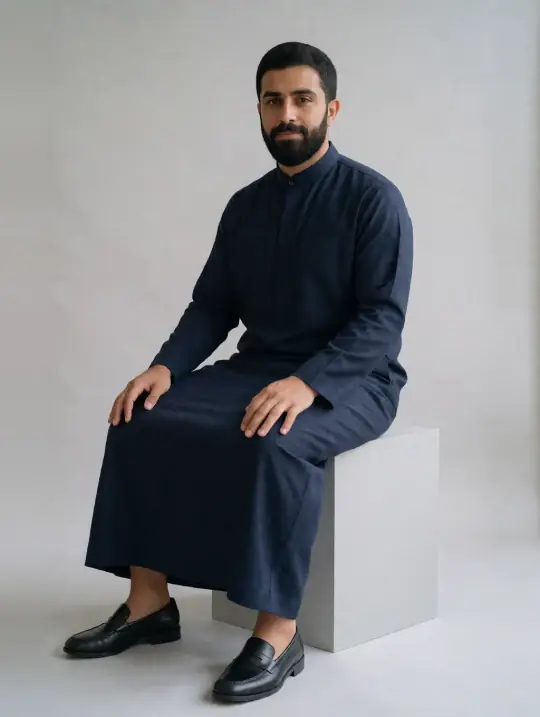
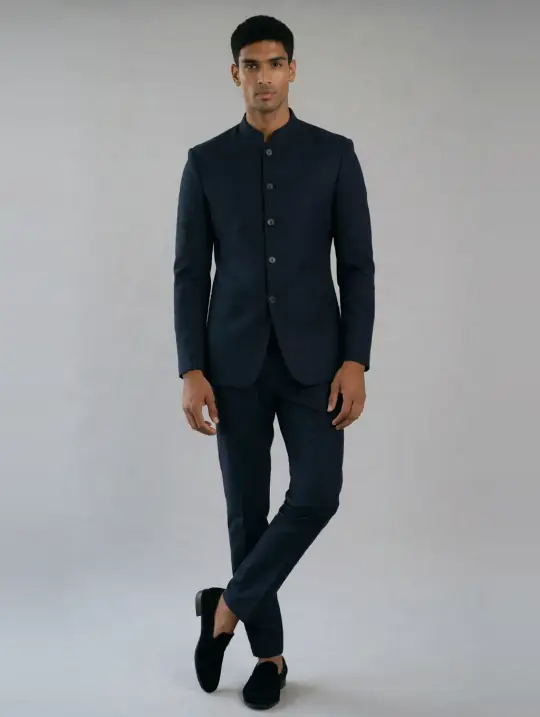
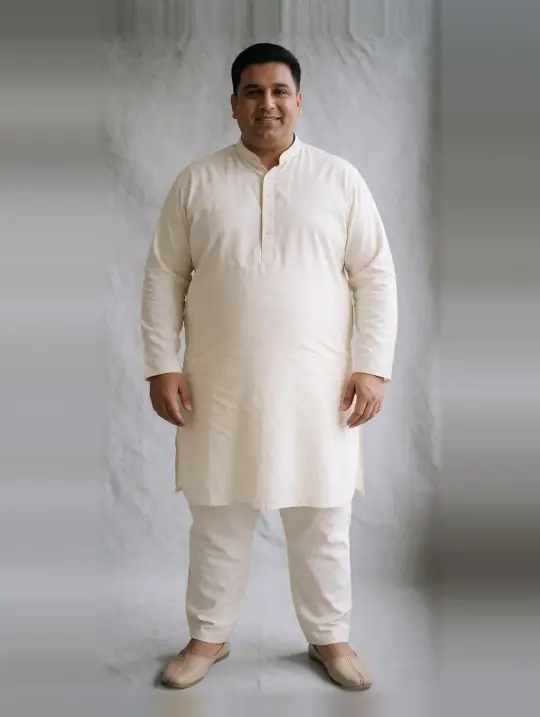
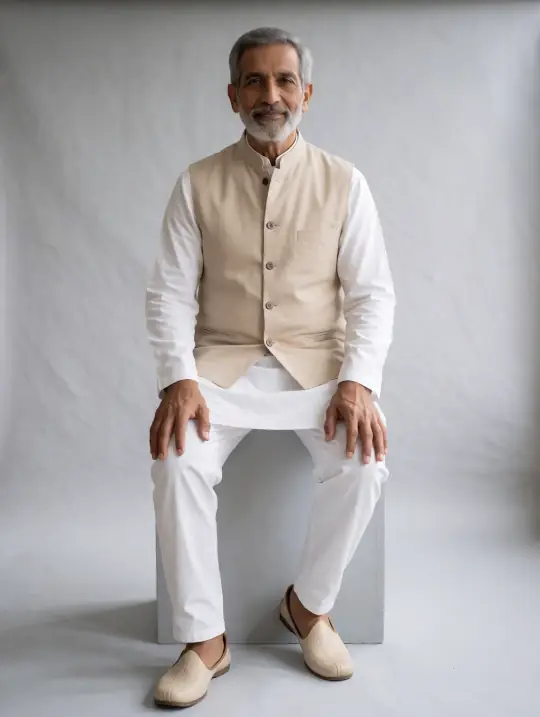
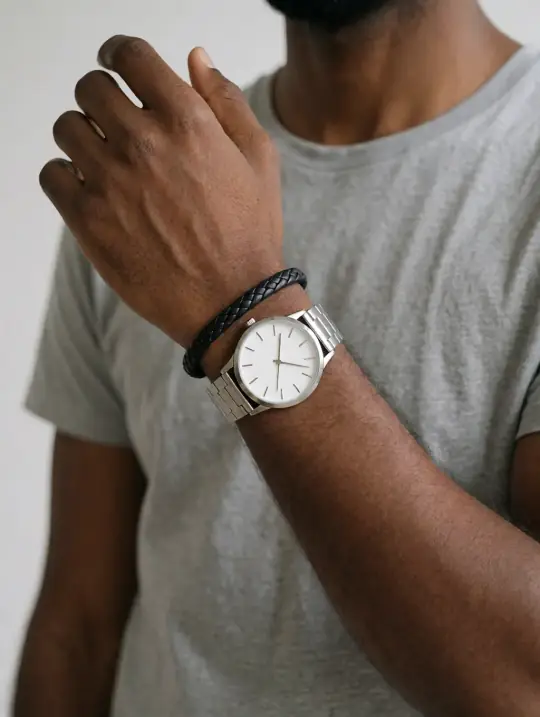
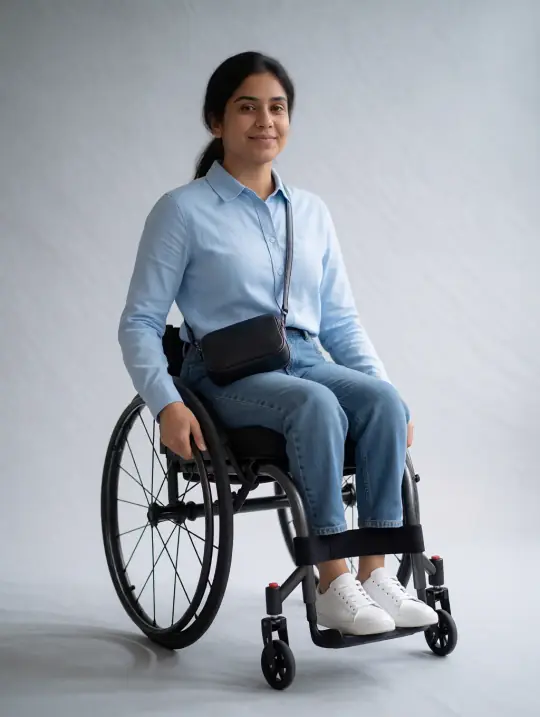
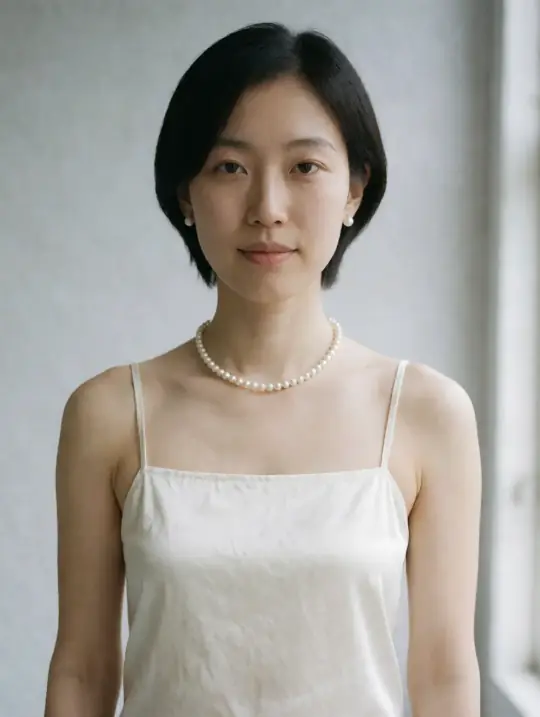
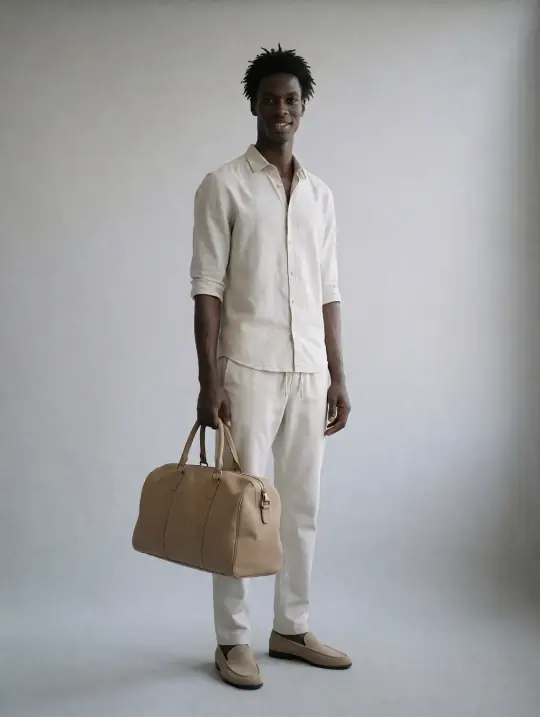
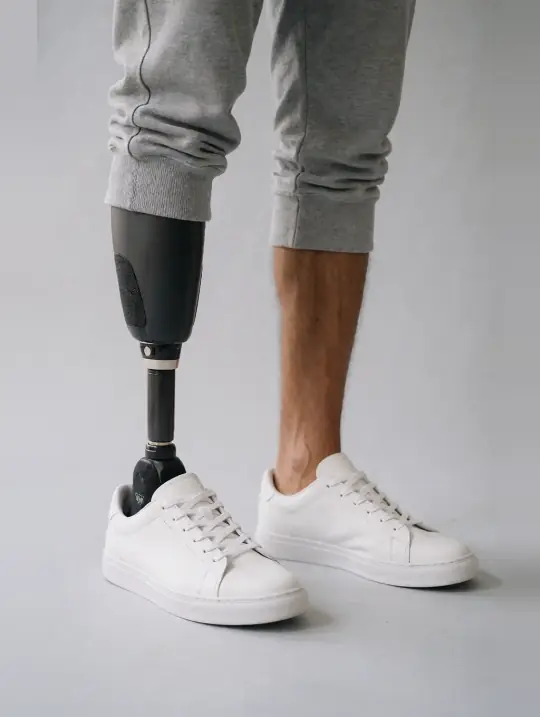
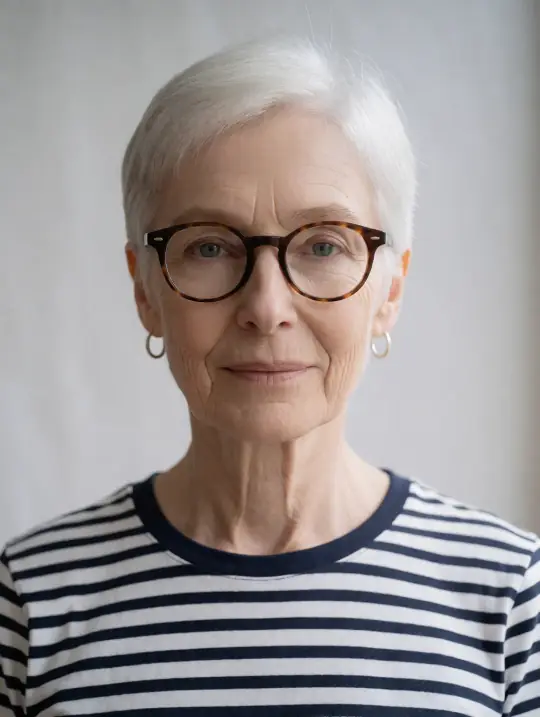
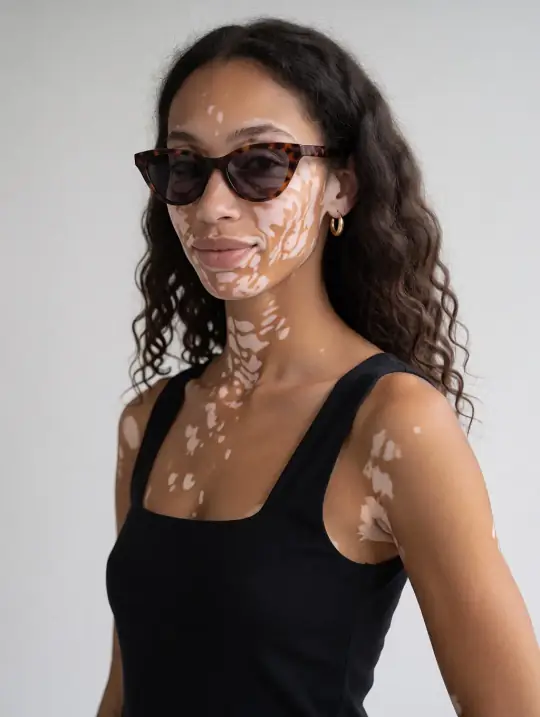
350+ models · modest, maternity, adaptive, plus size, kids
  • No card needed to try
  • Introductory prices from ₹12US$0.35 per product photo
  • No subscription needed
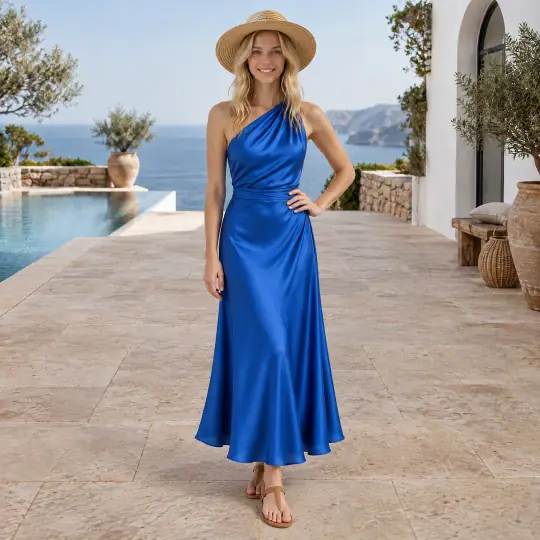
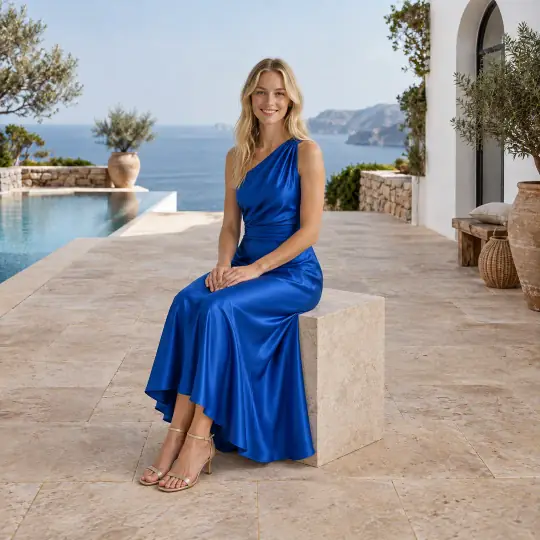
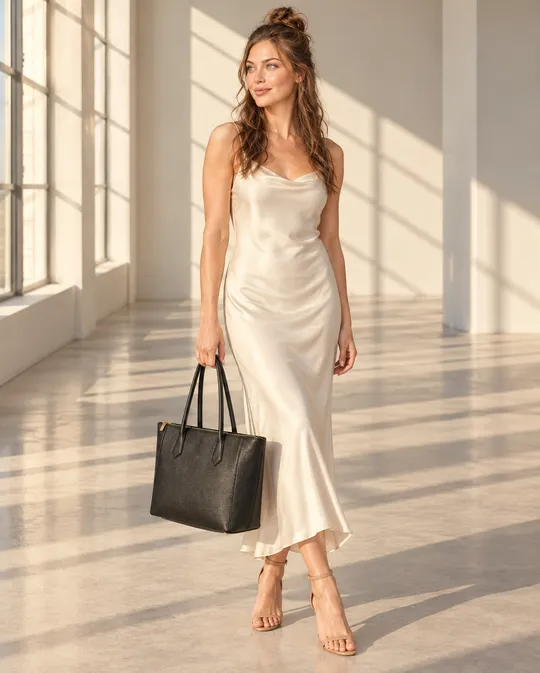
After: Chloe, an Aaina model, wearing the dress in the Poolside Villa scene
After Chloe · Poolside Villa
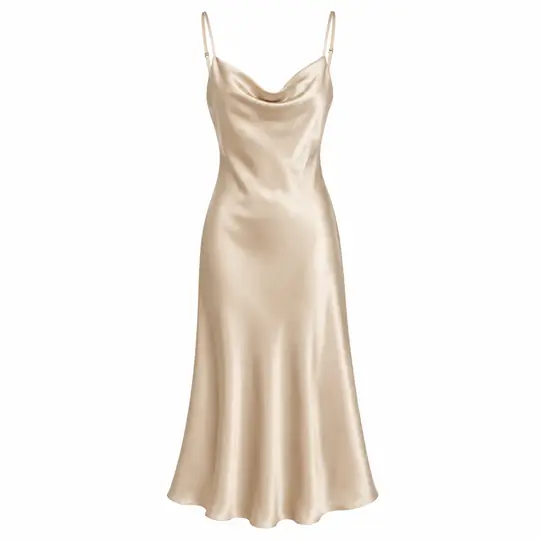
Before: the product photo of the dress
Before product photo

Made in the Aaina app from AI-generated, unbranded product photos.

  • 350+models, babies to adults in their 80s
  • 9,000+poses, tagged for each product type
  • 400+scenes: studio, city, heritage, outdoor
  • Unlimitednew poses and scenes, in your own words
  • 25+marketplaces sized for in one download

In one paragraph

What is Aaina?

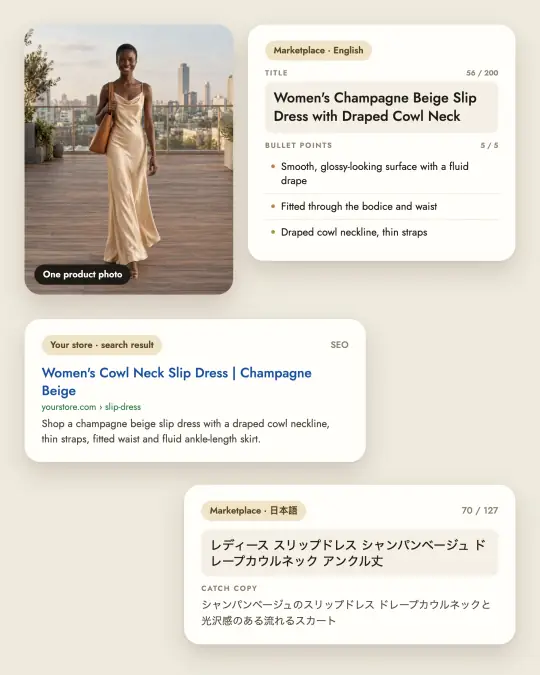
Aaina (aaina.world) is an AI product photography studio for fashion, jewellery and accessory sellers, brands and agencies. Upload one photo of a product, choose one of 350+ AI models, a pose and a scene, and get photos of your product on a model in minutes, sized for common marketplace shapes and aspect ratios (1:1, 4:5, 3:4, 9:16). The same photo can become a product video, a ghost mannequin or flat-lay shot, other colours and listing text. Aaina runs on credits from one-time packs or monthly plans (see pricing), and the Brand plan runs on your own OpenAI key. New accounts get 25 free credits.

Aaina at a glance
What it isAn AI product photoshoot studio on the web, with a phone app
Who it's forFashion, jewellery and accessory sellers, brands, agencies and their teams
What you needOne clear photo of the product, even taken on a phone
What you getPhotos on 350+ models, videos, ghost mannequin, flat-lays, listings
How it is paidCredits from packs or monthly plans, or your own OpenAI key on the Brand plan
To start25 free credits, no card needed

No studio needed

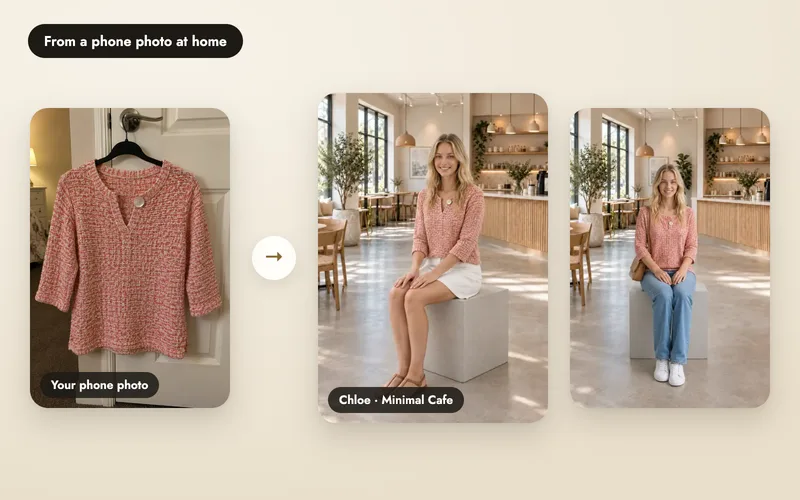
Start with a phone photo. At home.

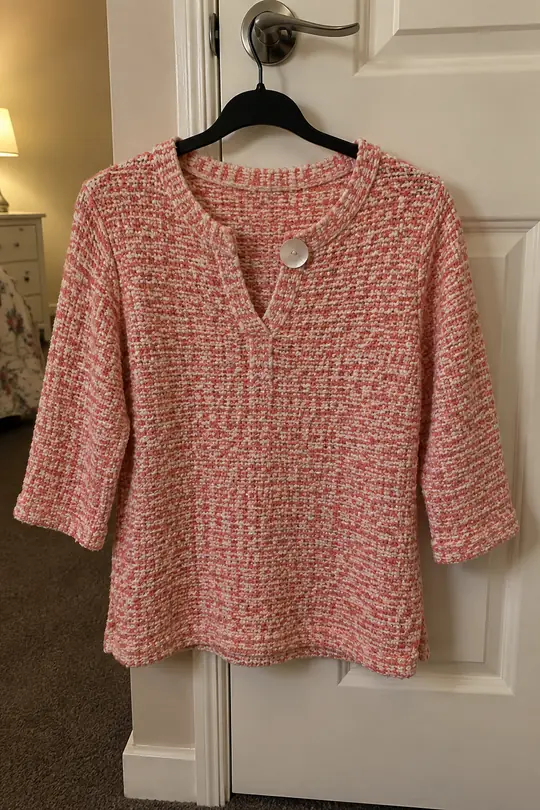
A top on a hanger on your bedroom door is enough. Pick a model and a scene, and get catalogue photos in minutes.

Try it with 25 free credits
  1. A real phone photo: a coral knit top on a hanger on a bedroom door
    1

    Take a phone photo

    On a hanger, a door or a bed. Daylight is plenty.

  2. 2

    Pick a model and a scene

    350+ models, 400+ scenes, or describe your own.

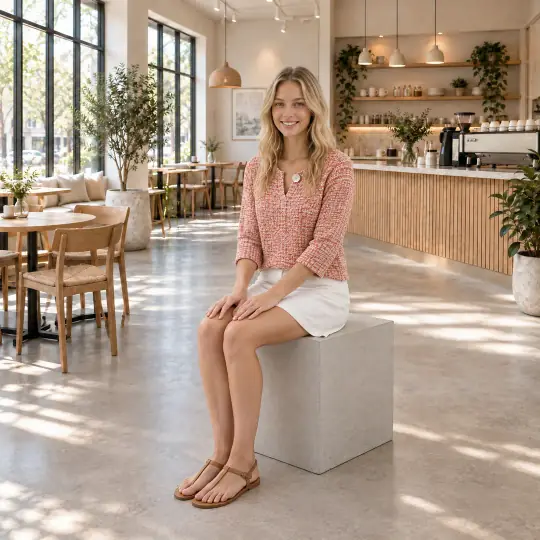
  3. The result: Chloe wearing the same knit top in a cafe
    3

    Get studio photos

    Chloe wearing that same top, sized for the marketplaces you sell on.

Campaign quality

Not just catalogue photos. Campaign photos.

Made in Aaina from one product photo each, on studio models in city and studio scenes. The product photo is in the corner.

All examples

Made in Aaina

One product photo. A whole shoot.

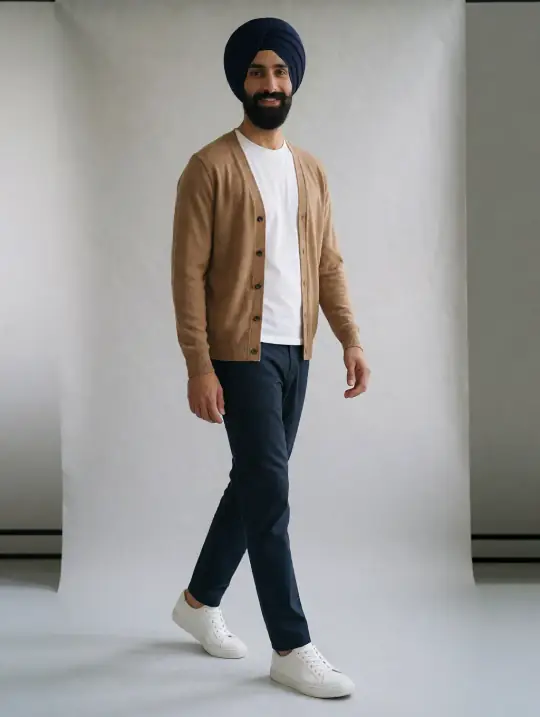
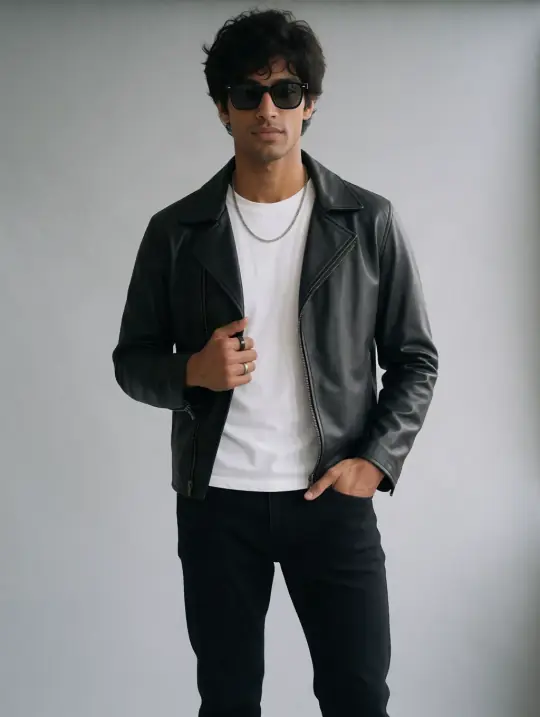
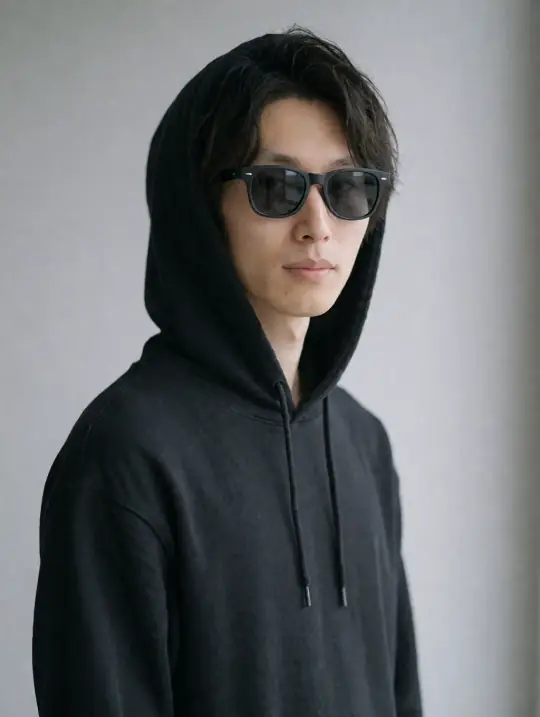
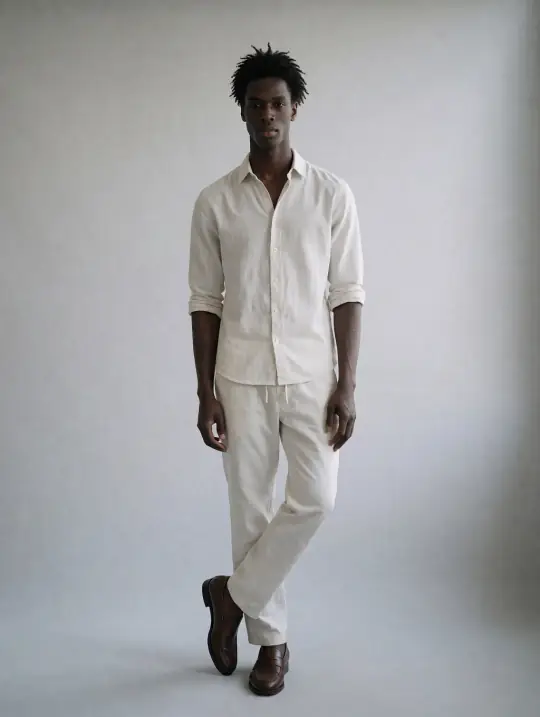
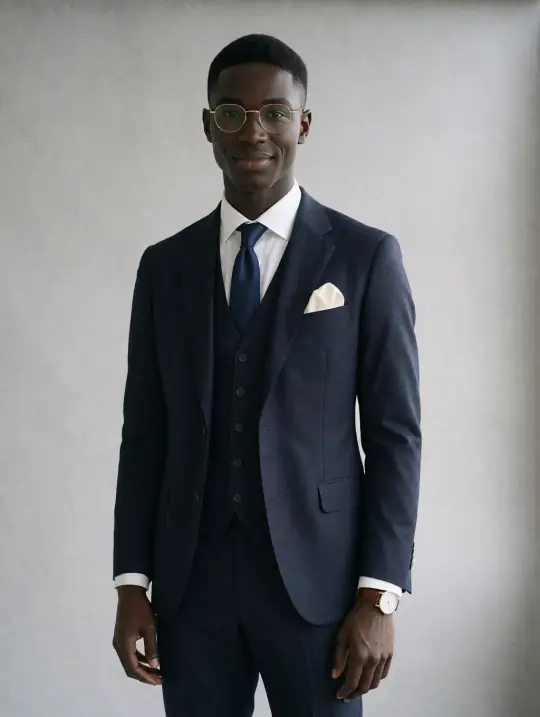
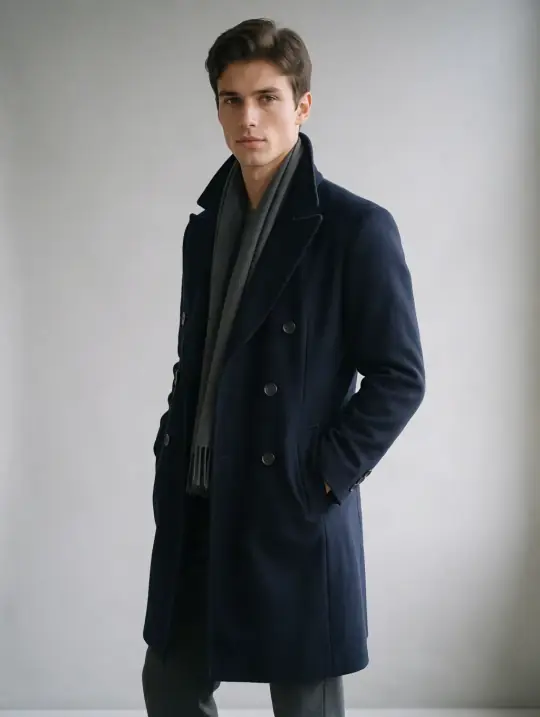
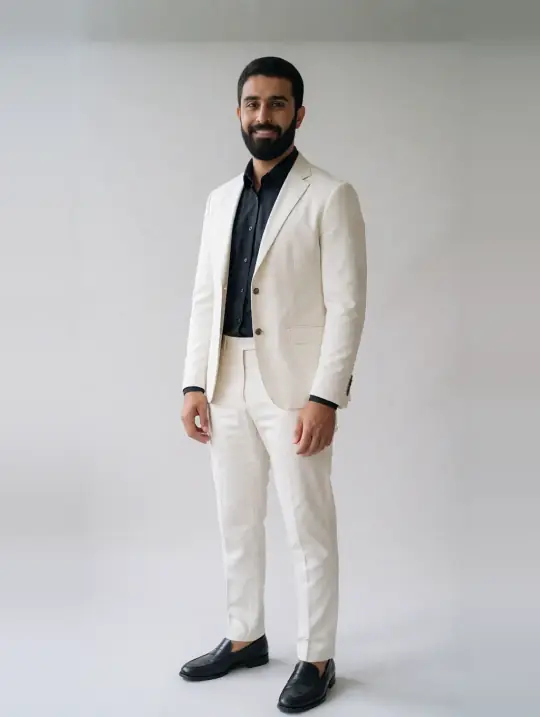
Each photo was made in the app from the product photo in its corner, with one of the 350+ models and a scene from the library.

All examples
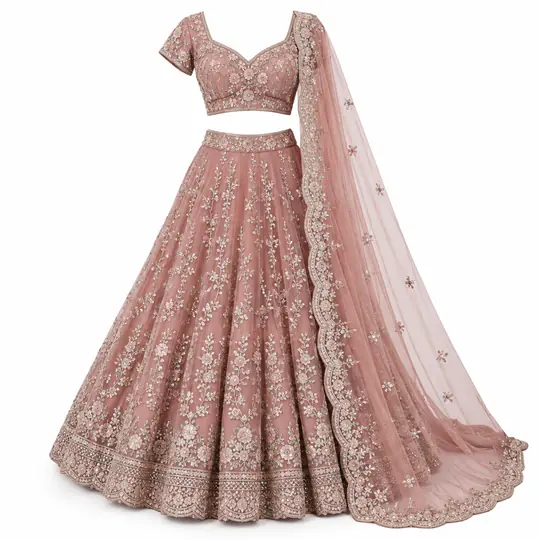
Meera, an Aaina model, wearing the lehenga in the Palace Hall scene

Lehenga

Meera · Palace Hall

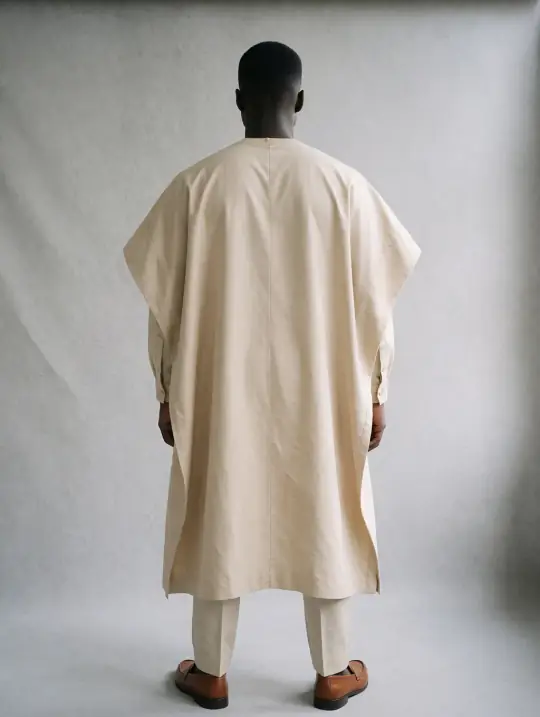
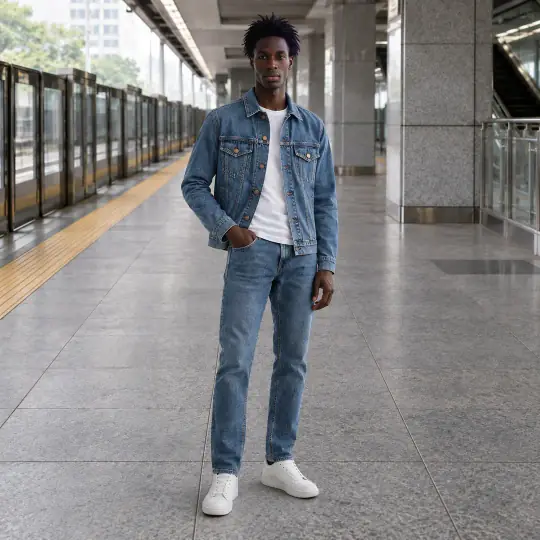
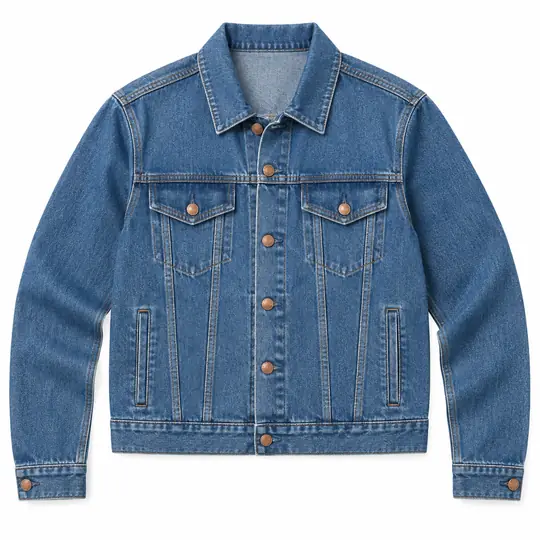
Kwame, an Aaina model, wearing the denim jacket in the Metro Platform scene

Denim jacket

Kwame · Metro Platform

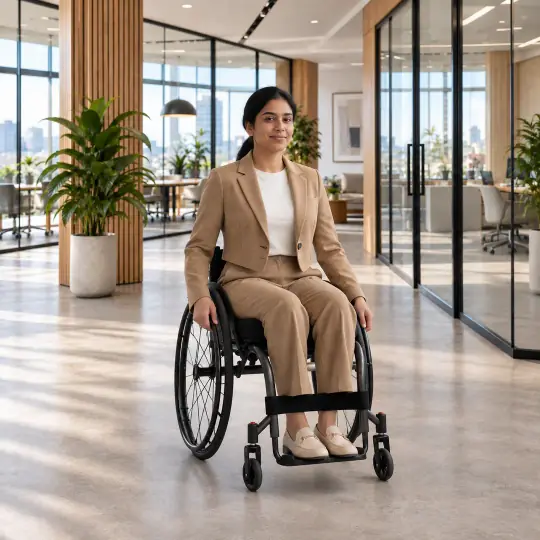
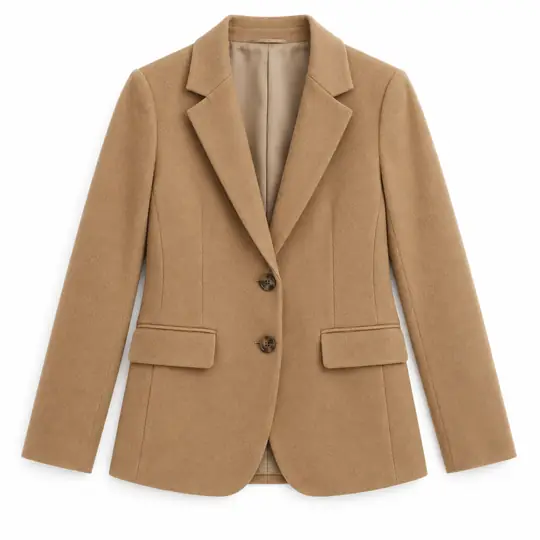
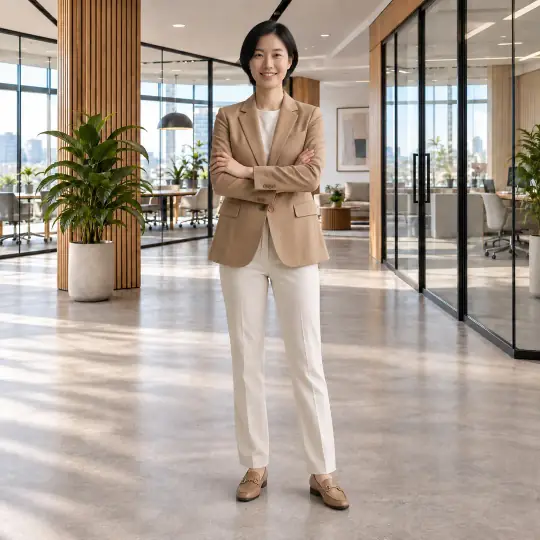
Riya, an Aaina model, wearing the blazer in the Modern Office scene

Blazer

Riya · Modern Office

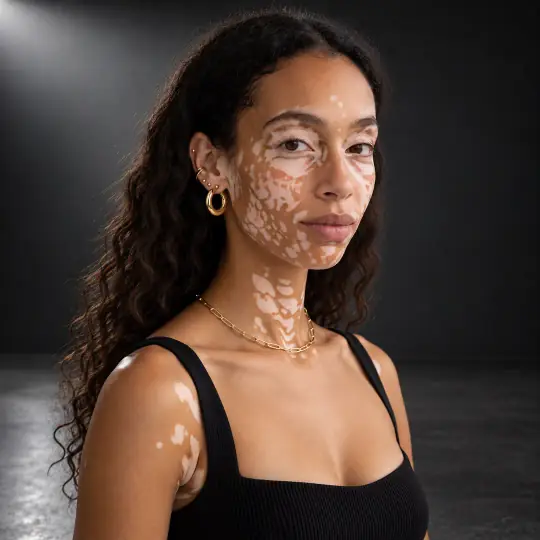
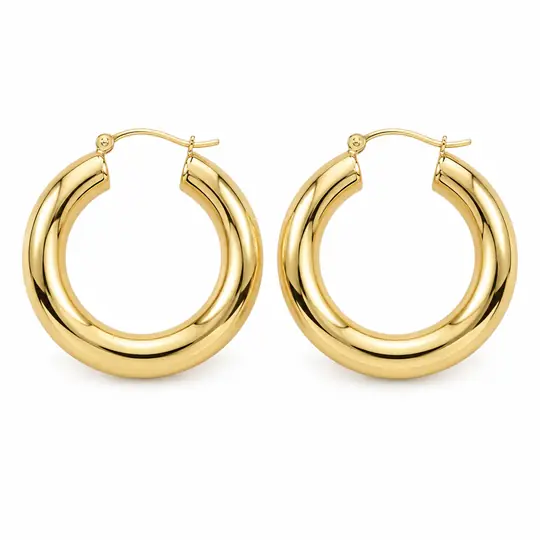
Zara, an Aaina model, wearing the gold hoops in the Charcoal Premium Studio scene

Gold hoops

Zara · Charcoal Premium Studio

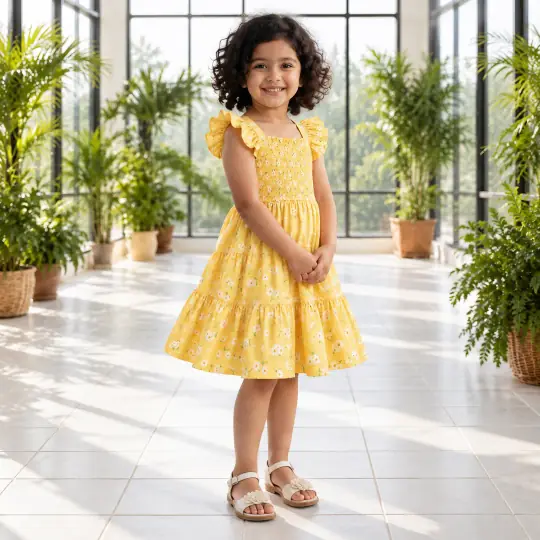
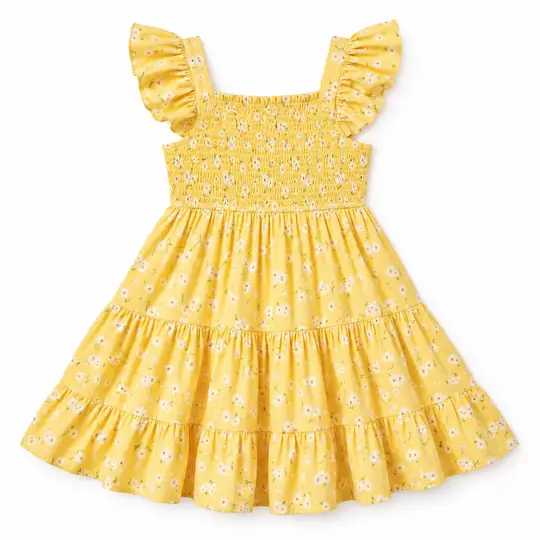
Pari, an Aaina model, wearing the kids' sundress in the Indoor Garden Conservatory scene

Kids' sundress

Pari · Indoor Garden Conservatory

Jiwoo, an Aaina model, wearing the blazer in the Modern Office scene

Blazer

Jiwoo · Modern Office

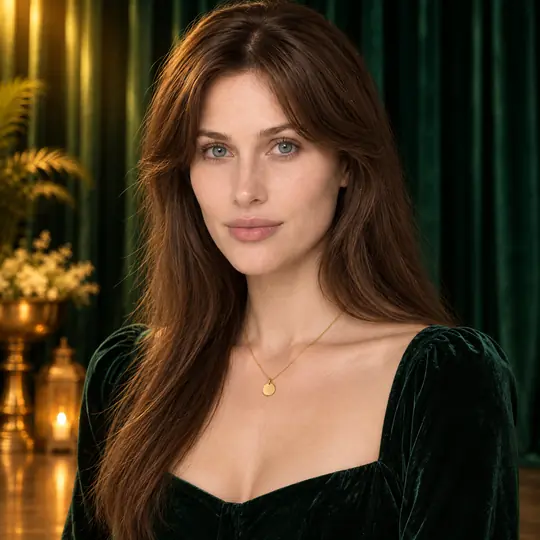
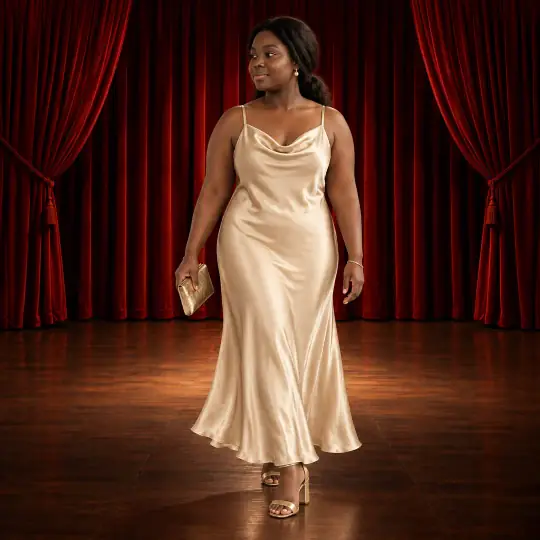
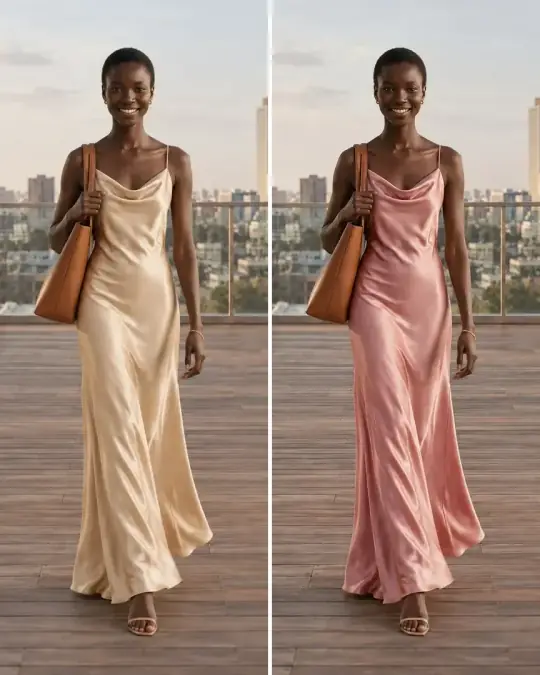
Shanice, an Aaina model, wearing the slip dress in the Velvet Stage Curtain scene

Slip dress

Shanice · Velvet Stage Curtain

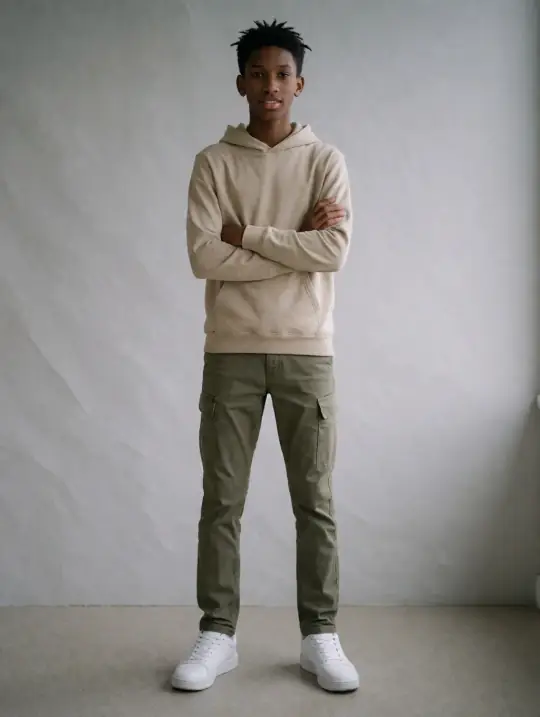
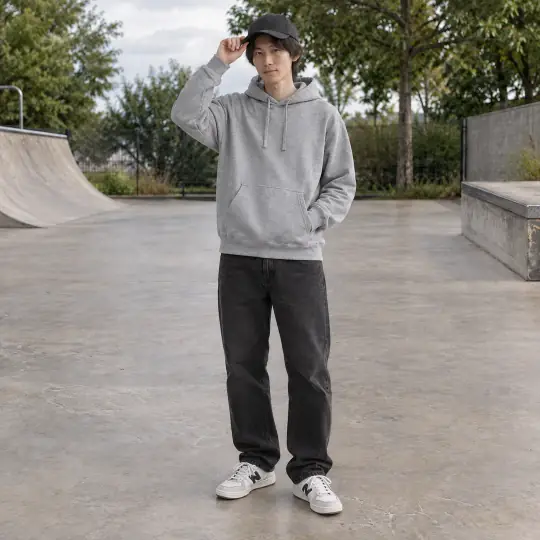
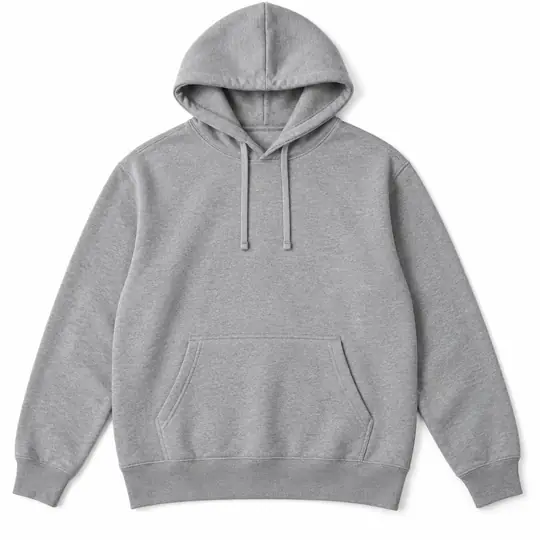
Kenji, an Aaina model, wearing the hoodie in the Skate Park scene

Hoodie

Kenji · Skate Park

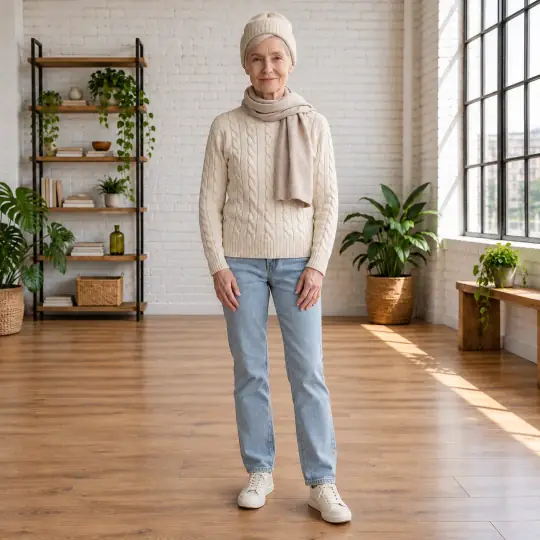
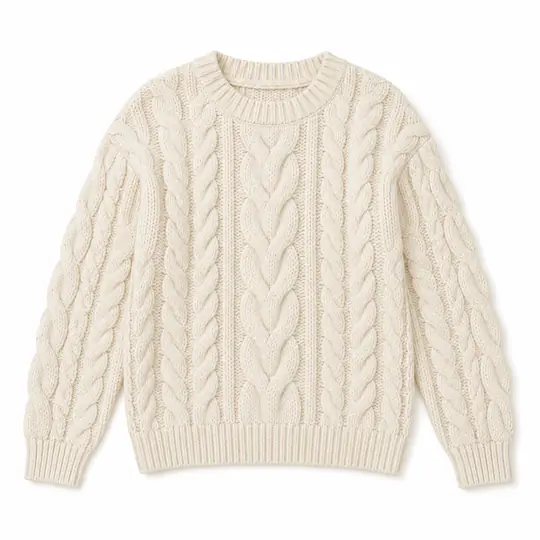
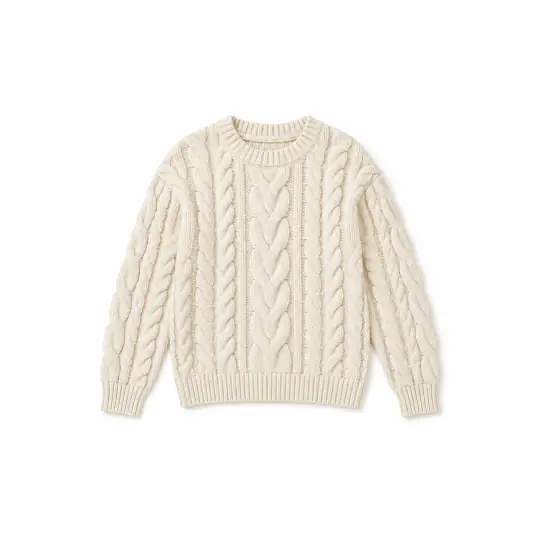
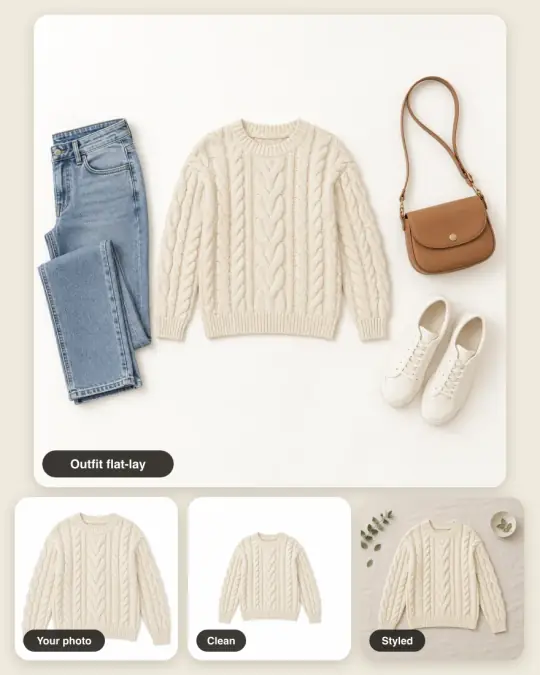
Margaret, an Aaina model, wearing the cable-knit sweater in the White Brick Loft scene

Cable-knit sweater

Margaret · White Brick Loft

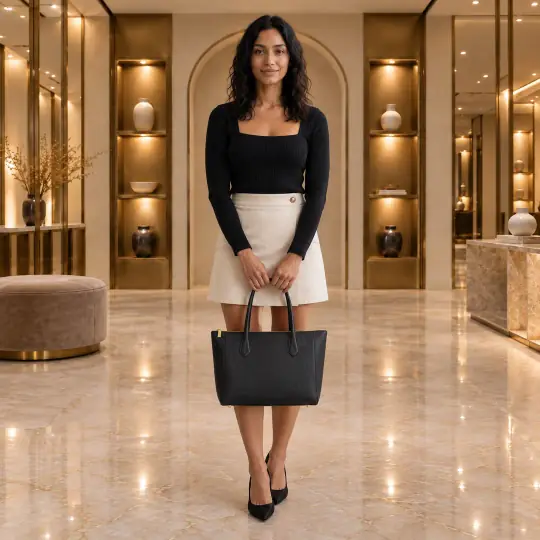
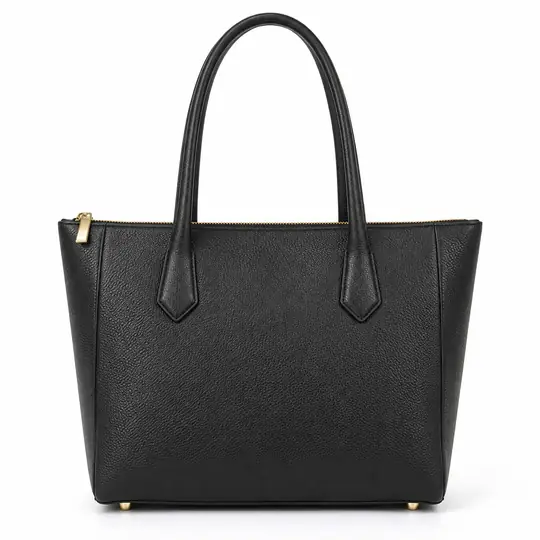
Sofia, an Aaina model, wearing the leather tote in the Designer Boutique scene

Leather tote

Sofia · Designer Boutique

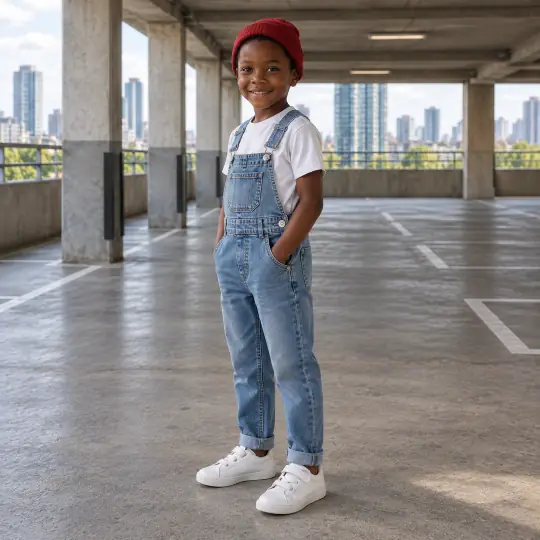
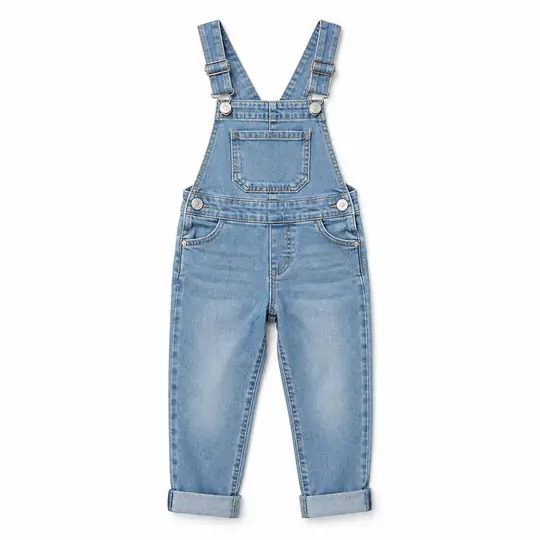
Jayden, an Aaina model, wearing the kids' dungarees in the Concrete Parking Deck scene

Kids' dungarees

Jayden · Concrete Parking Deck

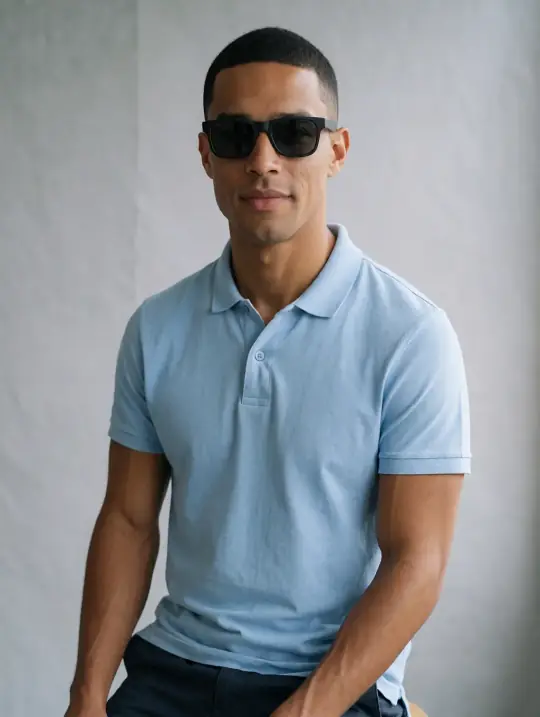
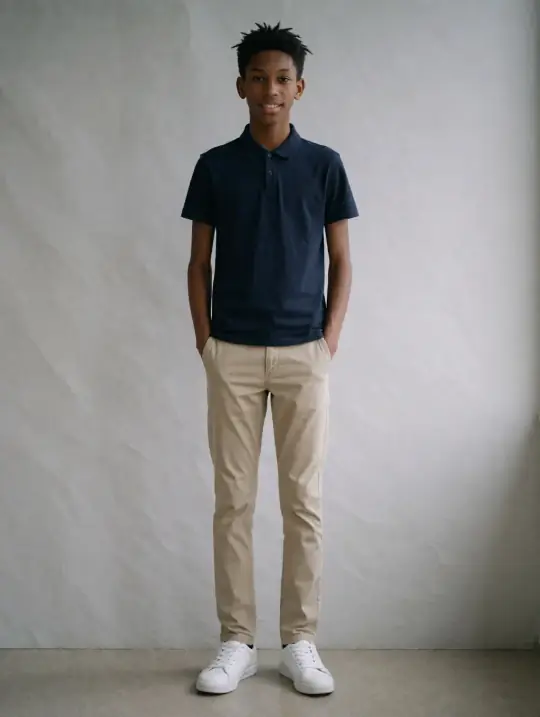
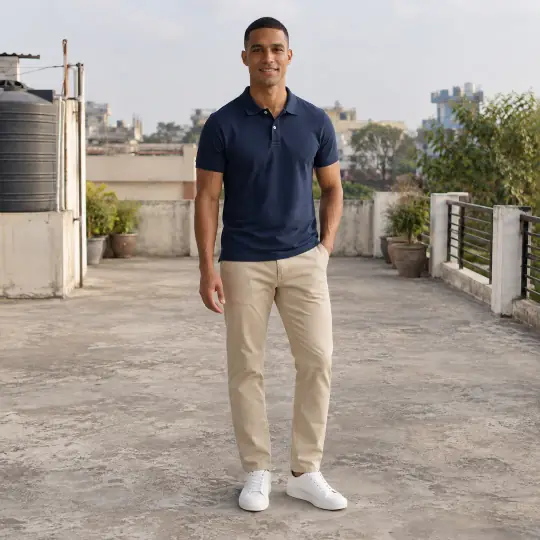
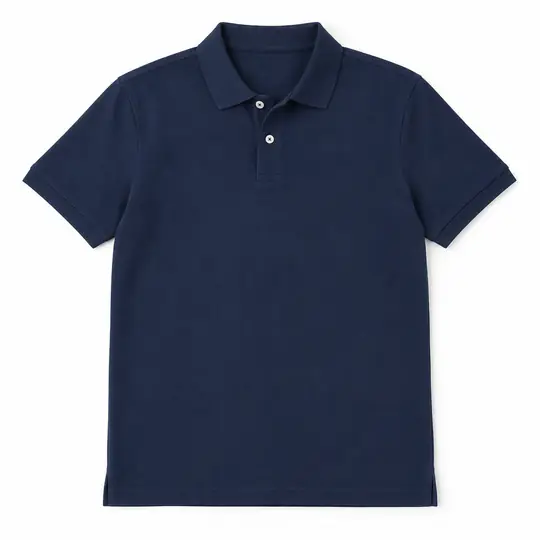
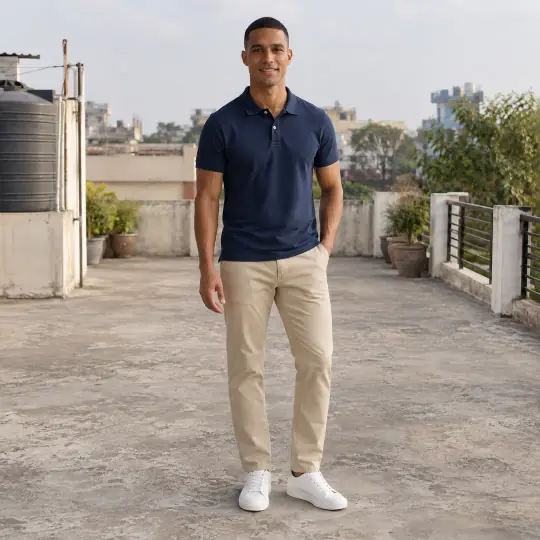
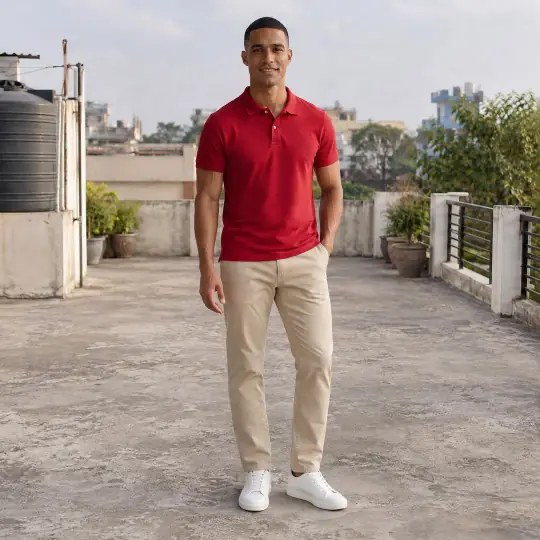
Lucas, an Aaina model, wearing the polo shirt in the Rooftop Terrace scene

Polo shirt

Lucas · Rooftop Terrace

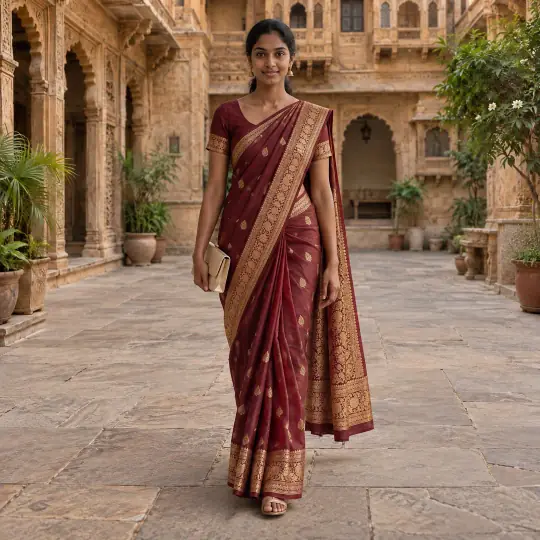
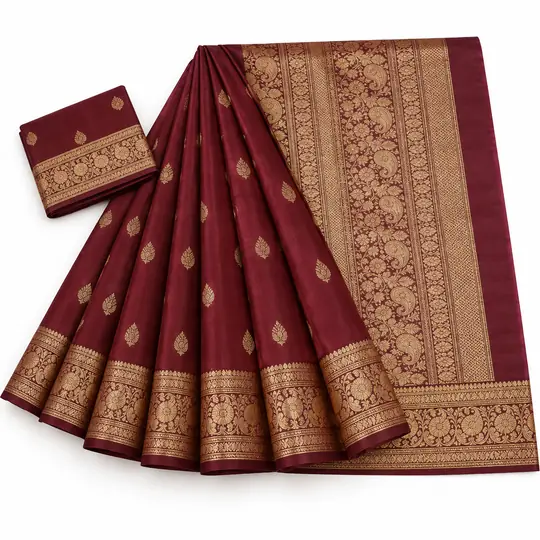
Meera, an Aaina model, wearing the banarasi saree in the Haveli Courtyard scene

Banarasi saree

Meera · Haveli Courtyard

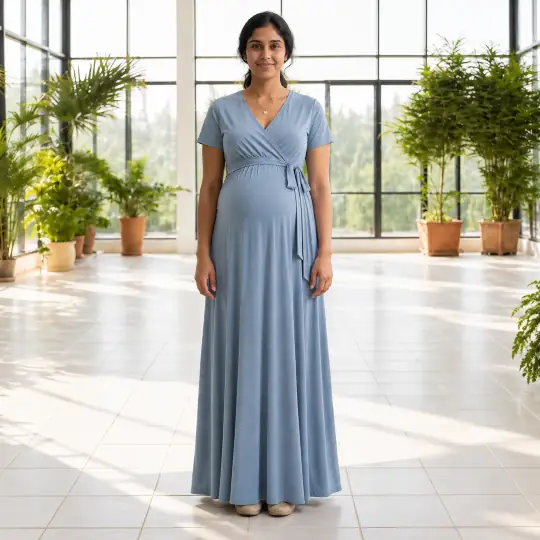
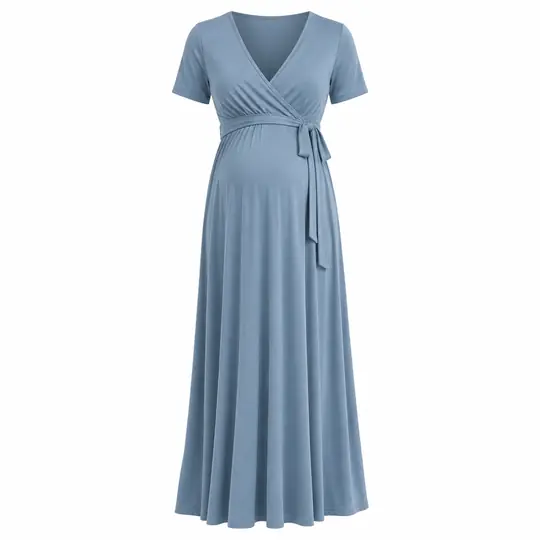
Nisha, an Aaina model, wearing the maternity maxi dress in the Indoor Garden Conservatory scene

Maternity maxi dress

Nisha · Indoor Garden Conservatory

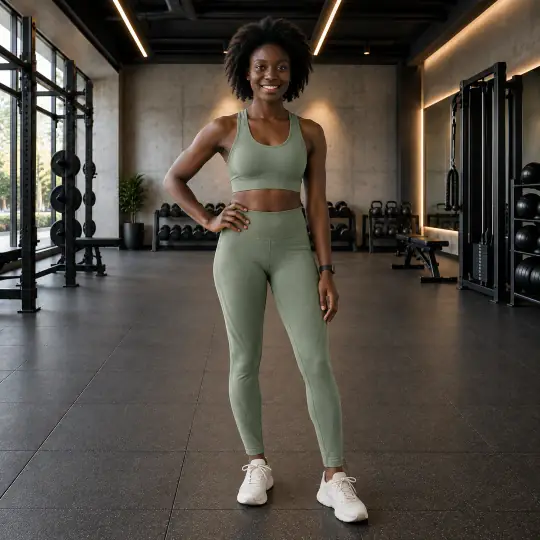
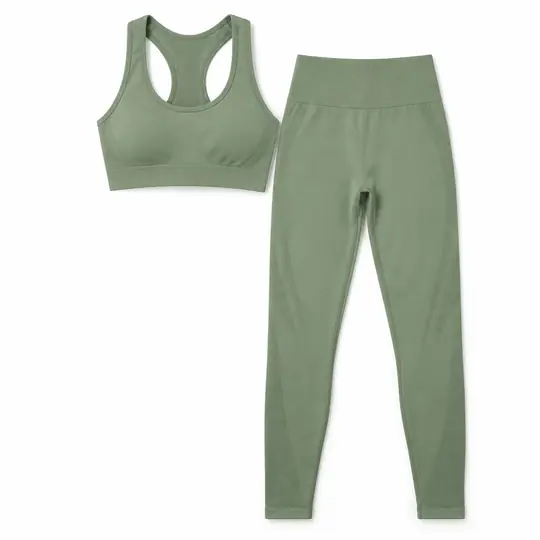
Adaeze, an Aaina model, wearing the activewear set in the Modern Gym scene

Activewear set

Adaeze · Modern Gym

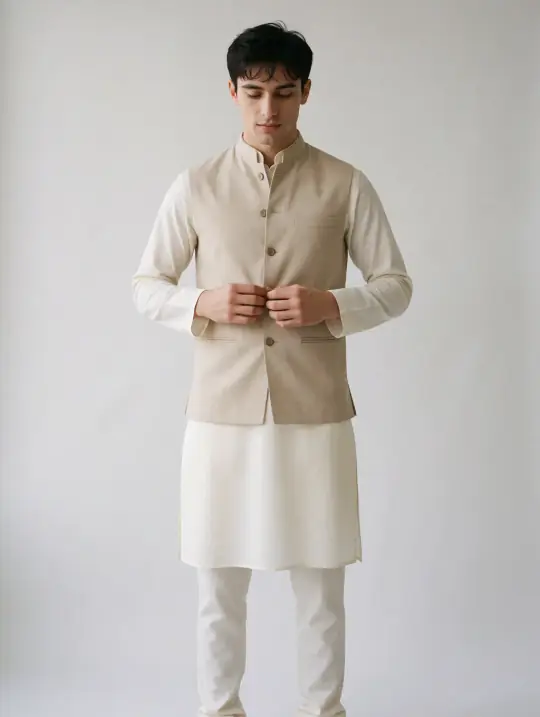
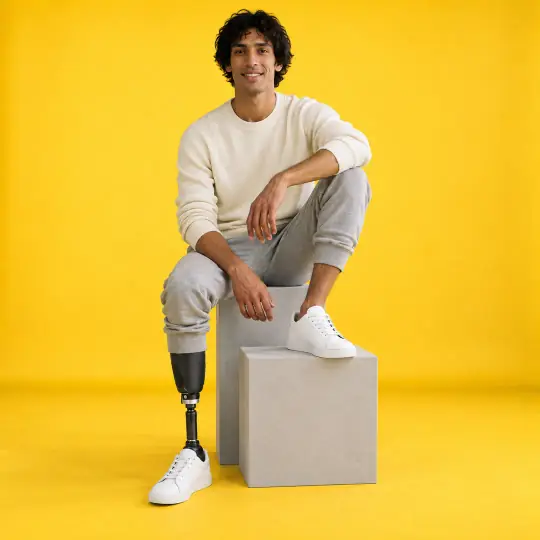
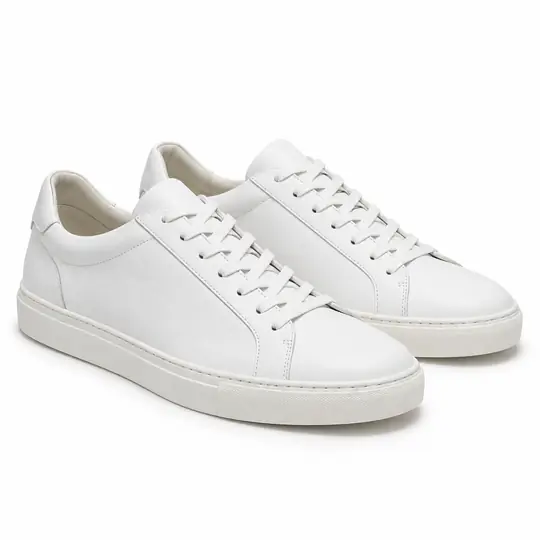
Dev, an Aaina model, wearing the white sneakers in the Mustard Studio scene

White sneakers

Dev · Mustard Studio

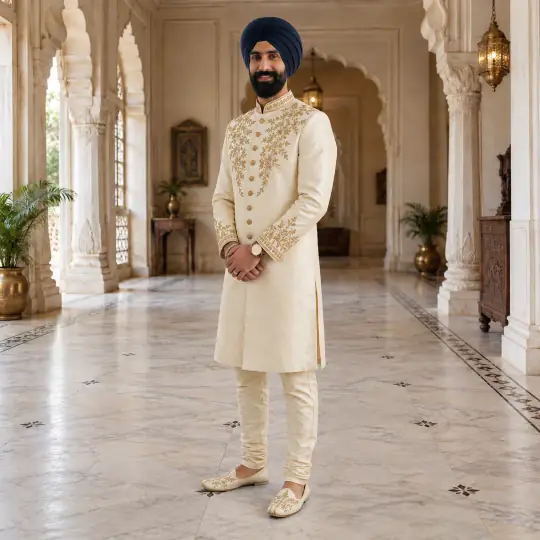
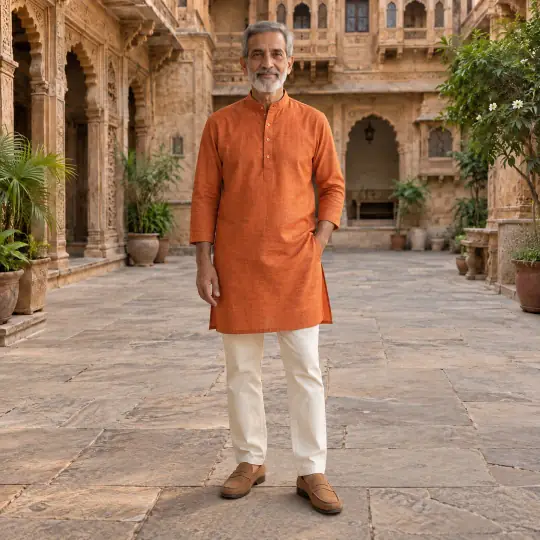
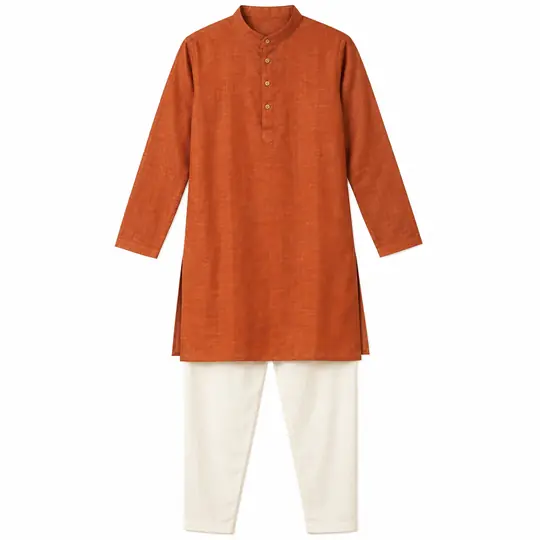
Vikram, an Aaina model, wearing the kurta set in the Haveli Courtyard scene

Kurta set

Vikram · Haveli Courtyard

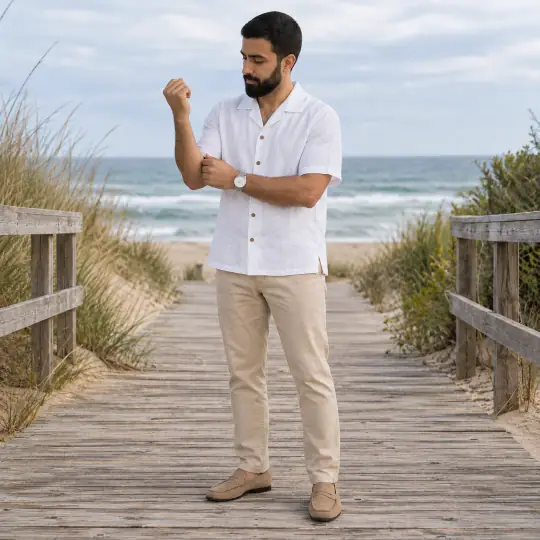
Omar, an Aaina model, wearing the linen shirt in the Beach Boardwalk scene

Linen shirt

Omar · Beach Boardwalk

Clean studio shots, on white

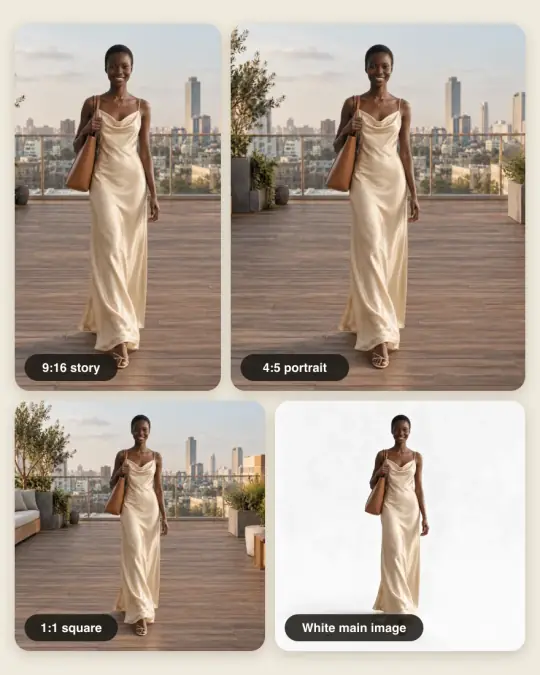
For the main image of a listing, where many marketplaces ask for a plain white background. Choose the White Studio scene and a front pose.

White background examples

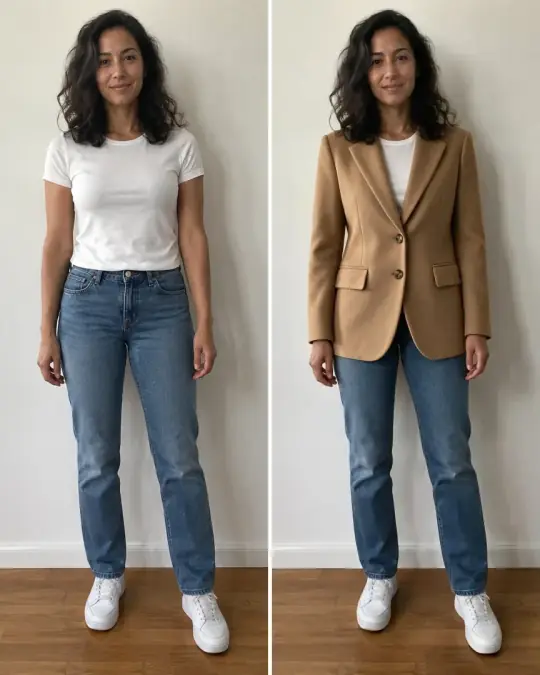
Before and after

What one product photo becomes. Drag to compare.

Every "after" here was made in Aaina from the "before" next to it. No studio day, no mannequin to buy, no reshoot for every colour.

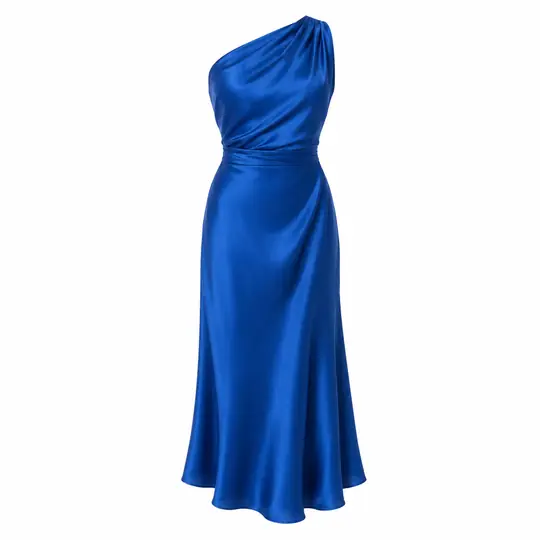
Product photo: a cobalt satin dress
On Chloe: a cobalt satin dress
Product photoOn Chloe

From product photo to model

The same dress on Chloe by a poolside villa, ready for a listing.

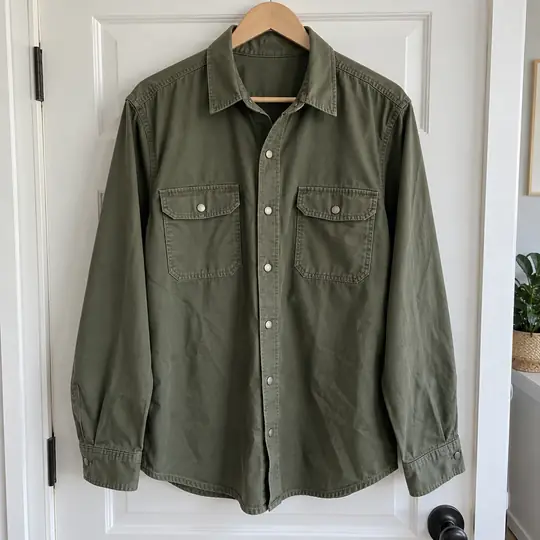
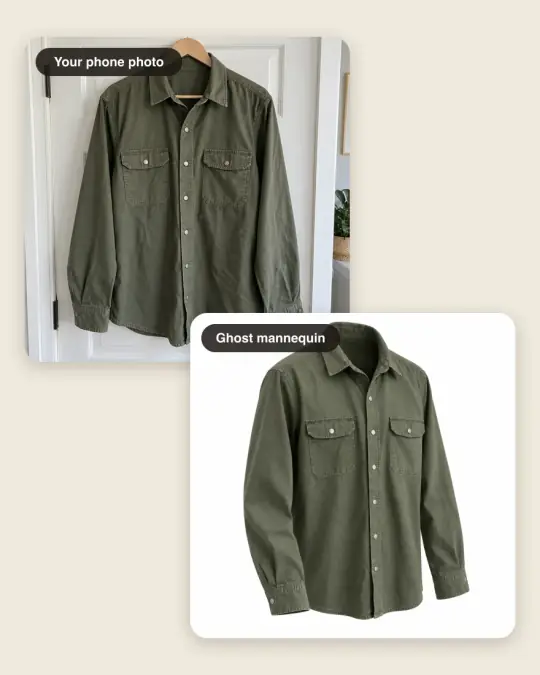
Real phone photo: an olive overshirt
Ghost mannequin: an olive overshirt
Real phone photoGhost mannequin

From a door hanger to ghost mannequin

The garment alone, in its worn shape, on white.

Navy: the same photo of Lucas in a polo shirt
Red: the same photo of Lucas in a polo shirt
NavyRed

Every colour, one shoot

The same photo in another colour; face, pose and scene stay.

Templates and creators

Start from a finished look. Put your product in it.

A template is a whole shoot someone has already worked out: model, scene, framing and idea. Add your product photo and get the same look for your collection, with no prompt to write.

All about templates
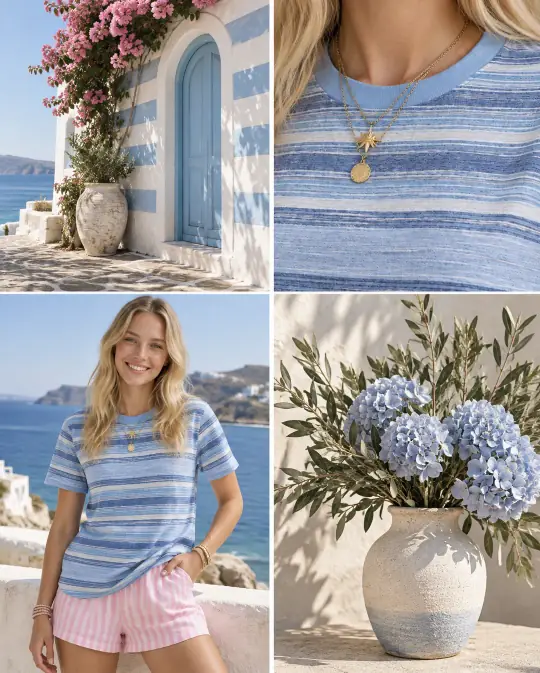
Template sample: a striped top in a four-picture colour story, on a model by the sea, close up, and beside blue hydrangeas
Your collection colour storyOne product as a four-picture colour story: worn, close up and in its setting
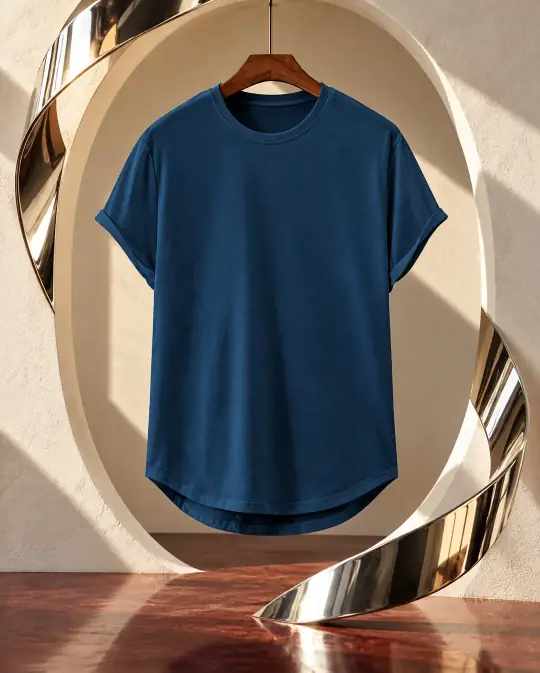
Template sample: a navy T-shirt on a wooden hanger inside a curved, gold-lit sculpture
The hanger campaignYour garment on a hanger in a sculptural gallery
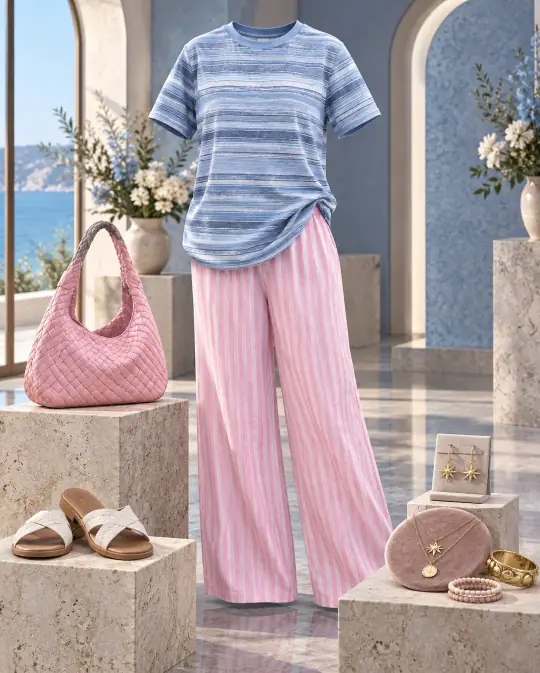
Template sample: a striped top and pink trousers on a dress form among stone plinths with a pink bag, sandals and jewellery
Floating luxury displayA full outfit styled on stone plinths, with bag, shoes and jewellery
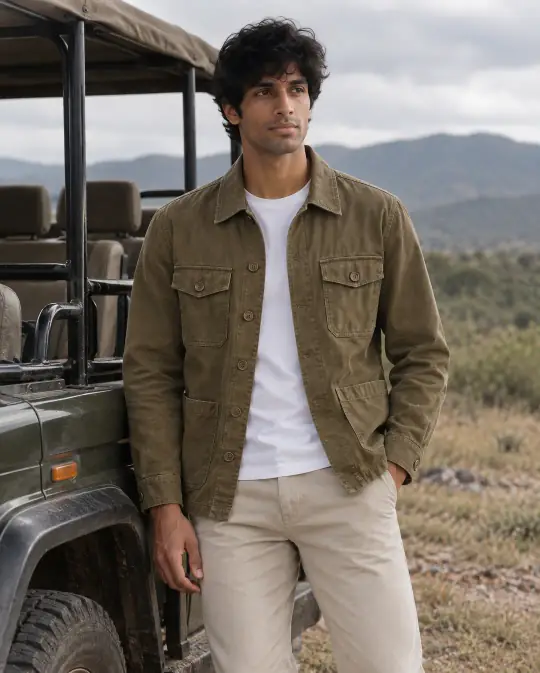
Template sample: a man in an olive overshirt and chinos leaning on a safari truck in the hills
Weekend terrain menswearA menswear look outdoors, beside a safari truck

Make your own

Turn a shoot that sells into a template. Reuse it for every new product, or publish it for every seller.

Earn when others use it

Each time another seller makes a photo with your template, you earn coins and turn them into credits.

Finish it like a design

Add text, badges and your logo, crop for every channel, and put words behind the model.

Your public page

Publish your best photos and templates at app.aaina.world/@yourname, and get followed.

How it works

How do I make product photos on models without a photoshoot? Four steps.

The same steps work on the website and in the Aaina phone app. Nothing is charged until the last step.

Full walkthrough
  1. STEP 01

    Add your product

    Drop in a clear photo. Add a back or close-up photo if you have one. Aaina reads the product type and colour.

    A product photo of a cobalt satin dress
  2. STEP 02

    Choose a model

    350+ models, with the ones that suit your product suggested first. Or use your own.

  3. STEP 03

    Pick poses and a scene

    Each pose becomes one photo. 400+ scenes, from a white studio to city streets and palaces, or describe your own.

    Chloe in the cobalt dress in a pose by a poolside villa
  4. STEP 04

    Create and download

    See the cost first (5 credits a photo), then save in the shape each of your marketplaces asks for.

    The finished photo of Chloe in the cobalt dress

Your creative direction

Unlimited poses and scenes. Describe any you want.

Three ways to go beyond the catalogue. The normal 5 credits for each product image always apply; this is what making the pose or scene itself costs.

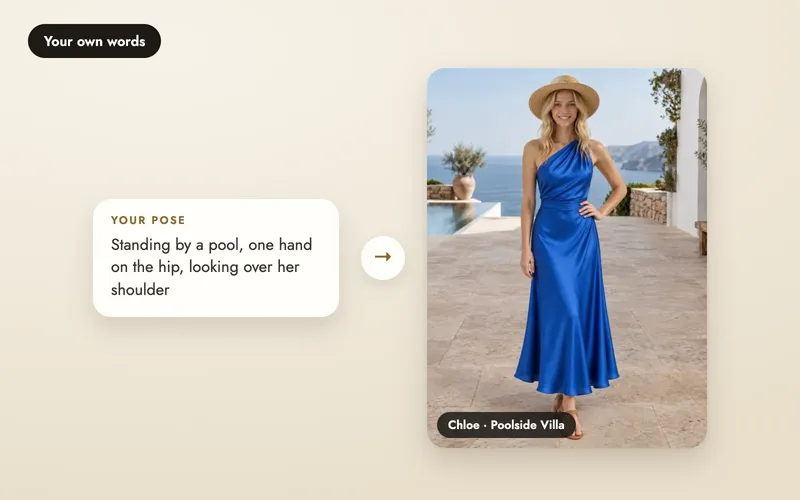
Describe it in words

Type the pose or scene inside your shoot, for example "seated on a carved wooden bench, looking over her shoulder".

  • No extra cost on top of the photo
  • Used for that photo only
  • No preview first, so results vary more
  • Also works when you make a photo again
Describe a pose or scene

Make your own pose or scene

Aaina makes a photo of the pose or scene first, so you see it before you shoot. It is saved for you to reuse.

  • 5 credits to make, then reuse it
  • Preview before you use it
  • Saved in your Library, only you can use it
  • Credits come back if it fails
Make your own

Share it with the community

Make the same kind of reference for free and let other sellers use it too, after our team approves it.

  • Free to make
  • Up to 2 free a day, poses and scenes together
  • You can use it straight away
  • Others can once it is approved
Create community references

New · For brands and teams

One studio for your whole team.

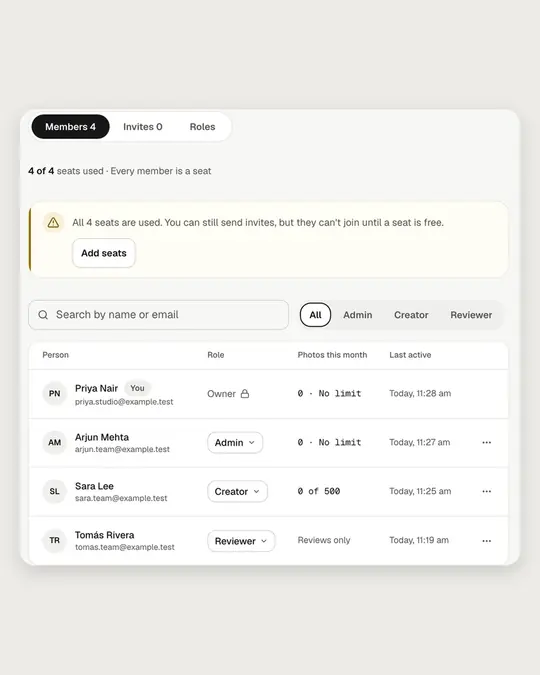
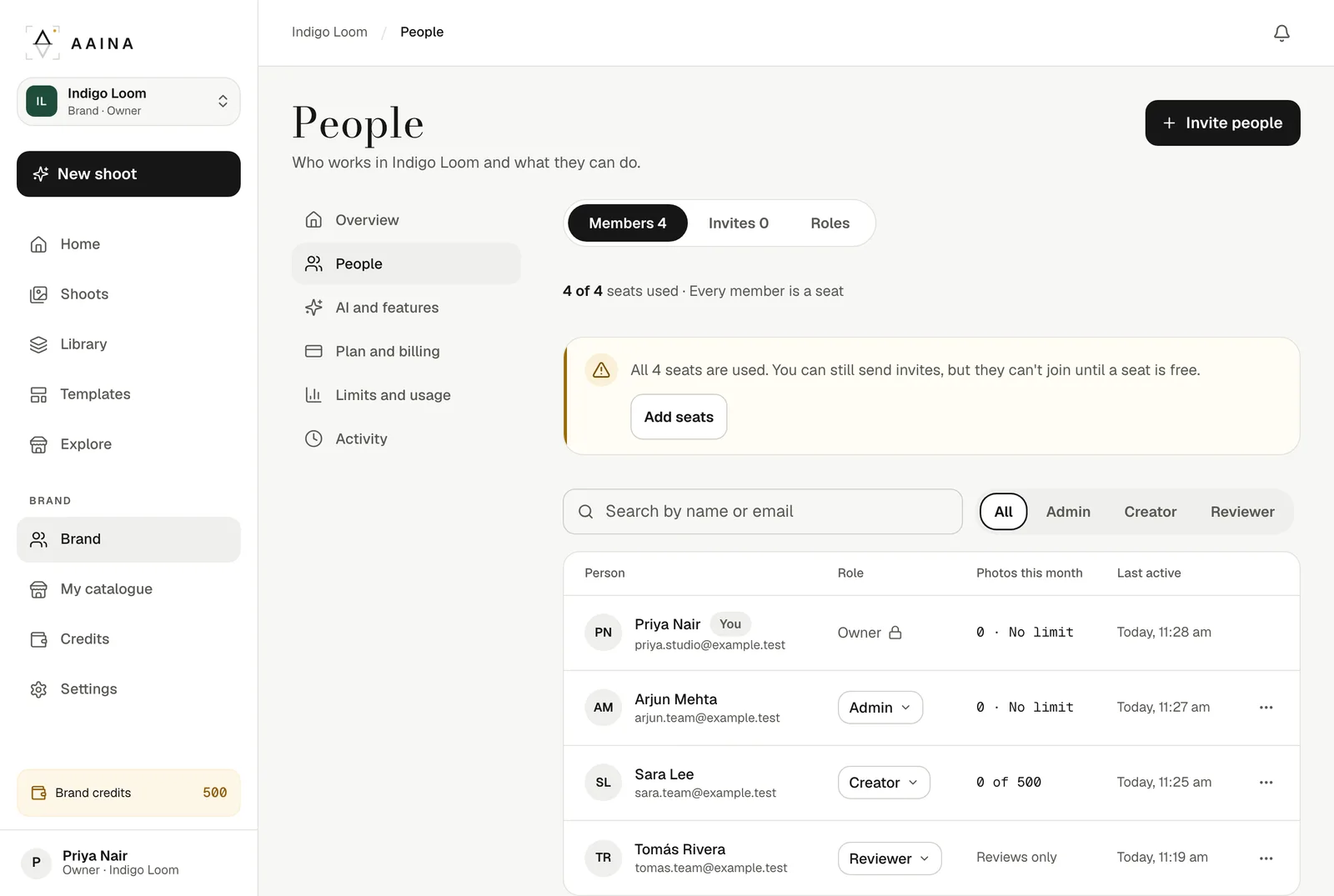
Create a brand and invite the people who make your photos. Each person gets a role, photos are paid from brand credits, and you decide who sees prices and how many photos each Creator can make. On the Brand plan, photos can run on your own OpenAI account.

  • Owner, Admin, Creator and Reviewer roles
  • Brand credits, monthly credit limits and an activity log
  • Switch between your studio and your brands in one tap
People in a brand: four members with their roles and monthly limits

Brand plan · Bring your own key

Run your studio on your own OpenAI key.

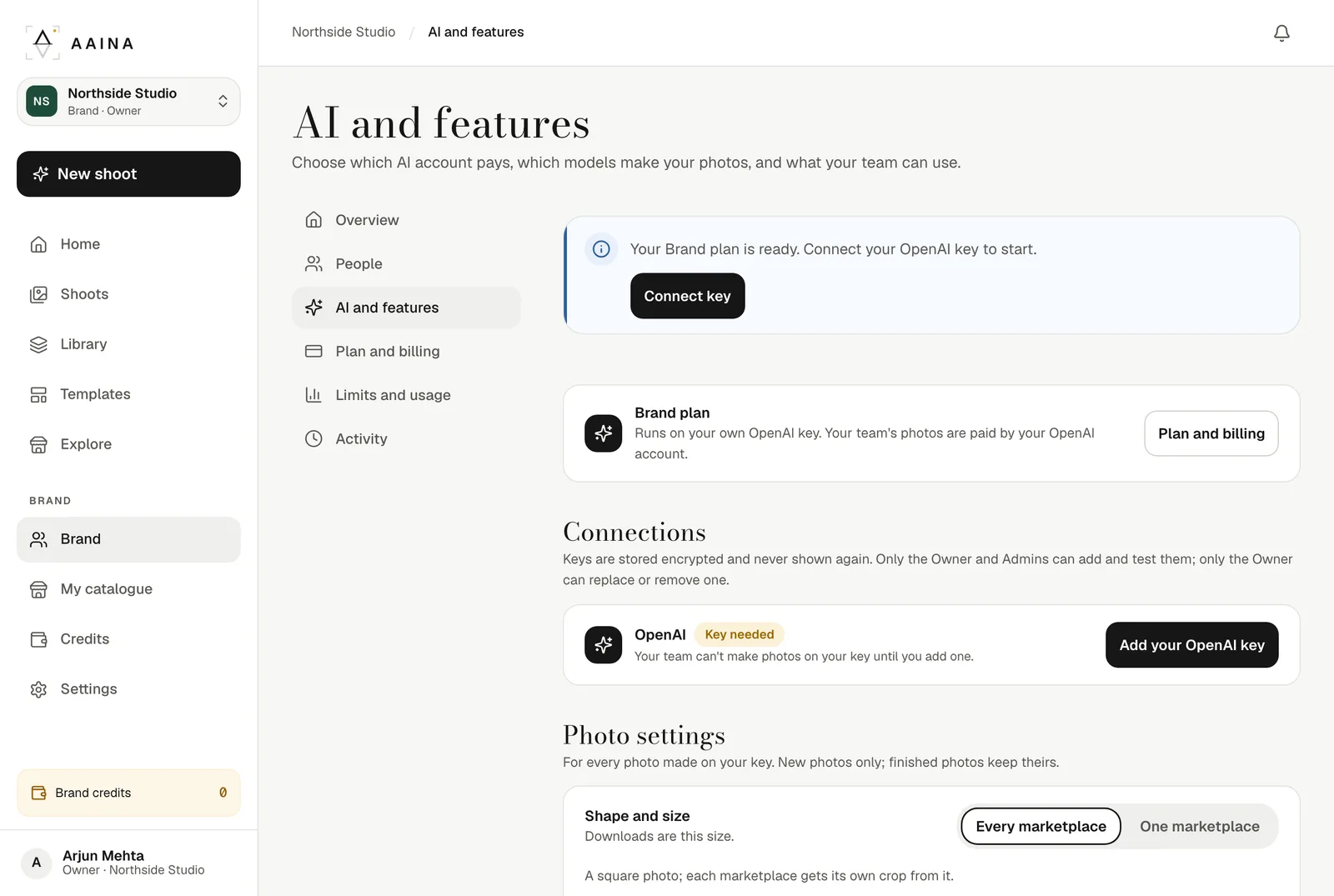
On the Brand plan your team's product photos, edits, readings and listings run on your brand's own OpenAI account. OpenAI bills you directly at its own prices, Aaina charges ₹499US$11 a seat a month, and no Aaina credits are used for work on your key.

  • Choose the OpenAI model for each feature
  • Square photos up to 2880 pixels
  • Key stored encrypted; only the Owner can replace or remove it
  • Never falls back to Aaina's own AI accounts
A brand's AI page in Aaina: the connected OpenAI key and where each feature runs

Where you already work

Aaina for Shopify, and in ChatGPT.

Make model photos without leaving your Shopify admin, or just by chatting in ChatGPT.

Aaina for Shopify

Make model photos from your Shopify products inside your Shopify admin, add them straight to the product, and write the product details. Credits are bought through Shopify, and Shopify prices are its own.

Pricing · Introductory prices

Pay per photo. Or plan for your team.

From ₹12US$0.35 per product photo, GST includedtaxes included. Credits never expire, from a pack or a monthly plan; plans add seats for your team.

Pricing details
StarterOne-time ₹149US$5₹15US$0.50 a photo 50 credits
ProMonthly ₹1,199US$35a month₹12US$0.35 a photo · 3 seats 500 credits
BusinessMonthly ₹4,799US$140a month₹12US$0.35 a photo · 10 seats 2,000 credits

Also the Brand plan: ₹499US$11 a seat a month, on your own OpenAI key. Extra seats ₹499US$11 each.

Questions

Good to know

What is Aaina?

Aaina turns a photo of your product into studio photos on a model. You upload the product, choose a model, a pose and a scene, and download the finished images. It is made for online fashion and jewellery sellers.

Is it free to try?

Yes. A new account gets 25 free credits after you verify your email, with no card or payment needed. A product photo uses 5 credits, so that is enough for five photos.

Is there a subscription?

Not unless you want one. One seller can buy a credit pack once: the credits never expire and nothing renews. Teams can choose a monthly plan with seats for everyone, and those credits never expire either. See pricing.

Can my team work in Aaina together?

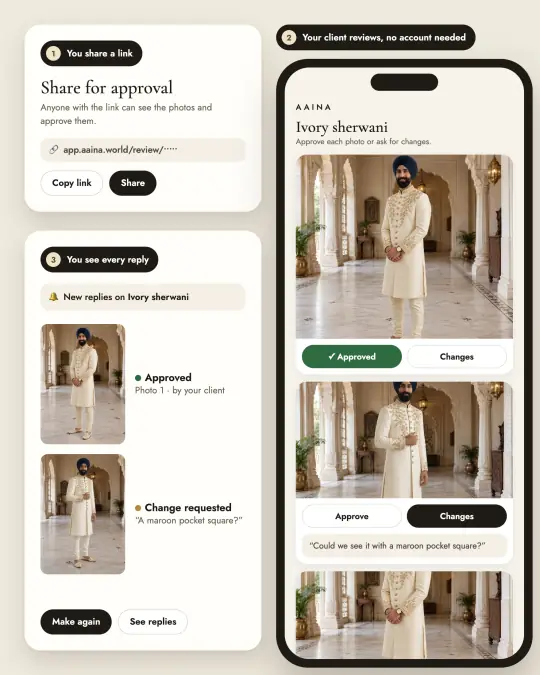
Yes. Create a brand: a shared studio where each person has a role (Owner, Admin, Creator or Reviewer), photos are paid from brand credits, and you can set credit limits and see an activity log. Your personal studio stays separate. Brands and teams.

Can I choose my own pose or scene?

Yes, in three ways. Describe it in words inside a shoot at no extra cost. Create a private pose or scene photo you can reuse, for 5 credits. Or share your creation with the community for free, up to 2 a day. How the three options differ.

Do I need a professional product photo?

No. A clear phone photo of the product on a plain background works. Add a back or close-up photo if you have one, so details stay right. Photo tips.

Can I use the photos commercially?

Yes, commercial use is included: on marketplaces, your own website and social media. Every photo is made as a large square and each download shape (1:1, 3:4, 4:5, 9:16 and more) is cropped around the model, with the full figure kept and no white bars. Choose your marketplaces once and each download comes in the shape that site asks for.

What if a photo comes out wrong?

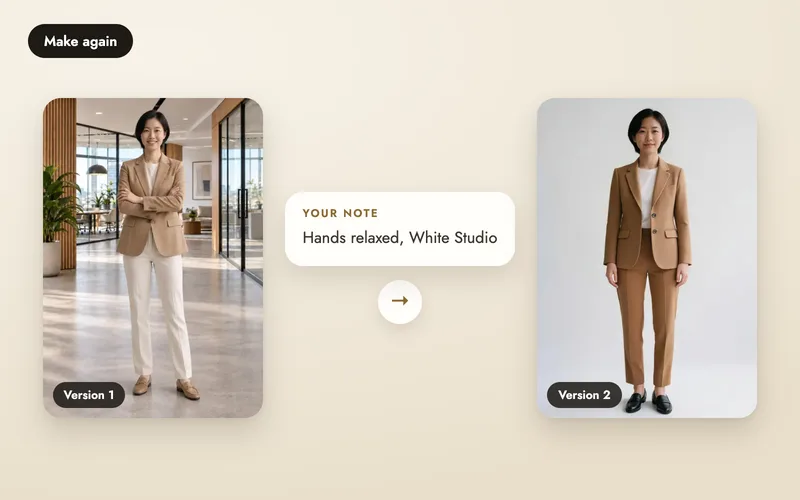
If a photo fails, its credits come back automatically. You can make any photo again with a different pose, scene or a note on what to change; that costs the same as a new photo, and every version is kept.

More questions? Email hello@aaina.world.