Guides
Learn Aaina, one task at a time.
Each guide shows the real app screens, what to click and type, what you get, and what it costs in credits. The website and the phone app work the same way unless a guide says otherwise; brands and teams are on the website.
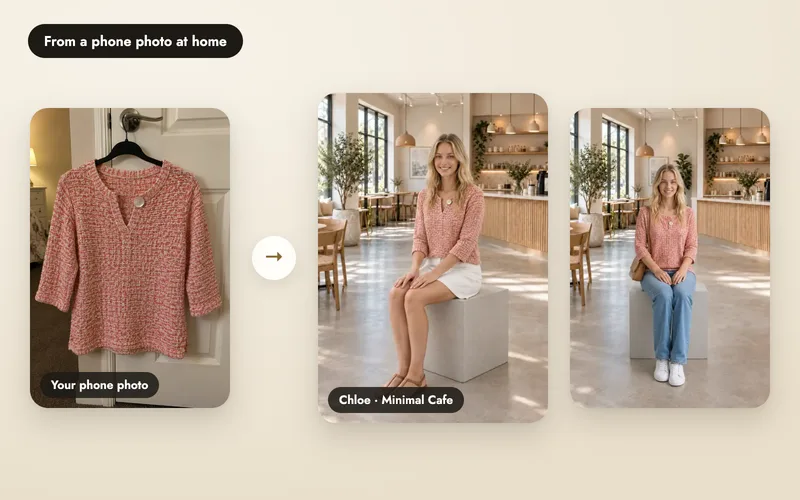
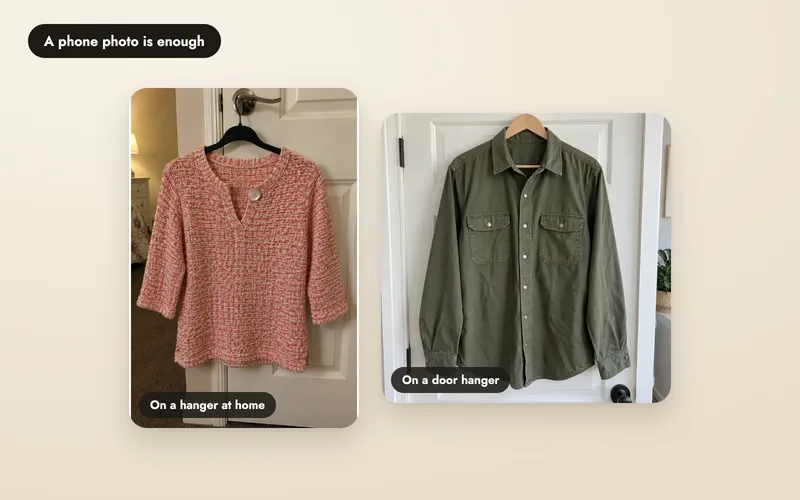
Your first product photoshoot
Upload a product, choose a model, poses and a scene, and get your first photos. Everything you need for a first shoot, from the product photo to the download.
Read the guideStart here
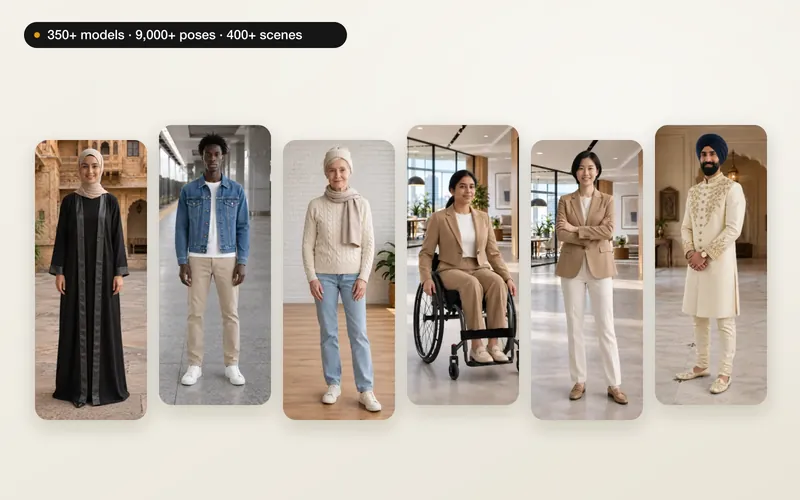
Your own models, poses and scenes
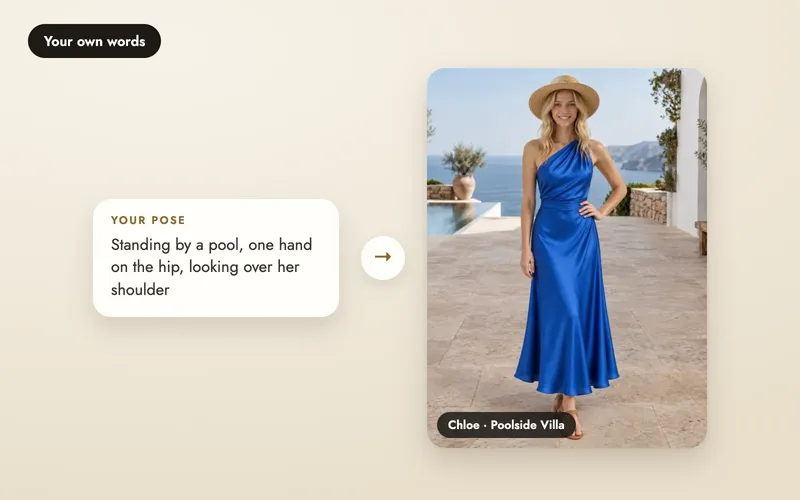
Describe a pose or scene in words
Type your own direction inside a shoot. No extra credits, no setup.
4 min read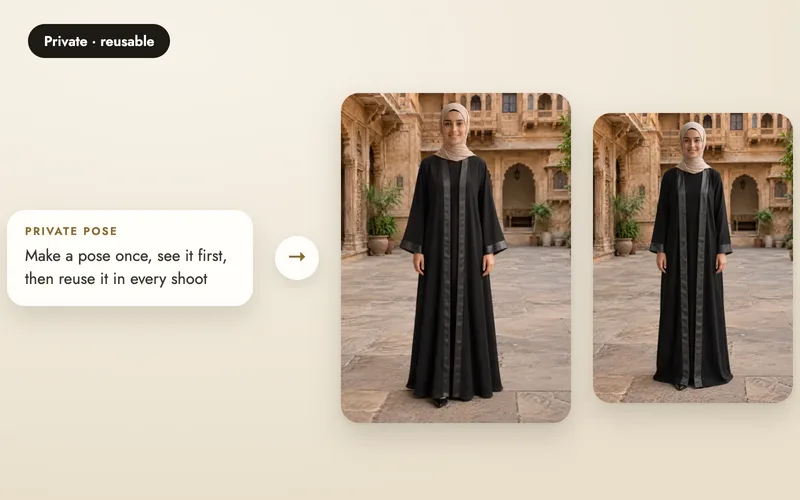
Make your own poses and scenes
Make a pose or scene photo for 5 credits, preview it, and reuse it in any shoot.
4 min read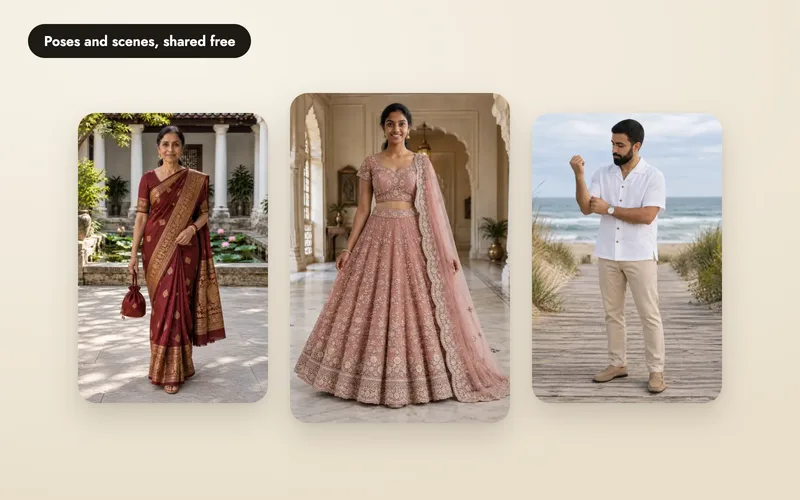
Create community references for free
Share a pose or scene with other sellers at no cost, up to two a day. How approval works.
4 min read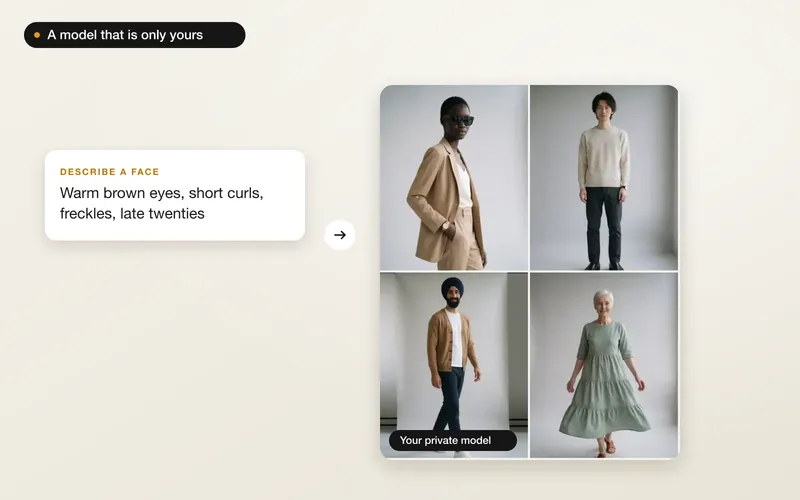
Create your own model
Describe a new face and pick from options made by AI, or use a real adult from your photos, with their permission.
3 min readMore from one product photo
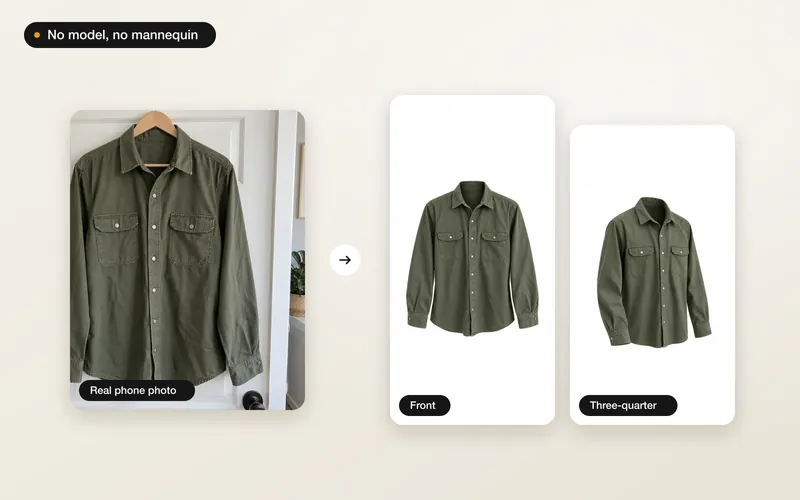
Ghost mannequin photos
The garment alone in its worn 3D shape, from a photo on a hanger. Choose the angles you need.
3 min read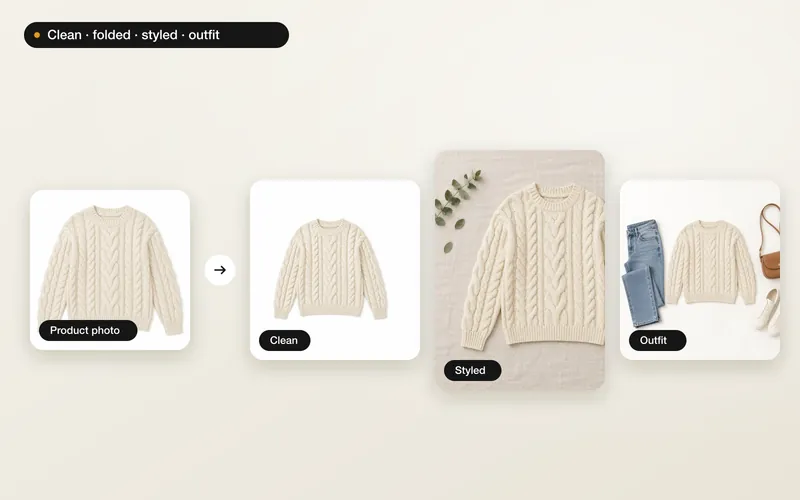
Flat-lay photos
Clean, folded, styled or full-outfit flat-lays shot from above, from one product photo.
3 min read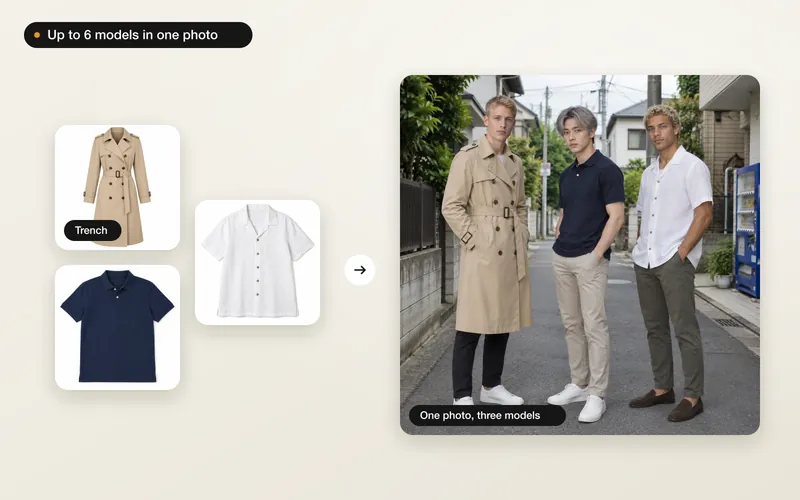
Several models in one photo
Line up to six models in one photo, each wearing your products, or one shoot per person.
3 min read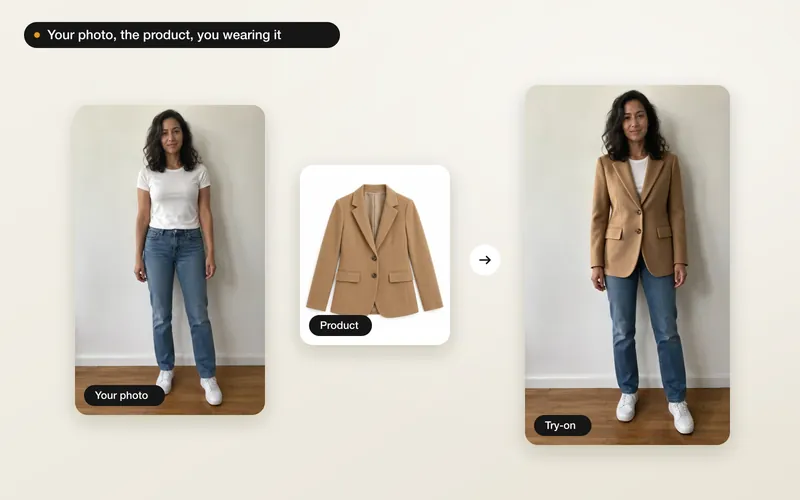
Try a product on yourself
See one of your products on you from a single photo, with your face and pose kept. Private to you.
2 min read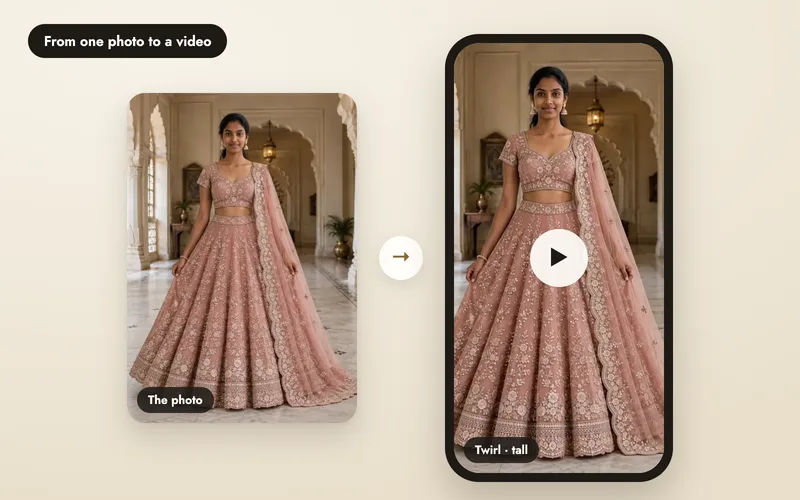
Make a product video from a photo
Pick a motion, shape, size and sound, and turn a finished image into a 4, 6 or 8 second clip.
4 min readAfter the shoot
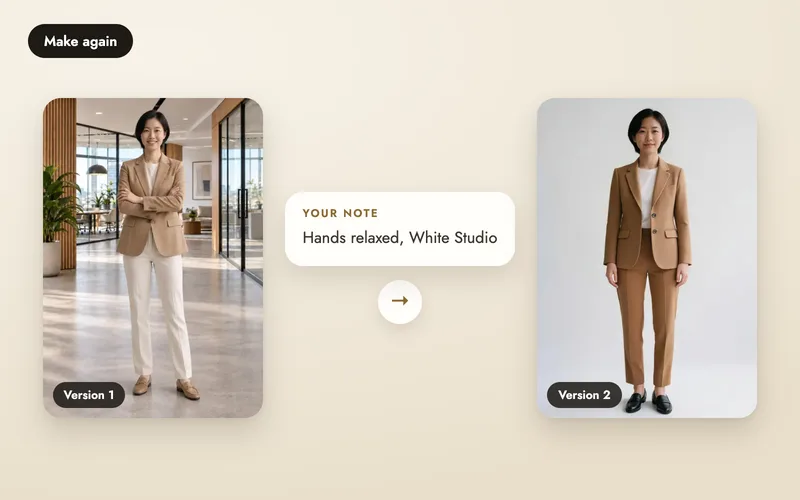
Make again and compare versions
Change the pose, scene or add a note, keep every version, and pick the one to use.
4 min read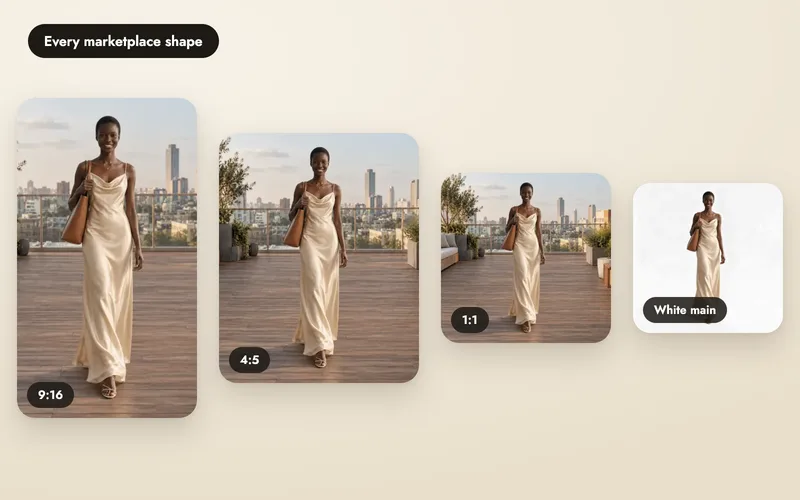
Download photos for every marketplace
Save a whole shoot in each marketplace's own shape and size, or 1:1, 3:4, 4:5 and 9:16, with a white main photo when needed.
3 min read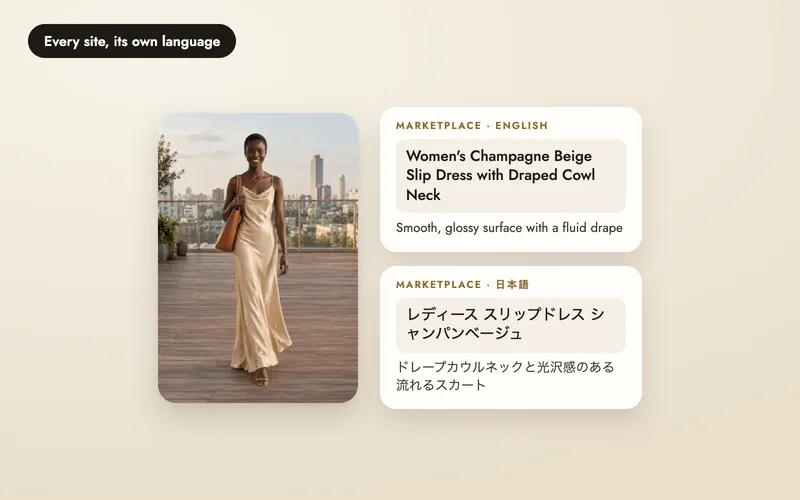
Write marketplace listings in every language
Titles, bullets, descriptions and search terms for each site you sell on, within its limits.
4 min read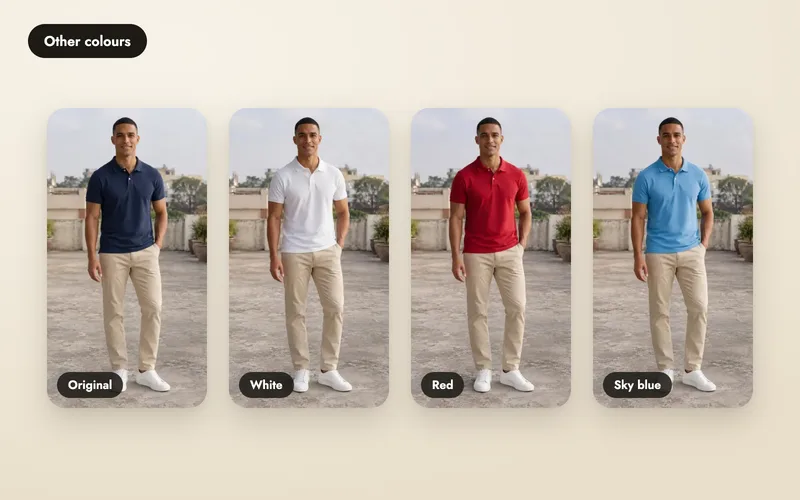
Change colours and fix small things
Show the same shot in up to six colours, or correct one detail, without a new shoot.
3 min read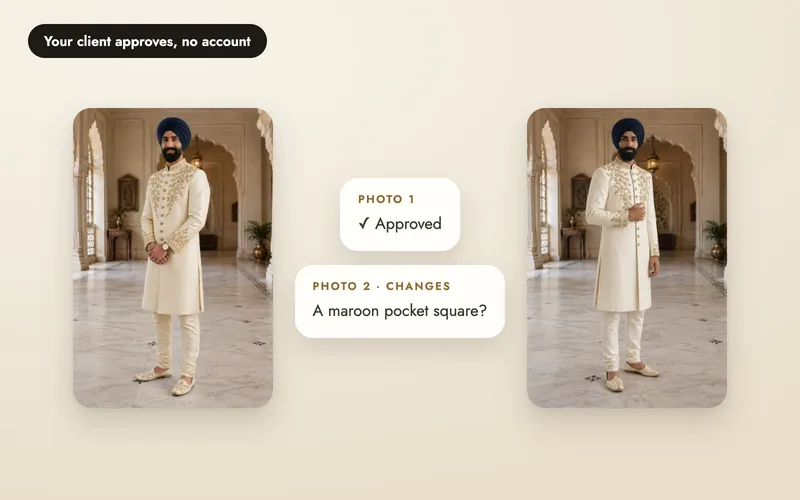
Share a shoot for approval
Send a private link. Your client approves or asks for changes on each image, no account needed.
3 min read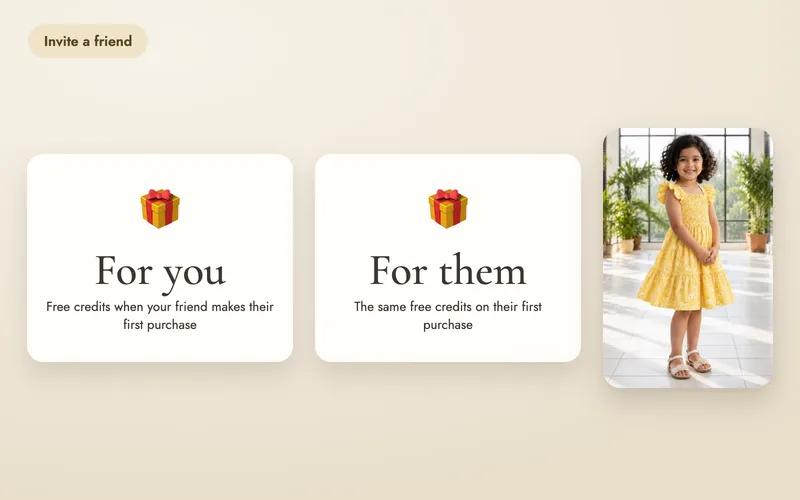
Invite friends, both get 20 credits
Where to find your invite link and when the credits arrive.
2 min readTemplates and Looks
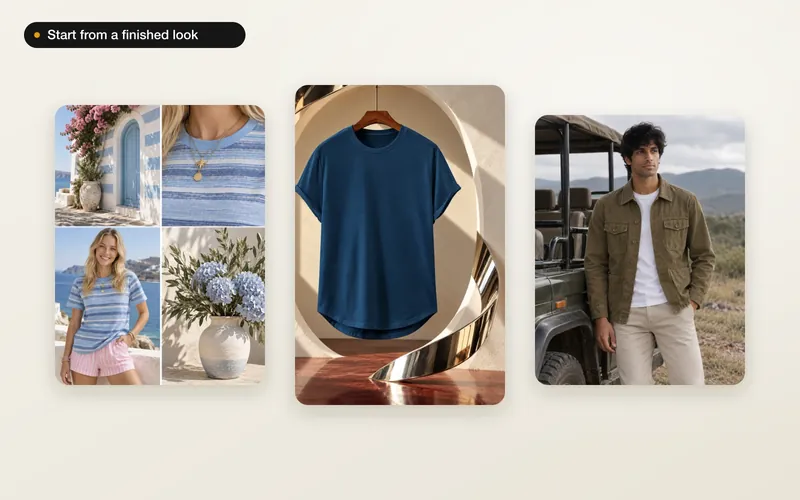
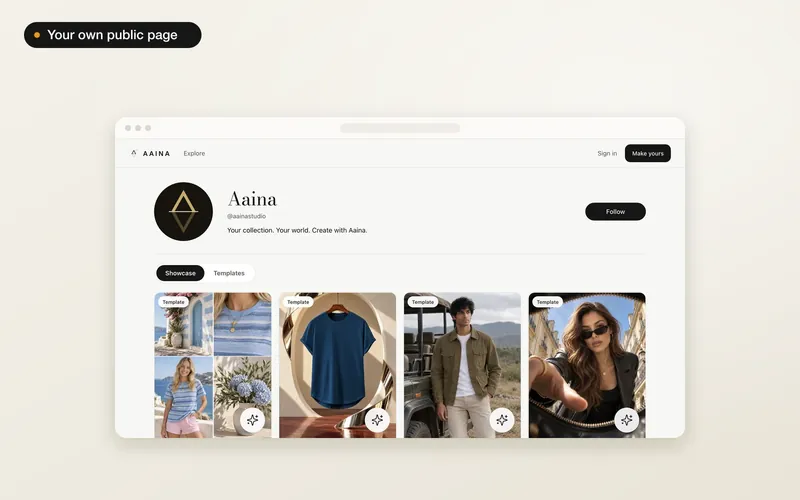
Brands and teams
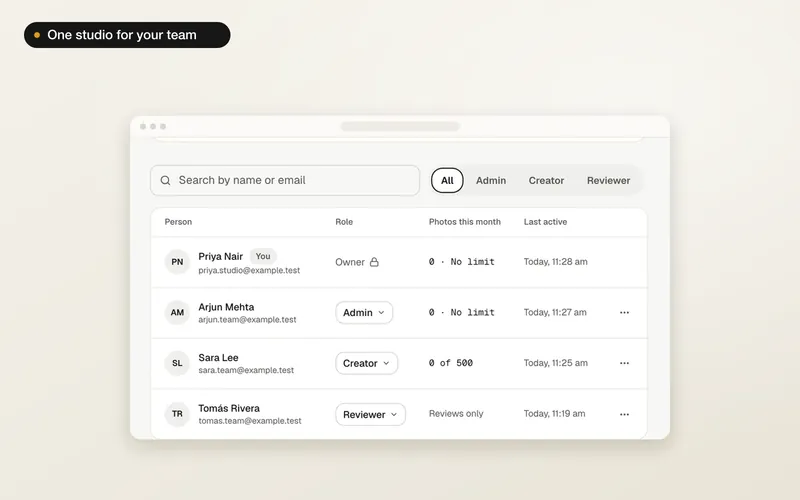
Create a brand and invite your team
A shared studio for your team: name it, choose how it pays, and invite people by email.
4 min read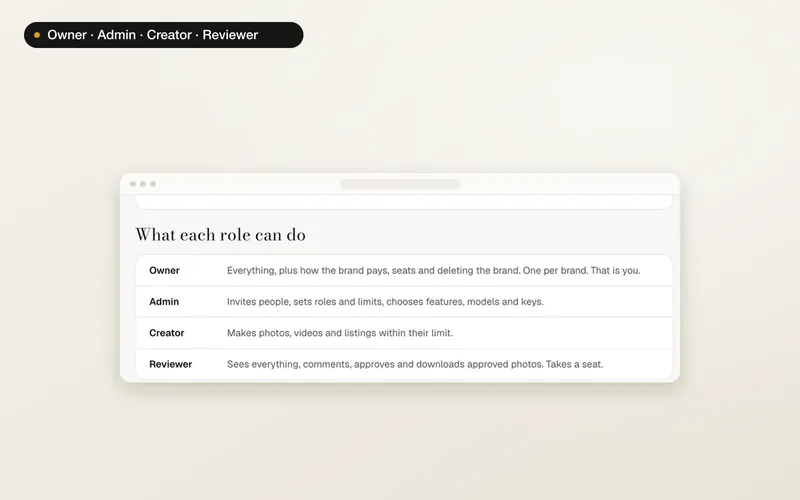
Roles: Owner, Admin, Creator, Reviewer
Exactly who can make photos, see money, change settings and manage the plan.
3 min read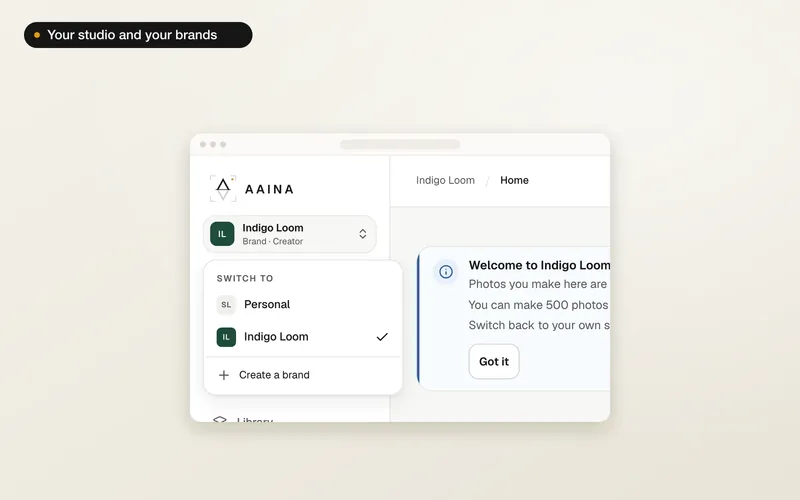
Switch between your studio and a brand
One menu moves you between your personal studio and your brands. What stays separate.
2 min read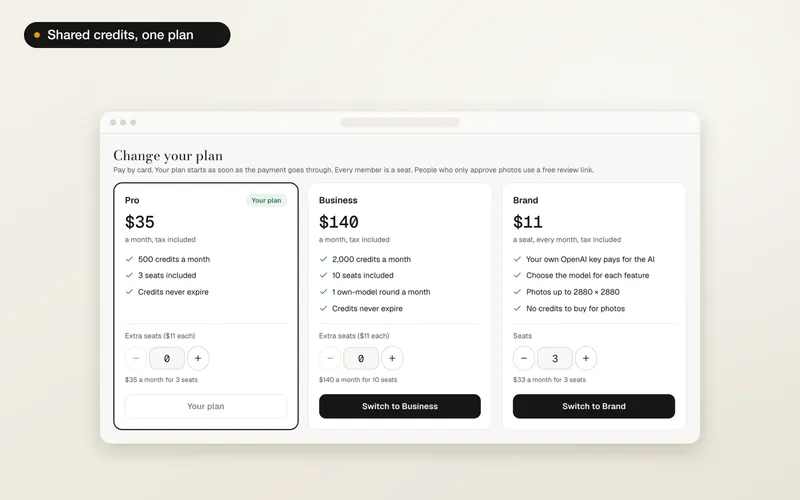
Brand credits and plans
Choose a plan, add seats, upgrade, set credit limits, buy a top-up or cancel.
4 min read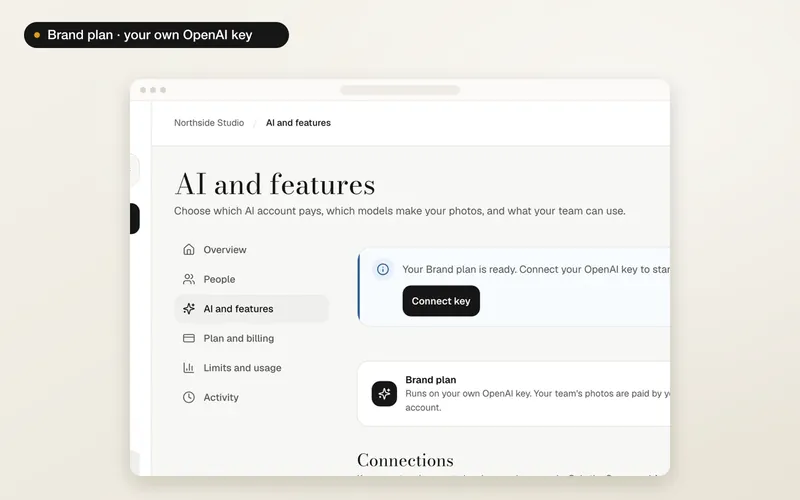
Use your own OpenAI key
On the Brand plan: connect your key, choose what runs on it, and set photo size and quality.
4 min read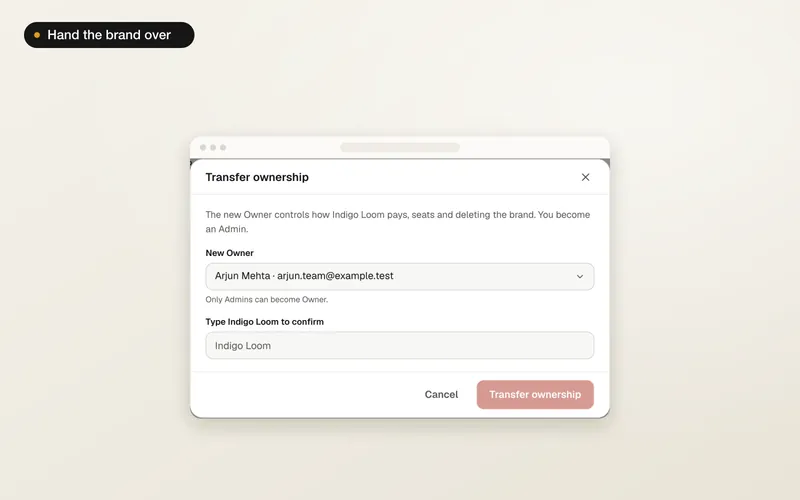
Hand a brand to a new Owner
Pass the brand to one of its Admins. What happens to the plan and everything the team made.
2 min readChoosing a tool

Check product-photo quality and usable cost
Inspect prints, jewellery and coverage, then work out the cost of the photos you would publish.
7 min read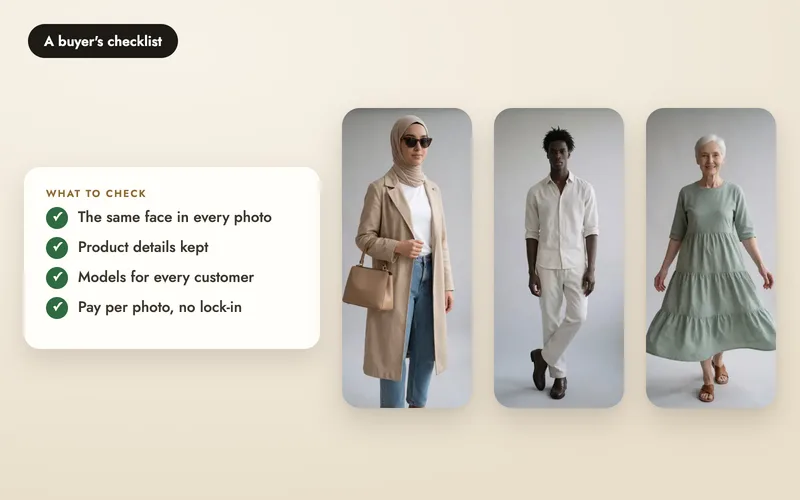
How to choose AI product photo software
A 13-point buyer's checklist for any AI product-photo tool, with a table to compare tools and how Aaina answers each point.
9 min read
AI photos vs a traditional photoshoot
A neutral look at where AI product photos help, where a traditional shoot still wins, and a practical hybrid approach.
5 min readPricing and background
Why Aaina costs what it does
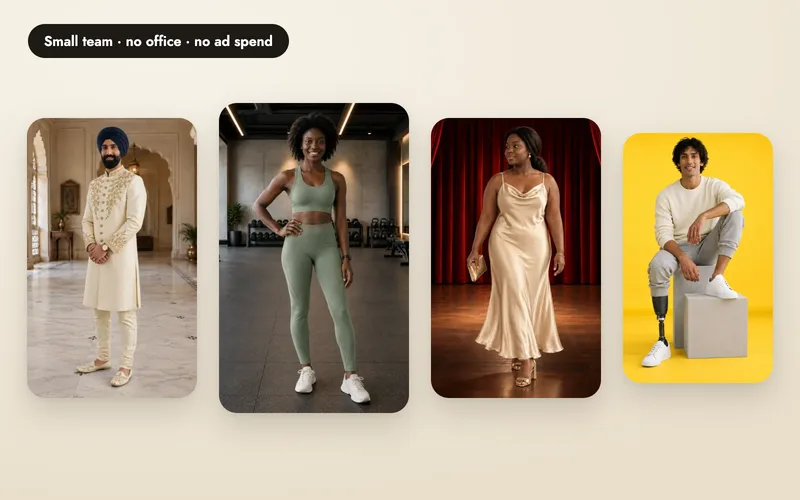
A small team, no office and no advertising spend. What that means for your price per photo.
3 min read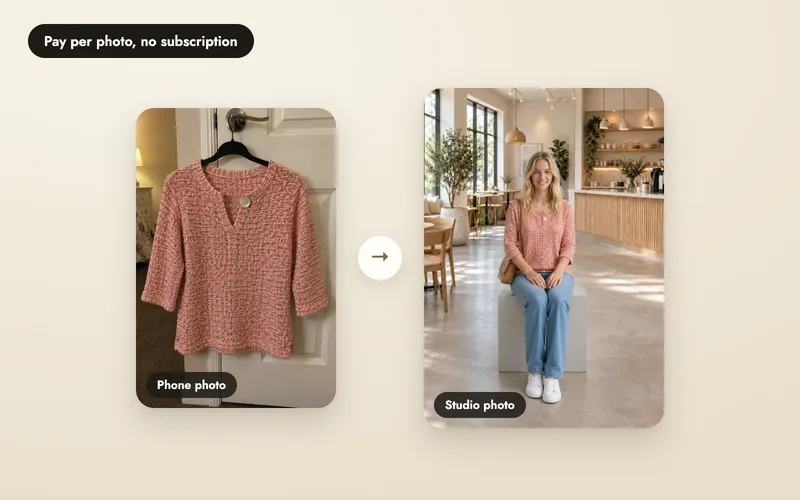
How AI product photography cost actually works
Credits, retries, what's free, and a worked example, plus a worksheet for pricing your own traditional shoot.
6 min readNew accounts get 25 free credits after verifying their email: enough for five photos.