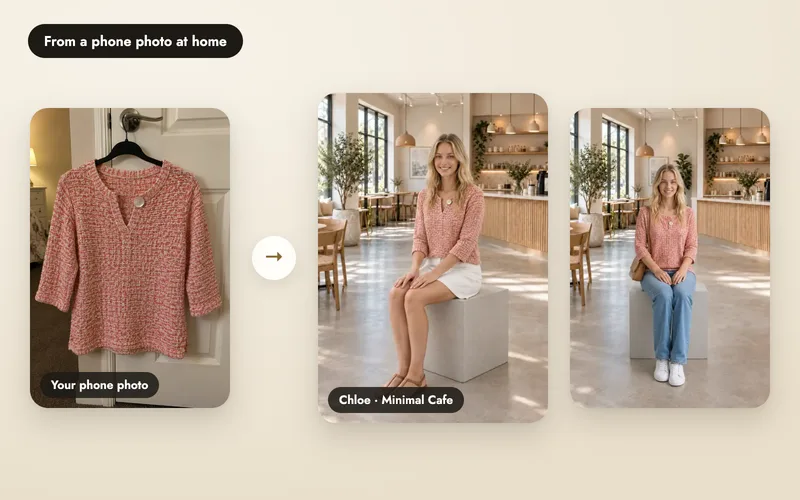
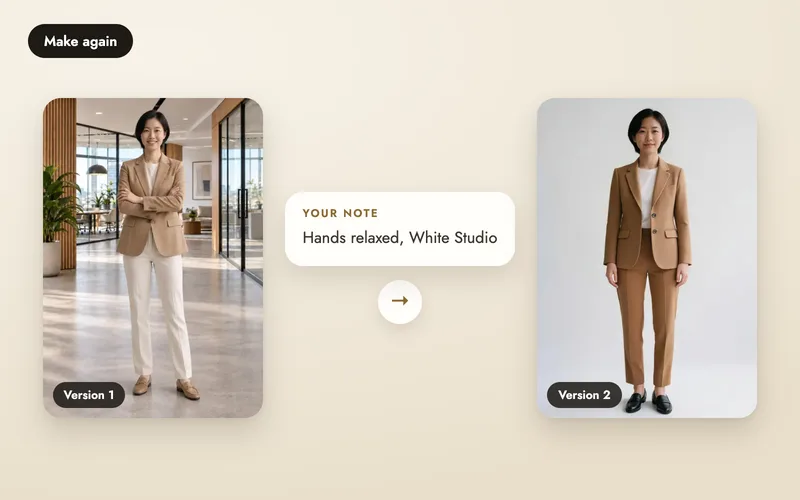
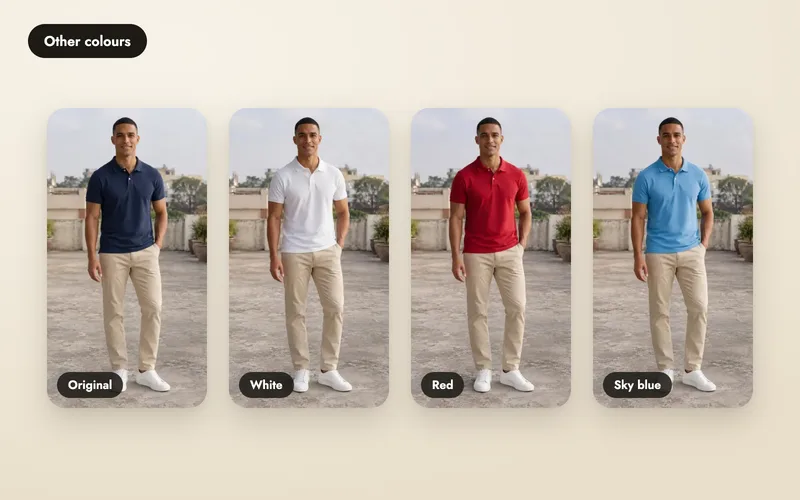
See what it makes. Each clip below started from the photo next to it.
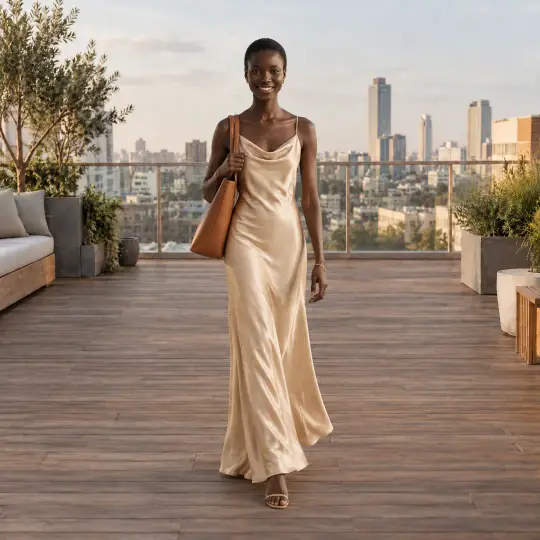
The photo: Nia, Golden Hour Rooftop
The video: Gentle sway
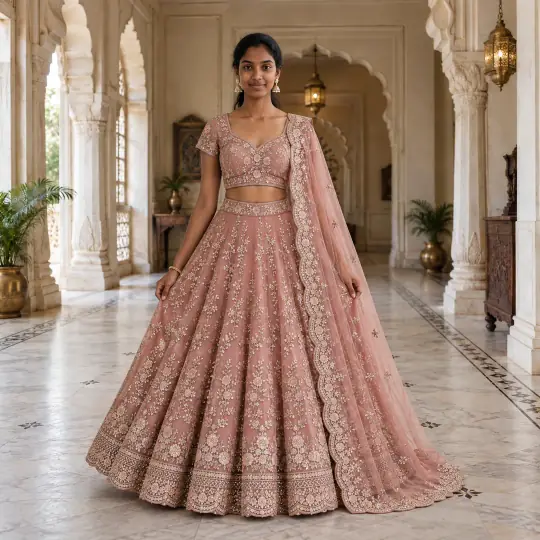
The photo: Meera, Palace Hall
The video: Twirl
A video starts from an image you already like, so the model, outfit and scene stay the same. Make a video is usually ready in about a minute; longer clips and Full HD can take longer. You can leave the page while it is made. Read the product videos page for the overview.
Open the video window
Open a finished photo and choose Make a video. Or choose Product video on Home to make a video with up to three people wearing your products, in a scene you pick. (The screenshot shows an earlier version of the window.)
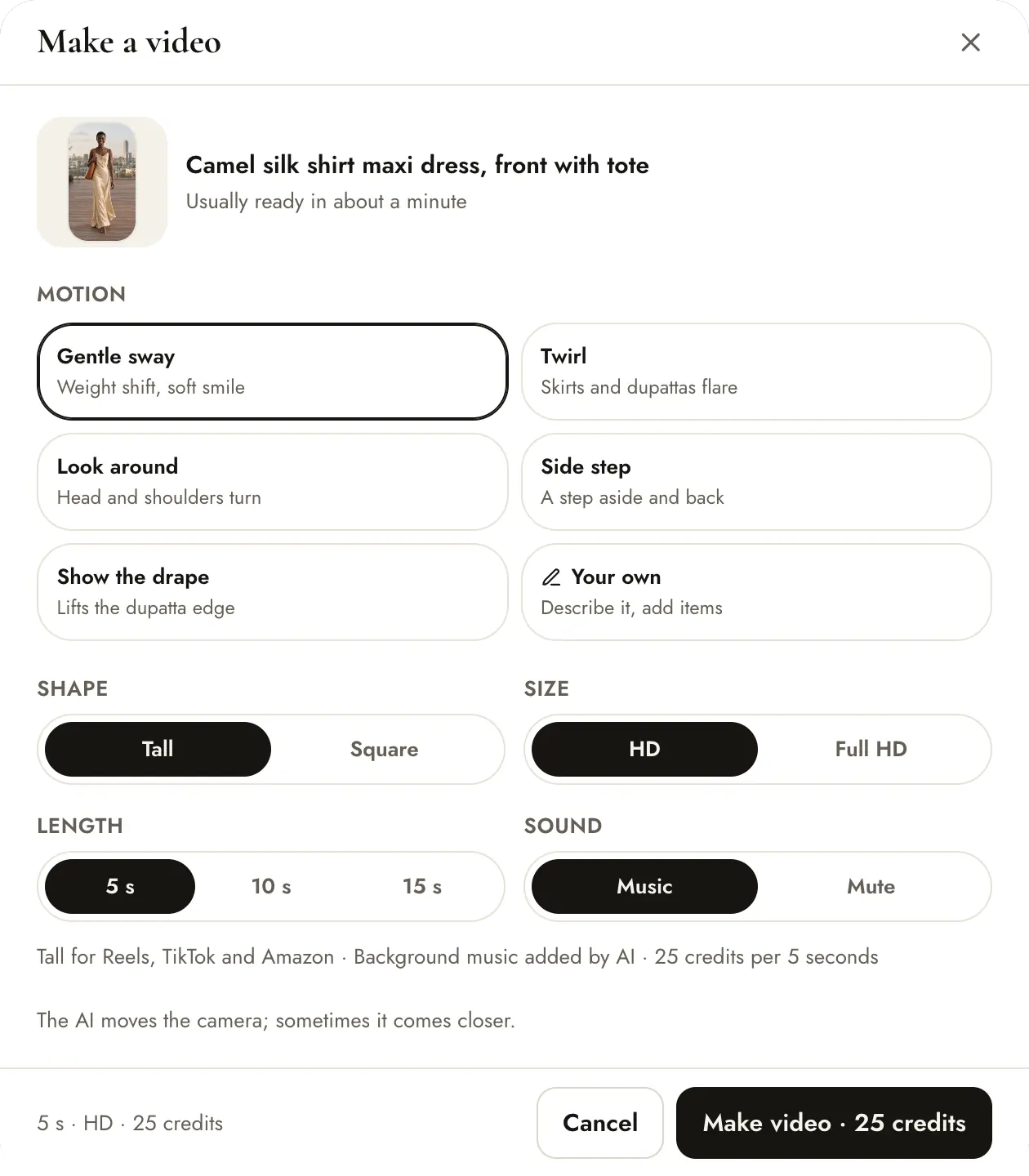
Choose the motion
Pick Gentle sway, Twirl, Look around, Side step or Show the drape. These moves stay in place, so the whole outfit remains in view. Ghost mannequin shoots have a single Turn motion.
Set the shape, size, length and sound
- Shape: Tall (9:16) for vertical feeds and stories, or Square (1:1).
- Size: HD or Full HD (1080p).
- Length: tall videos are 4 s, 6 s or 8 s; Full HD is offered on the 8 second clip. Square videos are 5 seconds.
- Sound: videos are silent. To add a sound, choose Your own, describe it in your words and pick As described.
The price on the button updates with every choice, and you confirm it before anything is charged.
Tall videos are 5 credits per second in HD and 10 in Full HD: a 6 second HD clip is 30 credits. A square clip is 25 credits, or 50 in Full HD. Sound adds nothing. If the video fails, your credits come back.
Or describe it in your own words
Choose Your own to write what should happen, up to 300 characters, and add up to 4 of your own photos (a friend, a bag) with a short name for each. Type @ to use a photo in your words, like @bag swings from her hand. It is one step, and your photos add nothing to the price. With your own words, the sound choice also offers As described.
Your finished video
Videos appear in a Videos section under the shoot's images. While it is made you see a progress bar; then the first frame with a play button, and Save and Share. If it fails, the card says so, your credits are back, and Try again repeats your choices.
Tips
- Start from your best image: the video keeps its face, outfit and scene.
- Try 4 seconds in HD first. It is the cheapest way to check the motion.
- Videos are silent, which suits platforms that want silent video.
- Videos are made for adult models and ghost mannequins only. Models under 18 don't get videos.
- Not happy with the picture itself? Make it again or fix a detail first.