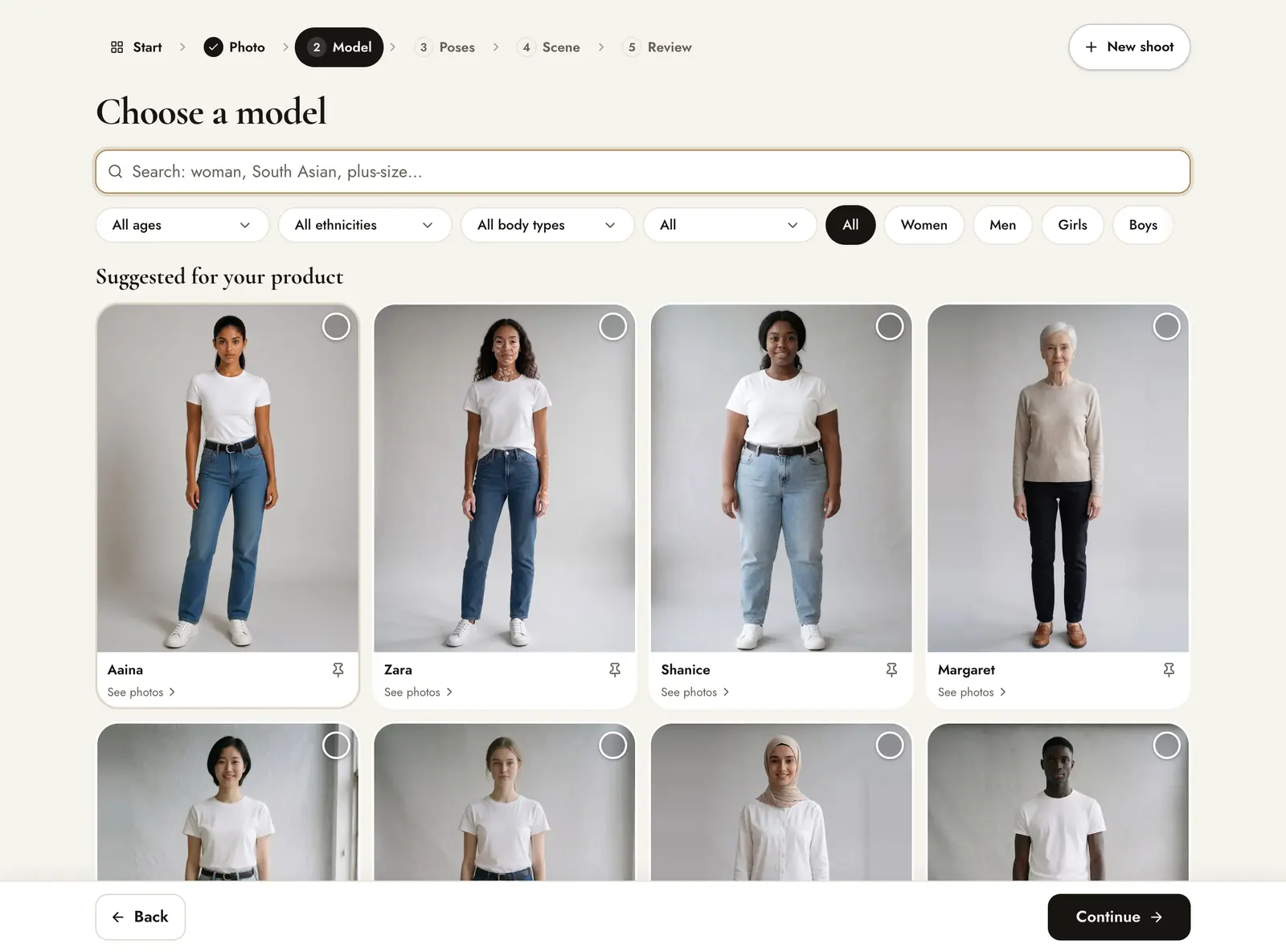
Choose a model
On the Model step there are 350+ models: every age, babies to adults in their 80s, many skin tones and body types, and collections for modest wear, maternity and adaptive fashion, plus kids and teens. Models that fit your product appear first under Suggested for your product; below them is More models, and pinned models come first of all. Use the filters for gender, age, ethnicity, body type or collection, or search, for example “plus-size” or “South Asian”.
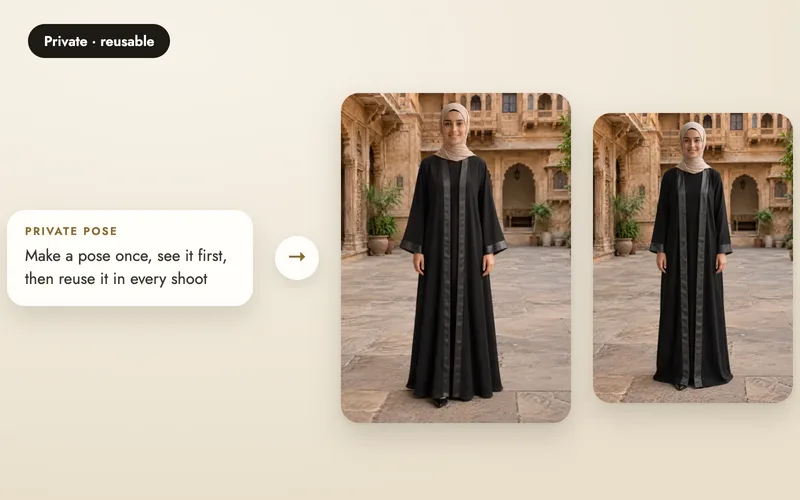
Our first studio models have pose sets of their own, and every other model uses poses shared by models like them, so the poses on the next step change with the model. Suggestions follow your product, so a saree shoot starts with models who wear sarees well and a sweater shoot with a different set.
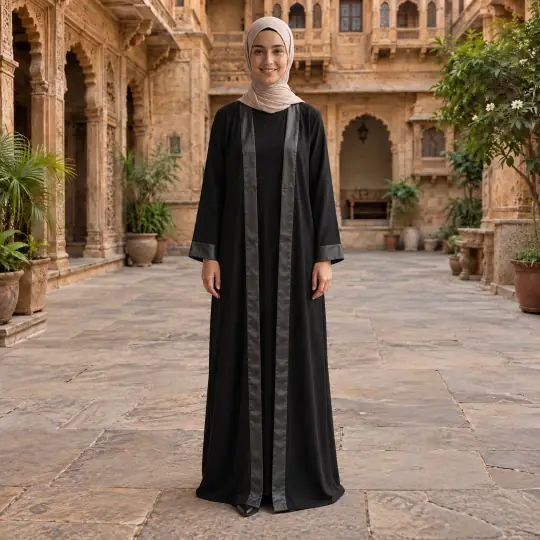
The same product looks different on different people, and your customers see themselves in the range. A few of the models, each in a real shoot:
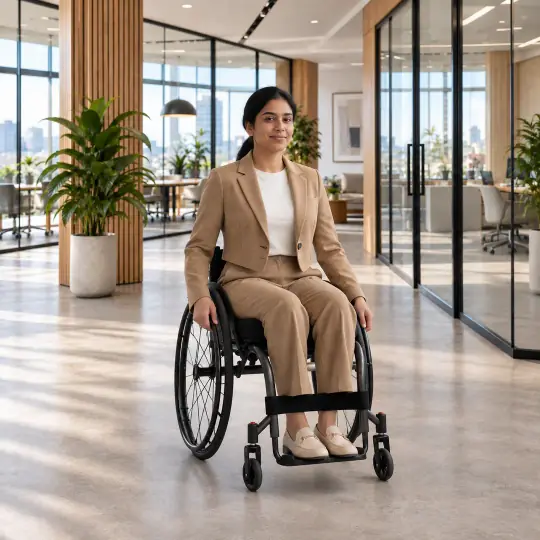
Riya, wheelchair user, Modern Office
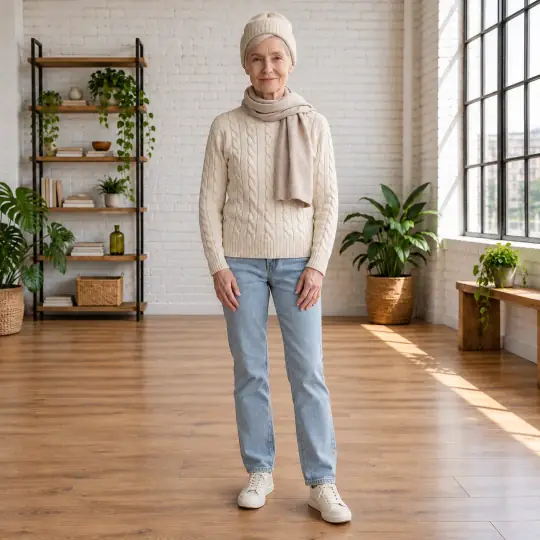
Margaret, in her 60s, White Brick Loft
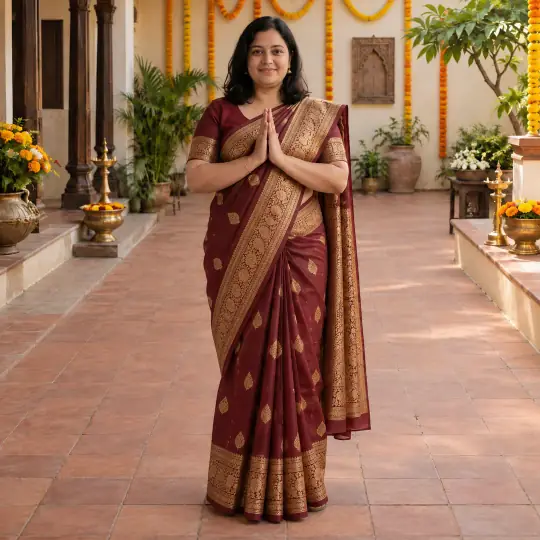
Kavya, plus size, Marigold Festive Set
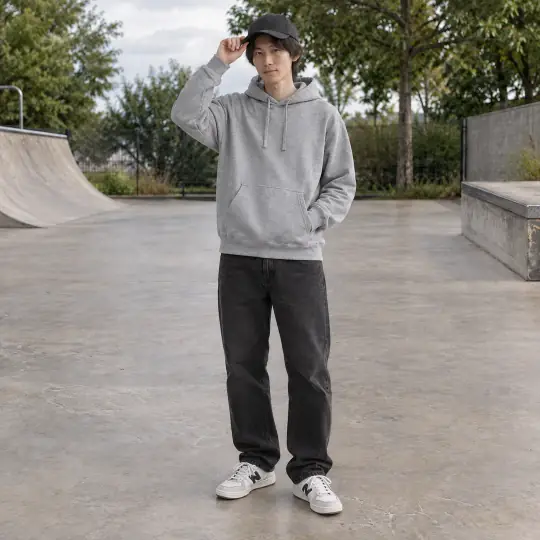
Kenji, Skate Park
Create your own private model in Library, Models: describe a face and choose from 3 made by AI, or use a real adult's photos with their permission. Create your own model.
Want several people in one photo? Add more than one model to the line-up. See several models in one photo.
Find poses
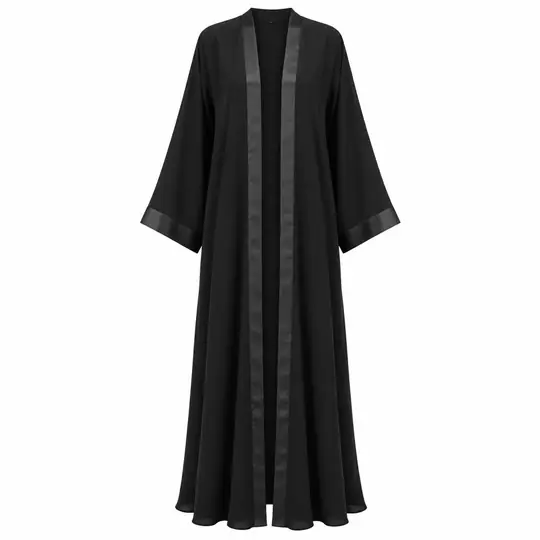
Suggested for your product lists poses tagged for the product type Aaina read from your photo. If the type is wrong, press Change next to it. Below the suggestions, every other pose is available.
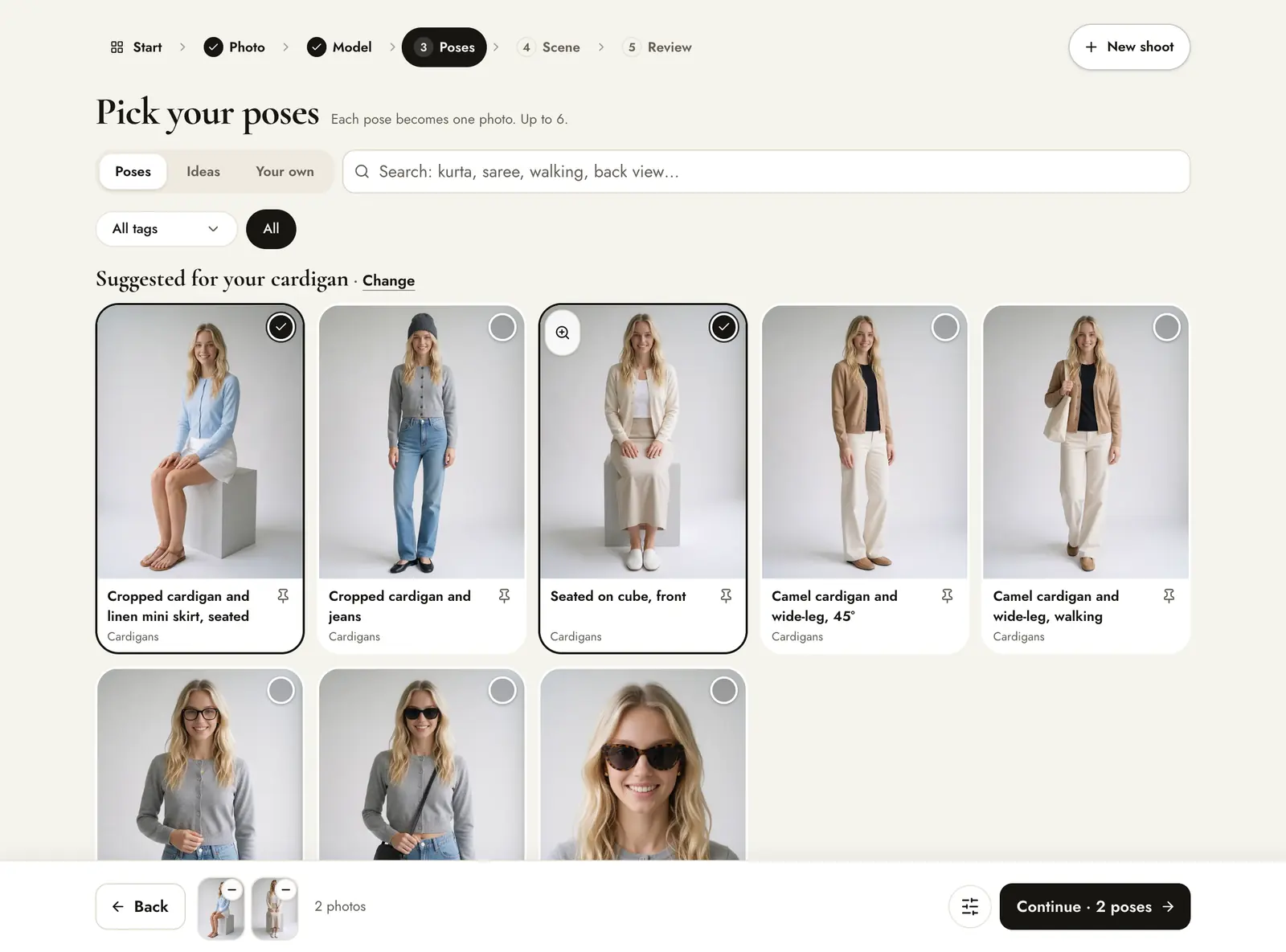
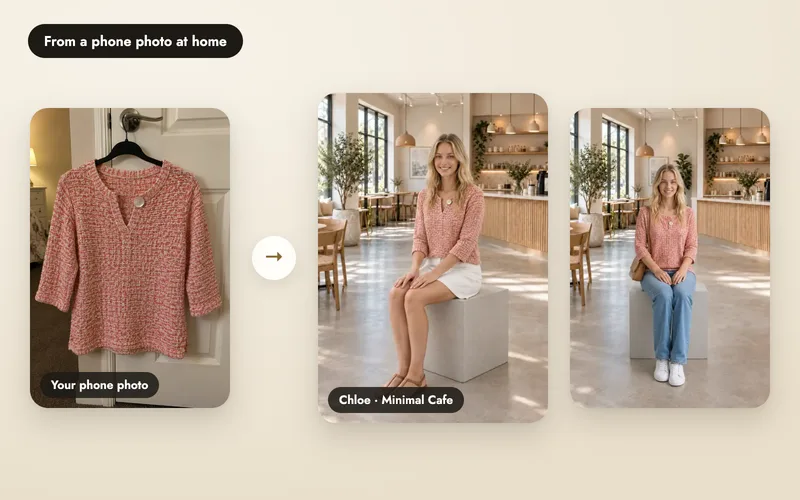
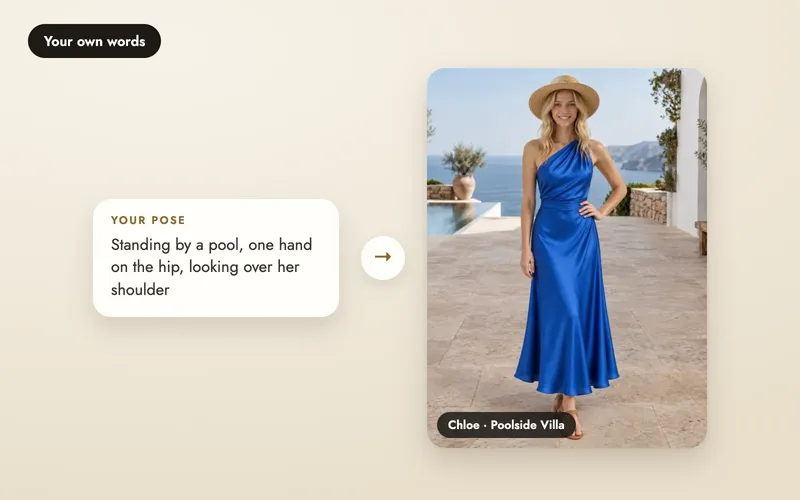
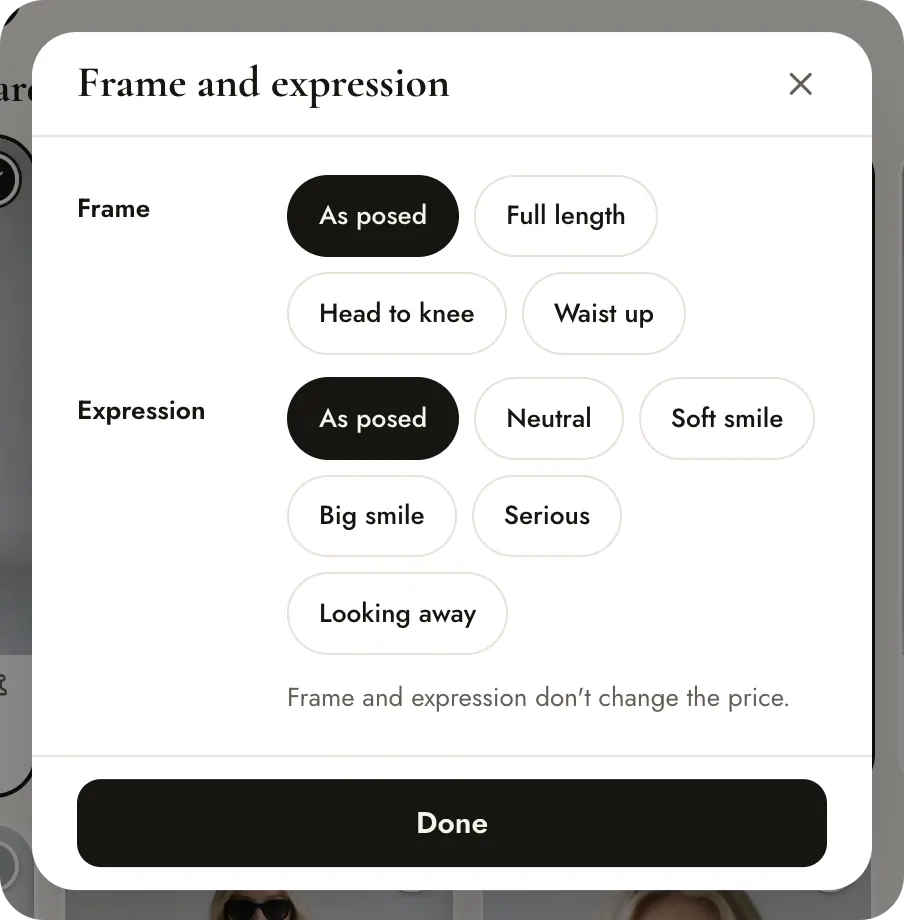
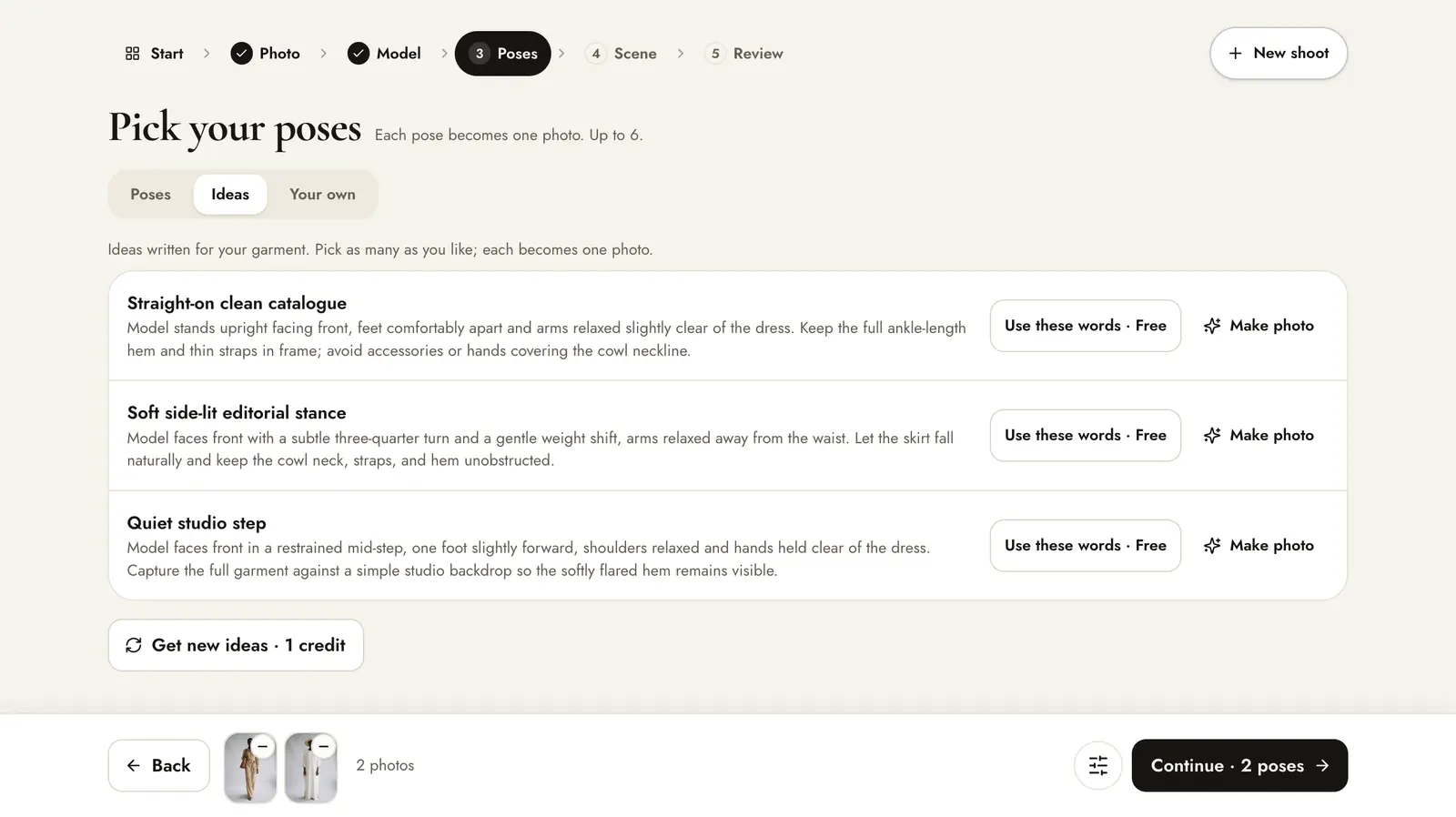
The pose picker has the tabs Poses, Ideas and Your own; poses shared by other sellers appear in the picker once approved. You can pick up to 6 poses per shoot. Any pose can be shown as Full length, Head to knee, Waist up or Close-up, with a Neutral, Soft smile, Big smile, Serious or Looking away expression. Frame and expression cost nothing extra.
- Shelves filter by product family, for example Indian wear or Tops & shirts.
- All tags filters by style or framing.
- Search accepts products and poses: “saree”, “walking”, “back view”.
- Use the magnifier on a card to see the pose large before you pick it.
Ideas and your own
Ideas gives written pose suggestions for your product that you can add with one click; Get new ideas writes a fresh set for 1 credit. Your own lets you describe any pose in words at no extra cost, so you are never limited to the catalogue and can create as many new poses and scenes as you need; see describing a pose or scene.
Choose a scene
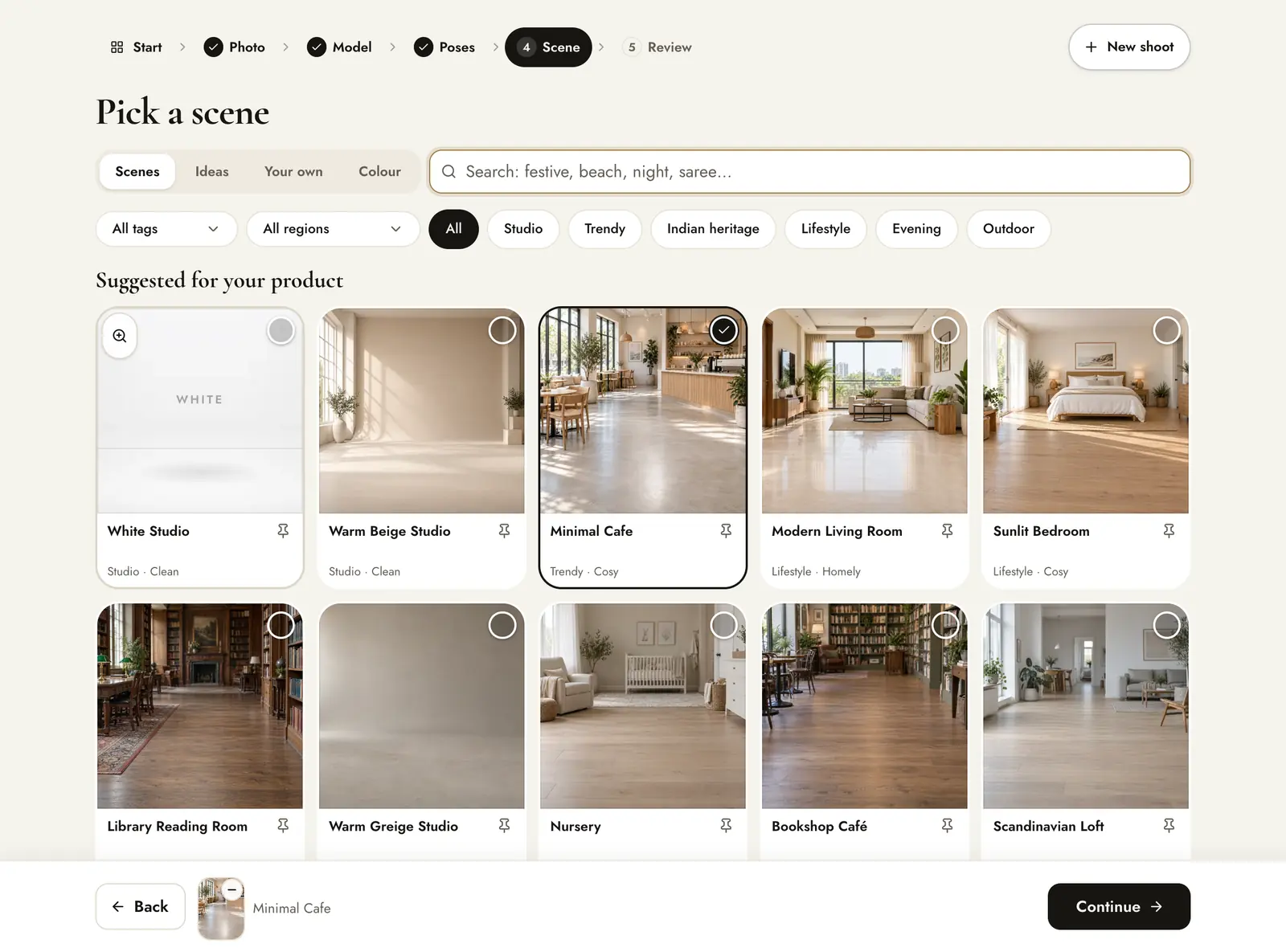
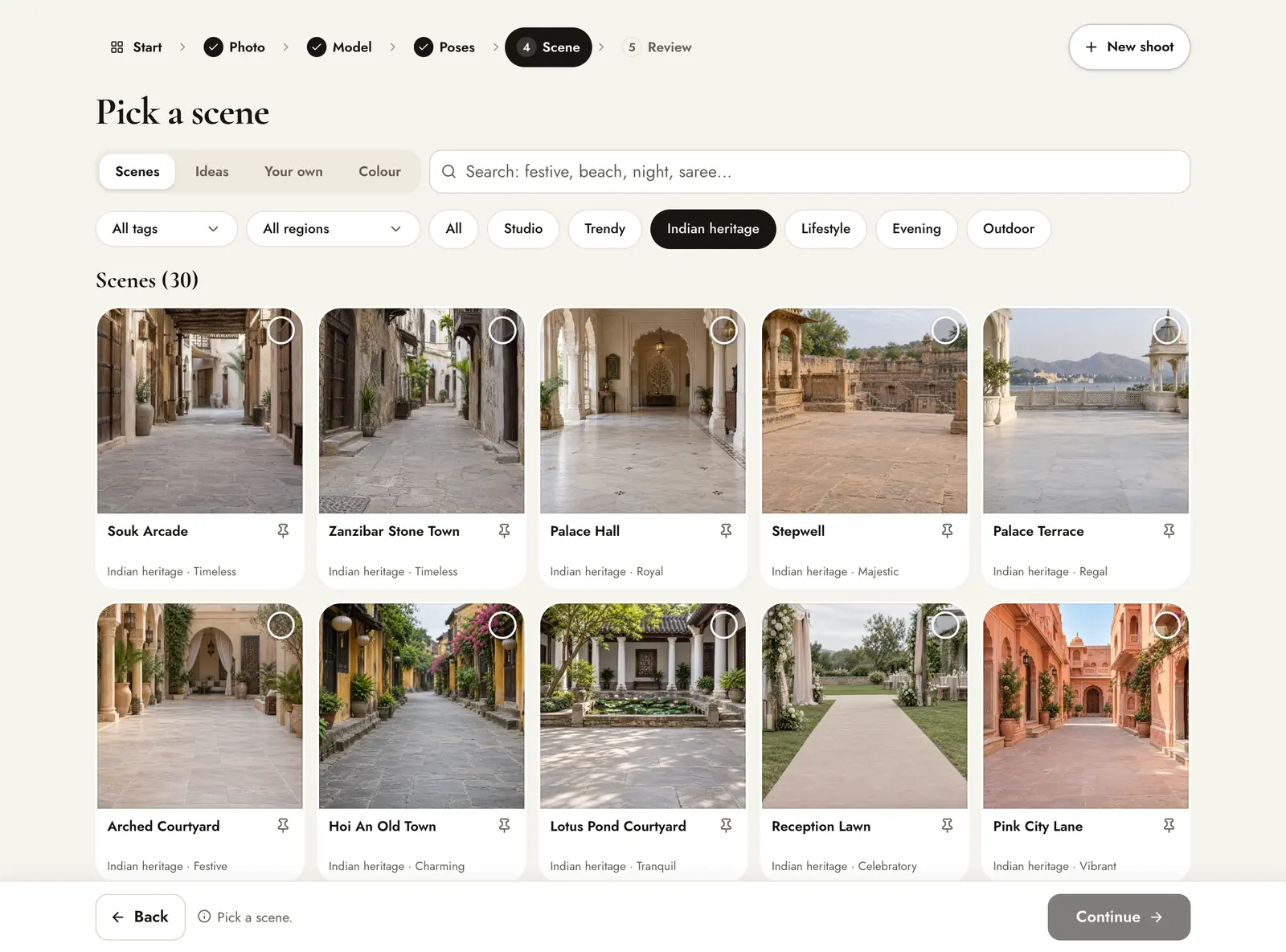
Scenes are grouped into shelves: Studio, Trendy, Indian heritage, Lifestyle, Evening and Outdoor. Scenes that suit your product come first. Search works too: “festive”, “beach”, “night”.
Combinations that work
| Product | Poses | Scenes |
|---|---|---|
| Sarees, lehengas | Full drape stance, pallu turn, back view | Indian heritage, Evening |
| Kurtas and kurta sets | Walking, hem turn, seated | Indian heritage, Studio |
| Menswear | Front, 3/4 turn, sleeve or collar adjust | Lifestyle, Trendy, Indian heritage |
| Necklaces, earrings | Close neckline, both ears, profile | Studio (White Studio for listings) |
| T-shirts, streetwear | Walk toward camera, crouch, back view for prints | Trendy, Outdoor |
For the main image of a listing, many marketplaces ask for a plain white background: use the White Studio scene with a front pose (white background examples). See every category on the examples pages.