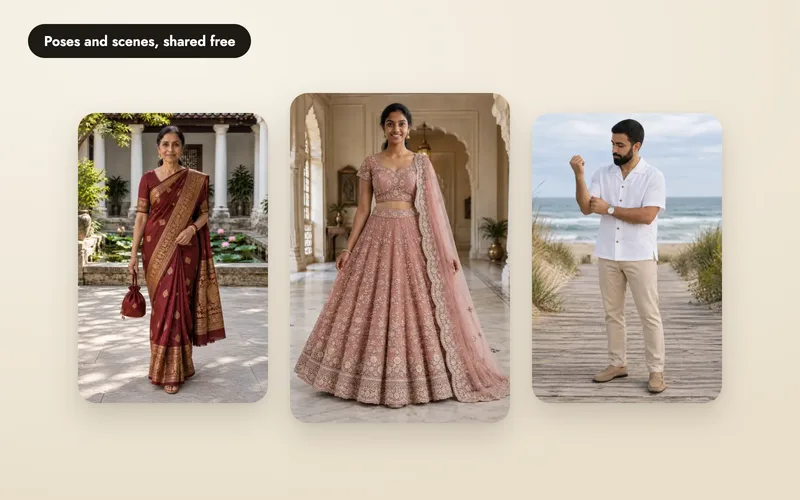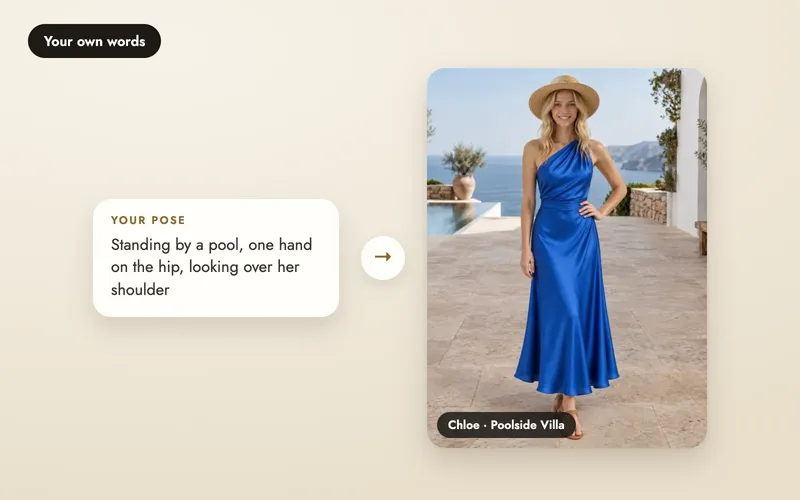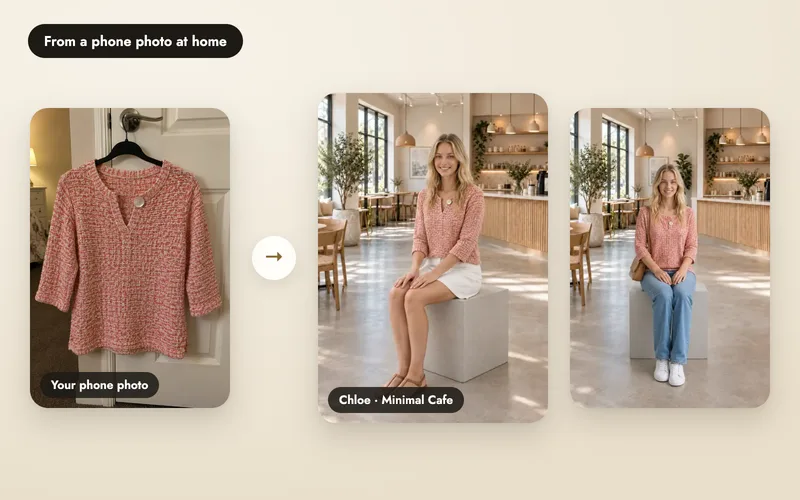
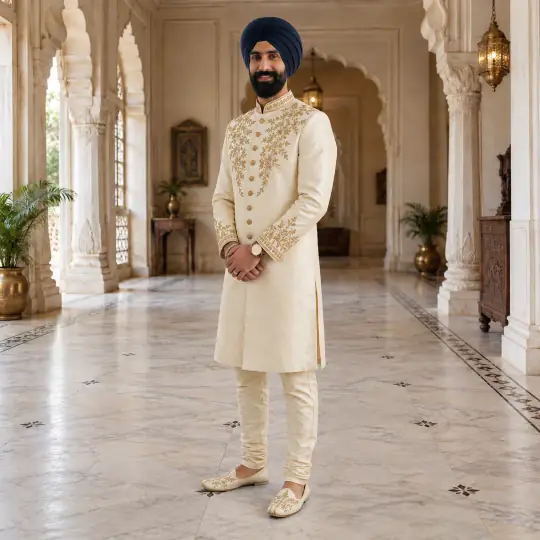
Make a pose or scene
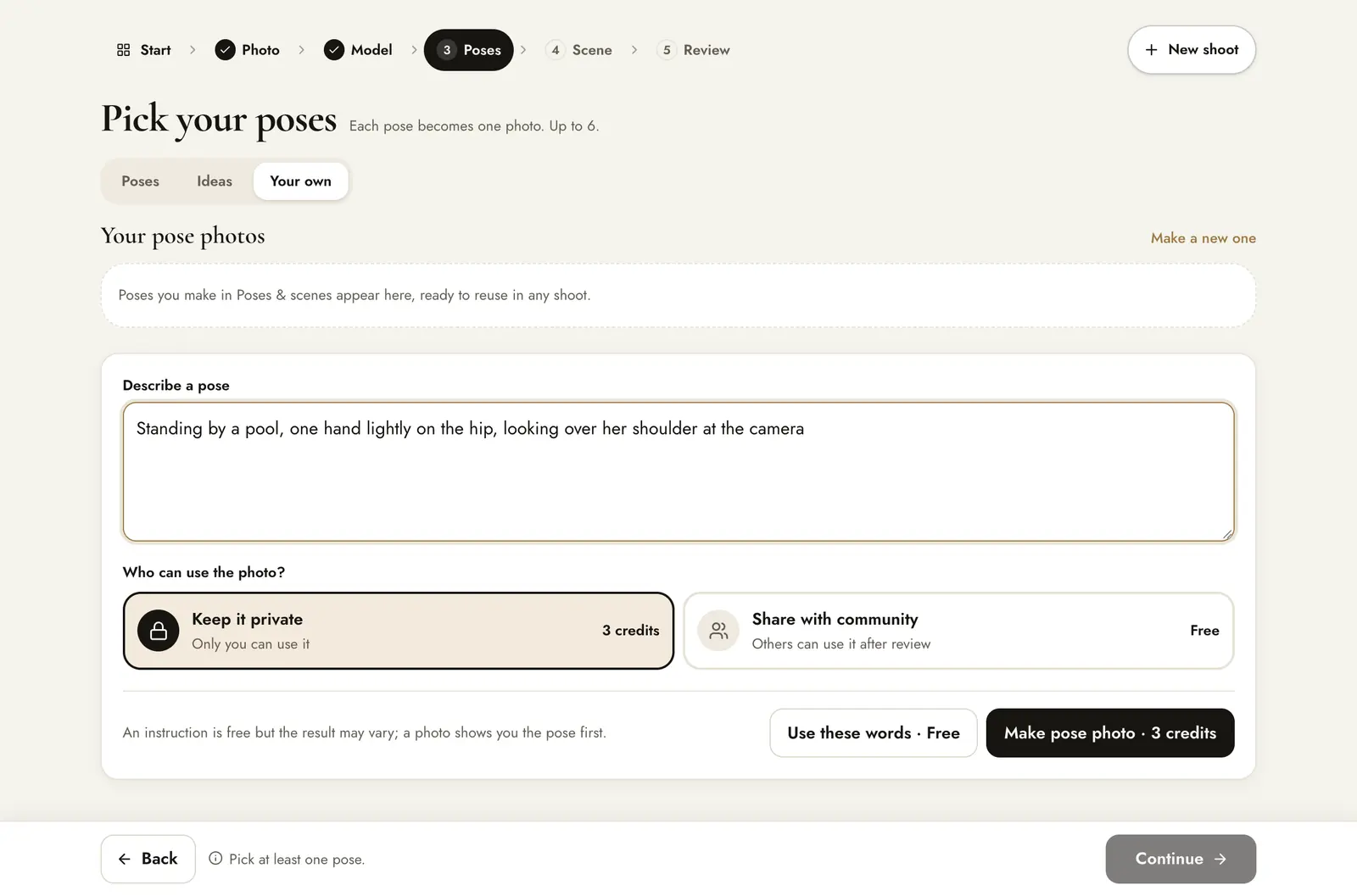
Open Library, then Poses or Scenes. You can also make one inside a shoot with Make pose photo on the Your own tab.
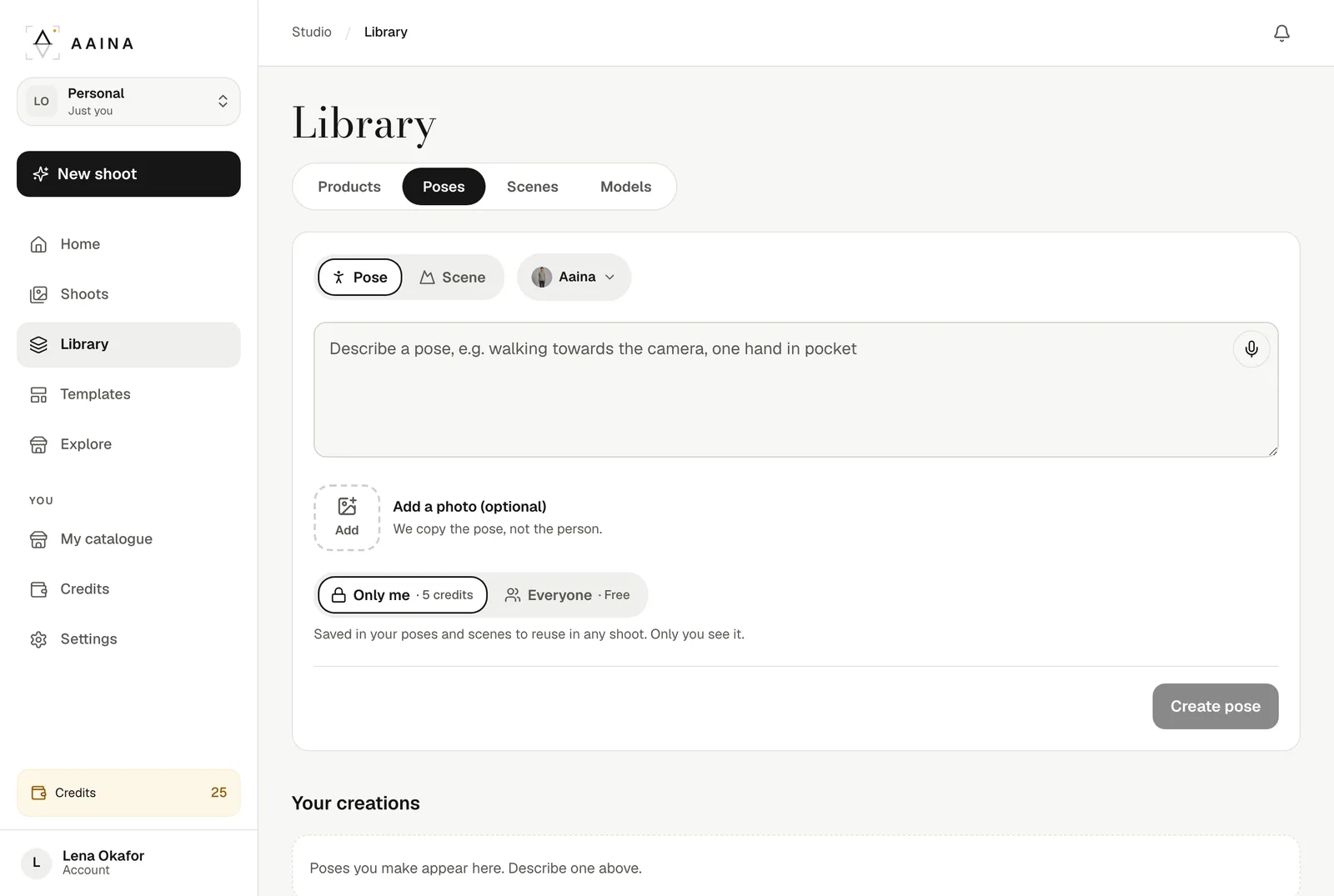
- Pose (a new pose for your model) or Scene (a place without a person).
- For a pose, choose the model it is made with.
- Describe it in a sentence.
- Optional: Add a photo of a pose you like. Aaina copies the pose, not the person.
- Only me: only you can use it, 5 credits. Everyone shares it with other sellers for free.
- Then press Create pose, which shows the price before you confirm.
Preview and save
The app says the photo is usually ready in under a minute; ours was. It appears under Your creations with a Private label, and is saved there for later. Press Use this pose on it to start a shoot with it selected.
Not what you pictured? Make it again with edited words. That costs the same as making it (5 credits for a private one).
Reuse it in a shoot
Press Use this pose to start a shoot with it selected, or open the Your own tab in any shoot: your pose photos are listed at the top as Yours · exclusive.
Cost
Using a saved pose or scene costs nothing extra: each product image is 5 credits.
Versions, save or delete
- History lists every version of the creation.
- Save downloads the pose or scene photo itself.
- The bin icon deletes it. Shoots already made with it keep their images.
What it costs
- 5 credits per private pose or scene photo, shown on the button before you create.
- If it fails, the credits come back automatically.
- It works with any credits, including the free welcome credits.
- Want it free? Share it with the community instead.