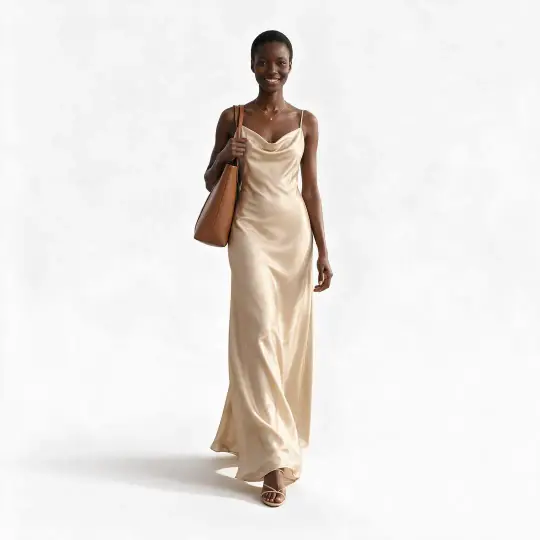
Save one image
Press the download button (the down arrow) under the image. The preferred version is saved.
Save a whole shoot
Press Save all at the top of the shoot (it shows the number of images, for example Save all 4). Tick the images and versions you want, up to 24, choose how to save them, then press the download button. Several images download as one ZIP file.
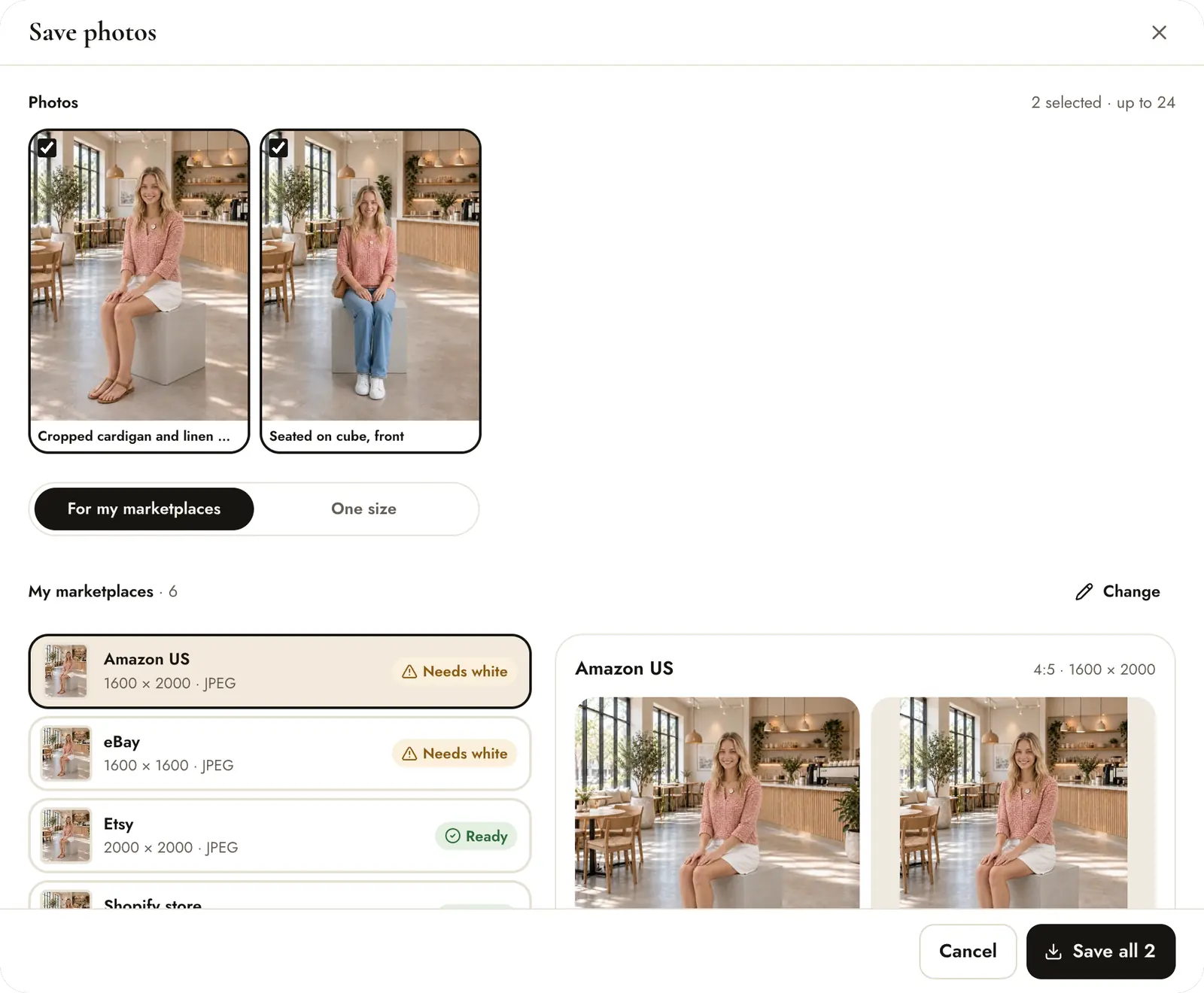
- Tick the images. Preferred versions are ticked for you; other versions are listed too.
- For my marketplaces saves each image in the shape and size of every site you sell on. One size saves one shape for everything.
Shapes and sizes (One size)
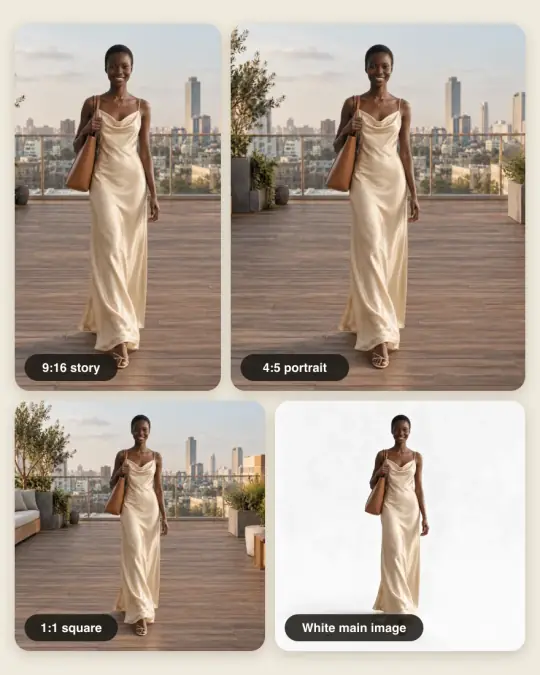
| Shape | Size (pixels) | Good for |
|---|---|---|
| Original | The square master, 1536 × 1536, downloaded sharpened at 3072 × 3072 when the 2× sharpening succeeds (otherwise 1536 × 1536) | Your own site, anything else |
| Square 1:1 | 2000 × 2000 | Square product listings |
| Portrait 3:4 | 1500 × 2000 | Portrait product listings |
| Portrait 4:5 | 2000 × 2500 | Social media posts |
| Story 9:16 | 1080 × 1920 | Stories and full-screen phone views |
| Brand plan, own OpenAI key | Master made at 1536, 1920 or 2880 square, as the brand chooses (2880 is experimental) | Bigger originals |
Each marketplace in For my marketplaces has its own size, shown in the Save window. Older photos made before square masters keep their own size.
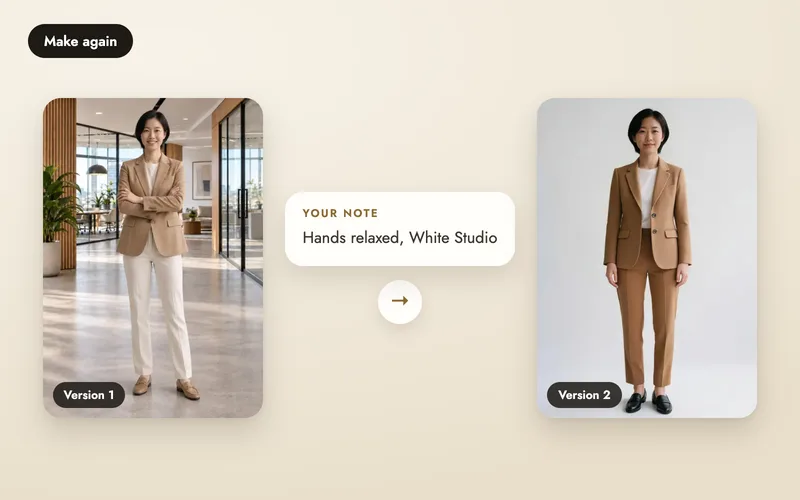
Every new photo is made as a square master. Each shape is a crop around the model, designed to keep the model's full height in frame, with no white bars or blurred fill; preview each crop before you download. With the White Studio scene, the result stays a plain white background (examples). Marketplace rules change; check each marketplace's current image guidelines before listing.
For my marketplaces
Save the sites you sell on once, in Settings under My marketplaces (25+ are supported); the Save window then lists each one with its size and a Ready status. It also previews exactly what one site gets and the order to upload in, such as 01 Main, then 02 and on. Every site's shape is a crop with the model's full height kept. Read more on marketplace downloads.
A white main photo
Some sites need the main image on a white or light grey background. If none of your images is, the Save window offers Make a white version for 5 credits. It is made from your finished photo and joins the shoot as a new image, and the site's row is ready once you have it. Or pick the White Studio scene when you create the shoot.
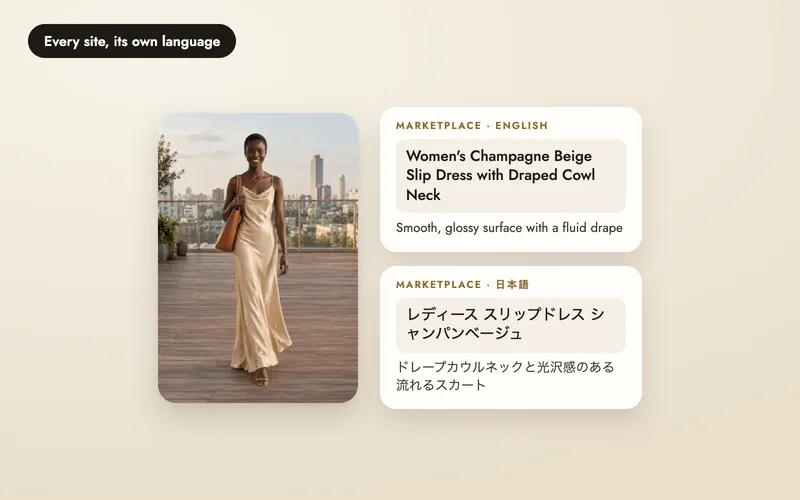
Once a shoot has a photo, Write listing writes each site's title, bullet points and description within its limits, in its language, for 2 credits per 6 sites.
File types
- High-quality JPEG: accepted everywhere. The default.
- Original PNG: lossless, larger files.
- Ghost mannequin photos can also be saved with a transparent or light grey background.
Photos are upscaled and sharpened for zoom as they download, which can take a little longer the first time, and every download carries a tag in the file saying it was made with AI.
On the phone
In the Aaina phone app, Save all to Photos saves the images to your gallery as JPEG, in the same shapes, and Share sends them to another app. The website also works in a phone browser.