Modest Wear
AI modest wear photoshoot, from one product photo
Modest wear sells on coverage, the drape and the fabric, and shoppers in the Middle East and worldwide want to see it on someone like them. Start from a phone photo of the abaya, hijab or maxi laid flat at home. Here Layla and Shanice show a modest maxi, a hijab and an abaya in studio and heritage scenes.
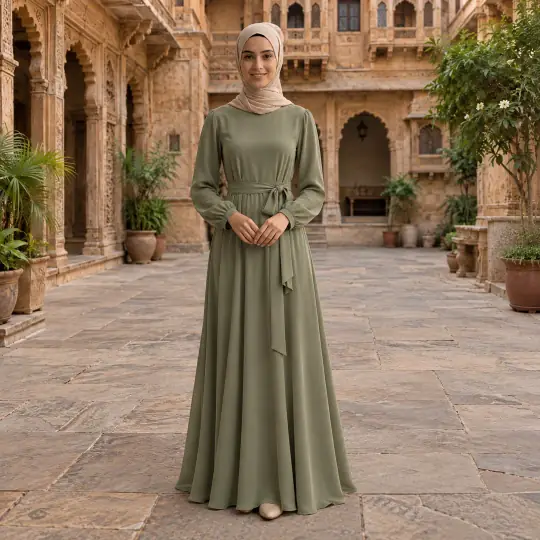
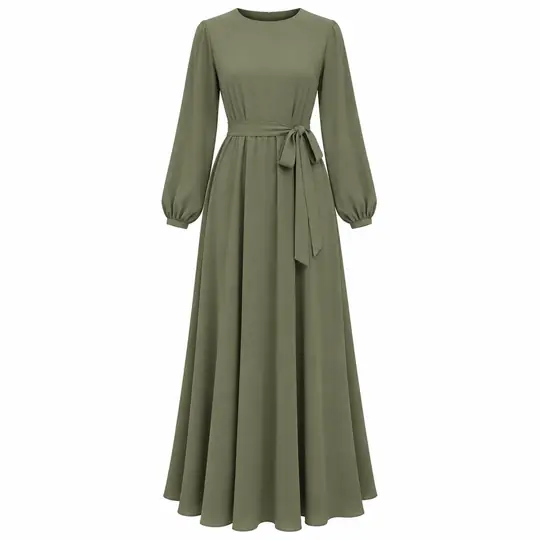
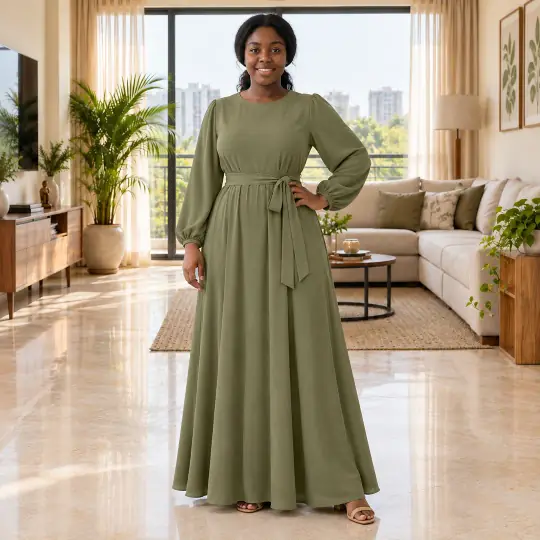
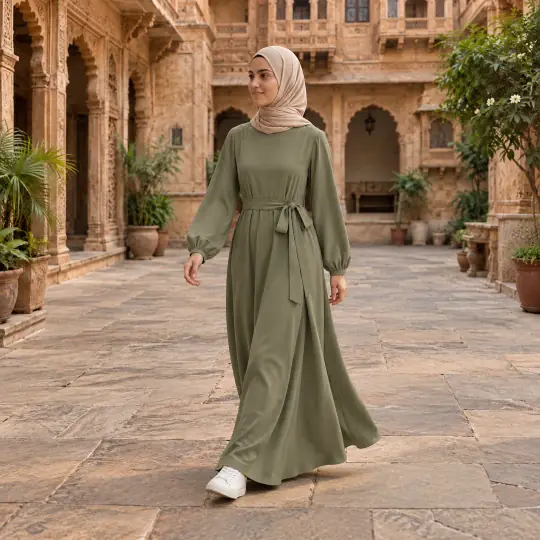
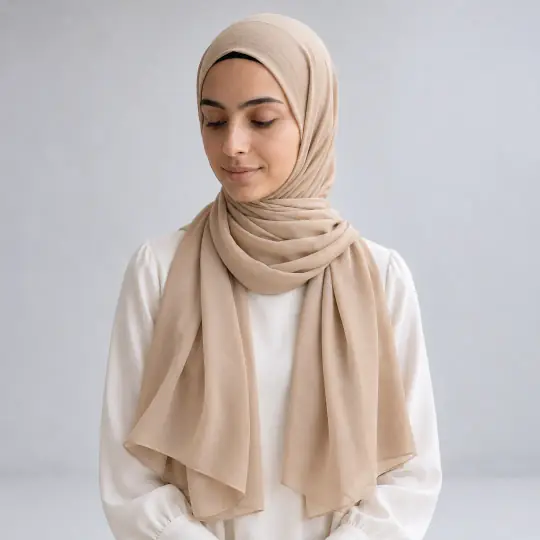
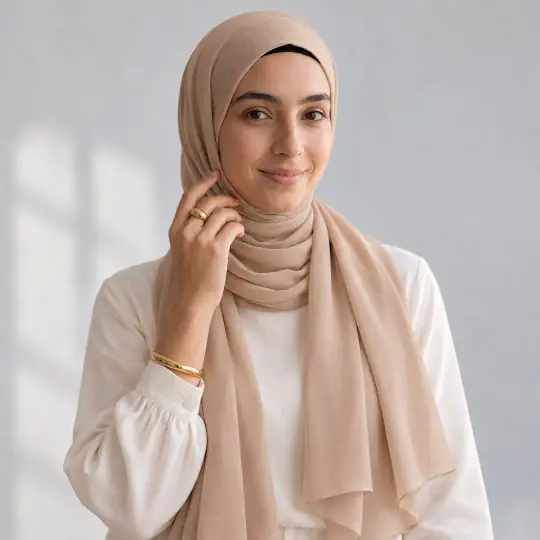
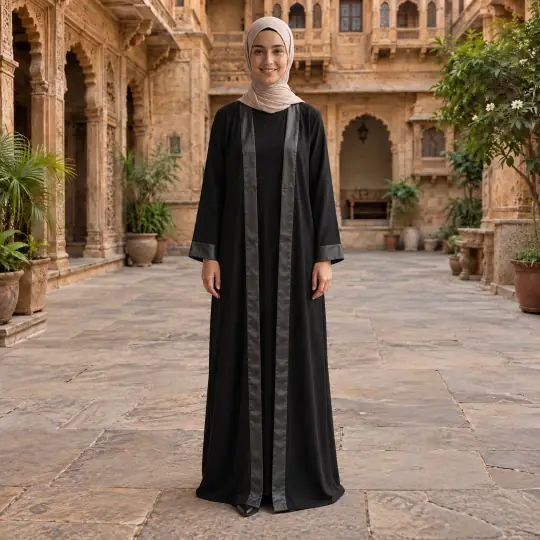
Different models, different scenes: the photo in the corner of the first image is the one product photo the lead result was made from. Made in the Aaina app, for 5 credits a photo. The product photo is an AI-generated, unbranded demonstration input.
Before you upload
The product photo
- Lay the abaya or maxi flat with sleeves out, or hang it straight, in daylight.
- Photograph a hijab spread out, with its edges and any print visible.
- Add a close-up of the fabric, the cuffs and any embroidery.
More in preparing product photos.
In the app
Poses and scenes that work
- A front stance shows the full length and the drape.
- A gentle walk shows how the fabric flows.
- A back view shows the fall of an abaya or a long hijab.
Haveli Courtyard and Sunlit Loft give a warm, elegant look; White Studio suits listing photos and hijabs.
Check coverage in every pose, not only the front view
A modest outfit has to preserve the coverage of the actual garment. Review each selected pose separately: an open sleeve, a lifted hem or a changed neckline can make one image unsuitable even when another is correct.
- Neckline and hijab
- Compare the intended neckline, hair and neck coverage, wrap and edge length with the product and styling you chose.
- Sleeves, slits and hem
- Inspect cuffs, wrists, side openings and hem height in seated, walking and side poses. Reject a pose that changes the intended coverage.
- Opacity and drape
- Check that opaque fabric has not become sheer and that the silhouette is plausible. Use real photos to establish material thickness or transparency.
Start with a straightforward standing pose and a clear studio scene, then add movement after those details pass. A lifestyle result cannot prove the fabric’s physical behaviour or how it fits a customer.
Each paid retry uses 5 credits, like a first attempt. Count rejected attempts when you compare costs. Work out your cost per usable photo.
The demonstration inputs above are AI-generated and unbranded. See the source of our examples, then test with your own product. Prepare a real-product input.
What to check before you publish
Check the length, the sleeves, the coverage and how the fabric falls against your product, and make it again with a note if they drift. A photo can be made again with a different pose, scene or a short note, and each version is kept. How to make again and compare.
More models for this product: browse all 350+ on the models page.
What it costs
Each image uses 5 credits, whichever model, pose or scene you choose: ₹12 to ₹15US$0.35 to US$0.50 a photo depending on the pack or plan. The three photos in a typical first shoot would use 15 credits. New accounts get 25 free credits. Pricing.
Any pose can also be shown as full length, head to knee, waist up or close-up, with a neutral, soft smile, big smile, serious or looking-away expression, at no extra cost. With adult models, a pose that isn't in the catalogue can be described in words at no extra cost. See everything Aaina can make for a listing in features.