Men's Shirts · with Omar, Arjun and Lucas
AI men's shirt photoshoot, from one product photo
Shirts need the collar, buttons and fabric to stay exact. Lay the shirt flat with the buttons done up and the sleeves out, then try it on different models and scenes to see who your customers respond to.
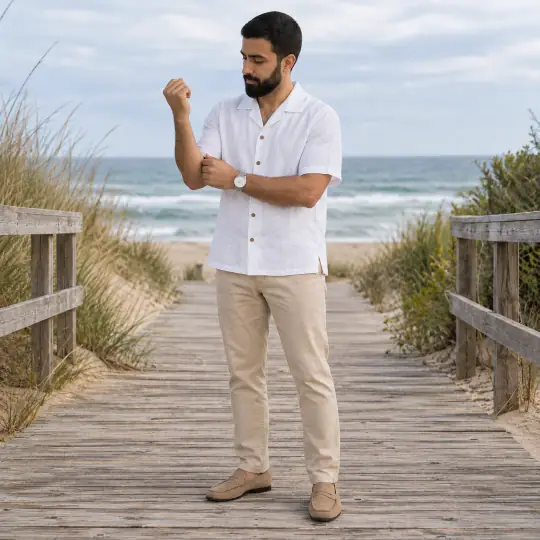
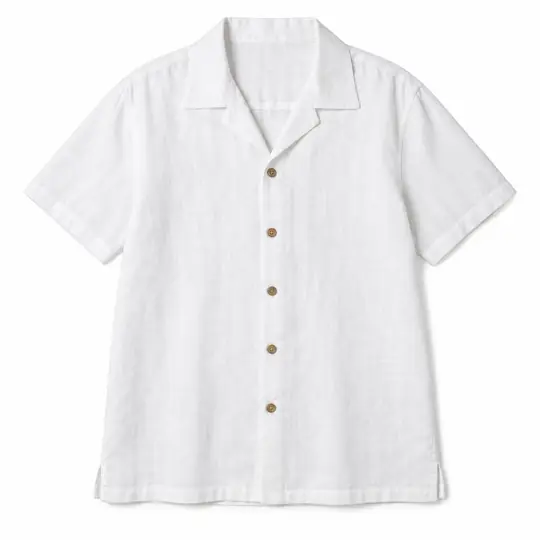
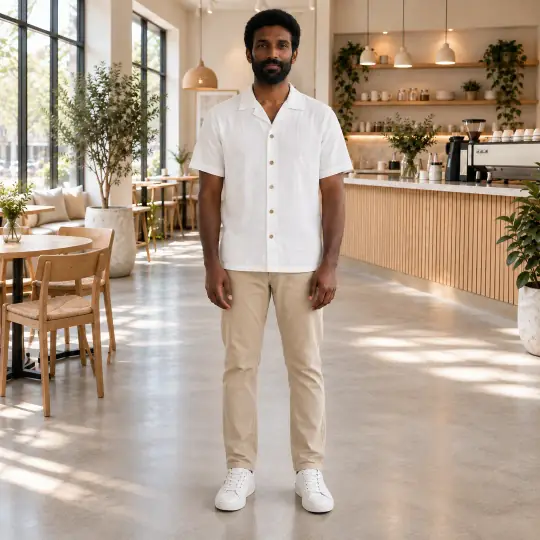
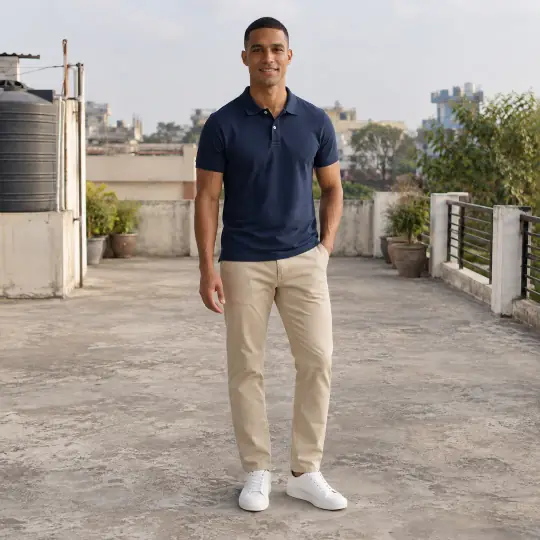
Shown here: Omar, Arjun and Lucas, Aaina models. The photo in the corner of the first image is the one product photo it was made from. Made in the Aaina app, for 5 credits a photo; the product photo is an AI-generated, unbranded demonstration input.
Before you upload
The product photo
- Lay the shirt flat with the collar neat and all buttons done up.
- Add a close-up of the collar, cuffs or fabric weave.
- Photograph the back if it has pleats or a yoke.
More in preparing product photos.
In the app
Poses and scenes that work
- Sleeves rolled: a relaxed, everyday look.
- A three-quarter turn shows the fit through the body.
- A collar adjust draws the eye to the collar and buttons.
Lifestyle scenes such as Minimal Cafe and Beach Boardwalk suit casual shirts; studio scenes suit formal shirts and marketplace listings.
What it costs
5 credits a photo, whichever model, pose or scene you choose: ₹12 to ₹15US$0.35 to US$0.50 depending on the pack or plan. Pricing. More models for this product: browse all 350+ on the models page.
What to check before you publish
Compare each photo with your product photo: the collar, the buttons, the pocket and the sleeve length. Make any photo again with a note on what should change; every version is kept. How to make a photo again. Also see everything else Aaina makes for a listing.