Footwear
AI footwear photoshoot, from one product photo
Footwear photos need the whole shoe visible and the right heel height. Photograph the pair from the side and the front.
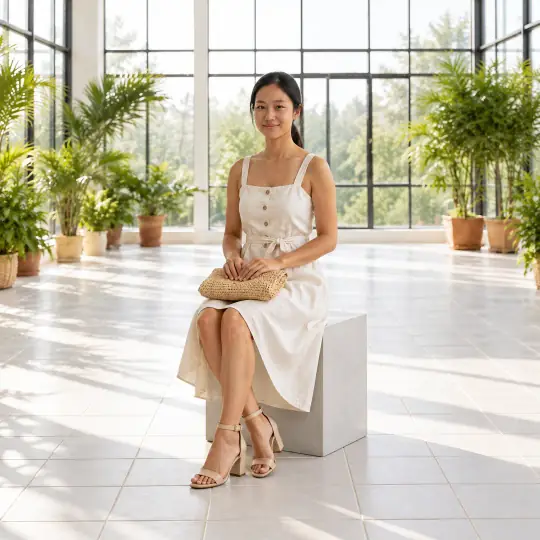
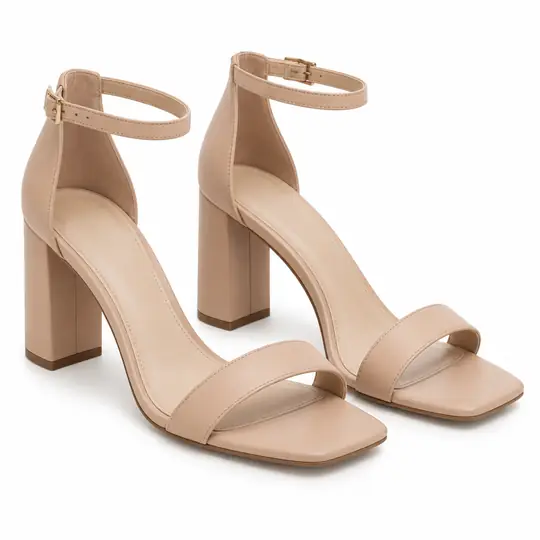
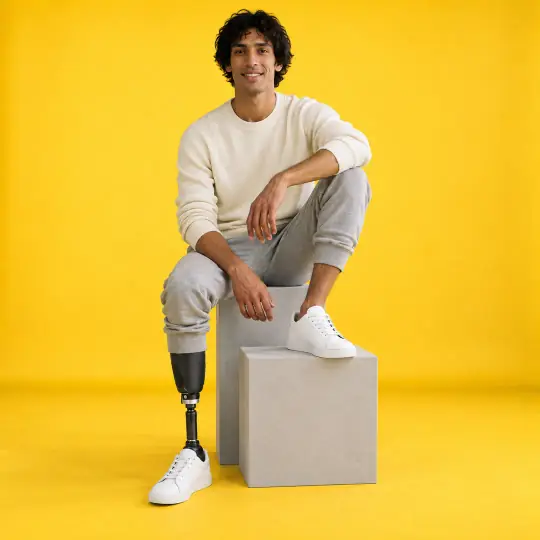
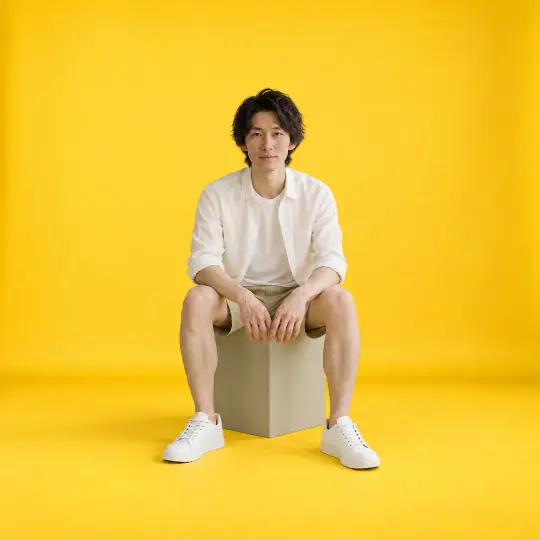
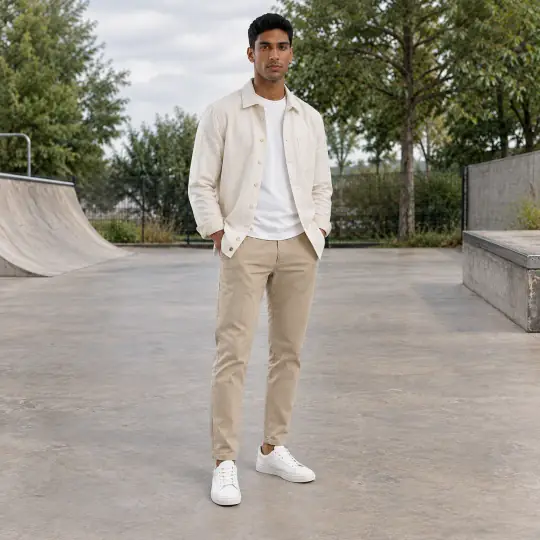
Different models, different scenes: the photo in the corner of the first image is the one product photo the lead result was made from. Made in the Aaina app, for 5 credits a photo. The product photo is an AI-generated, unbranded demonstration input.
Before you upload
The product photo
- Photograph the pair side on, so the heel height and shape are clear.
- Add a front or top photo as a second angle.
- Add a close-up of straps, buckles or embellishment.
More in preparing product photos.
In the app
Poses and scenes that work
- Full body styling: the shoes as part of a complete look.
- Heel strike step: the shoe mid-step, the most natural view.
- Crossed ankles seated: a close view of both shoes.
Indoor Garden Conservatory and Mustard Studio give footwear context; choose poses that frame the feet clearly. Models with a prosthetic leg, such as Dev, show your shoes to more of your customers.
What to check before you publish
Check heel height and strap placement. A photo can be made again with a different pose, scene or a short note, and each version is kept. How to make again and compare.
More models for this product: browse all 350+ on the models page.
What it costs
Each image uses 5 credits, whichever model, pose or scene you choose: ₹12 to ₹15US$0.35 to US$0.50 a photo depending on the pack or plan. The three photos in a typical first shoot would use 15 credits. New accounts get 25 free credits. Pricing.
Any pose can also be shown as full length, head to knee, waist up or close-up, with a neutral, soft smile, big smile, serious or looking-away expression, at no extra cost. With adult models, a pose that isn't in the catalogue can be described in words at no extra cost. See everything Aaina can make for a listing in features.